In a digital world screaming for subscriptions like a toddler denied candy, shelling out cash requires the precision of a headshot. Every service demands your hard-earned dollars, but which ones truly earn their keep? 🤔 For a seasoned tech writer and digital warrior, the answer lies not in hoarding coins but in strategic investments. These aren't impulse buys; they're tools that transform chaos into workflow nirvana. So, what makes the cut in 2025? Let's dive into the apps that survived the subscription apocalypse and still command this user's wallet.
💌 Mailbird: Taming the Email Beast
Who enjoys juggling browser tabs like a circus clown just to check multiple inboxes? Certainly not our writer. Enter Mailbird, the desktop email client that corrals work and personal accounts into one tidy interface. Remember Outlook from college days? Yeah, that trauma led straight here.
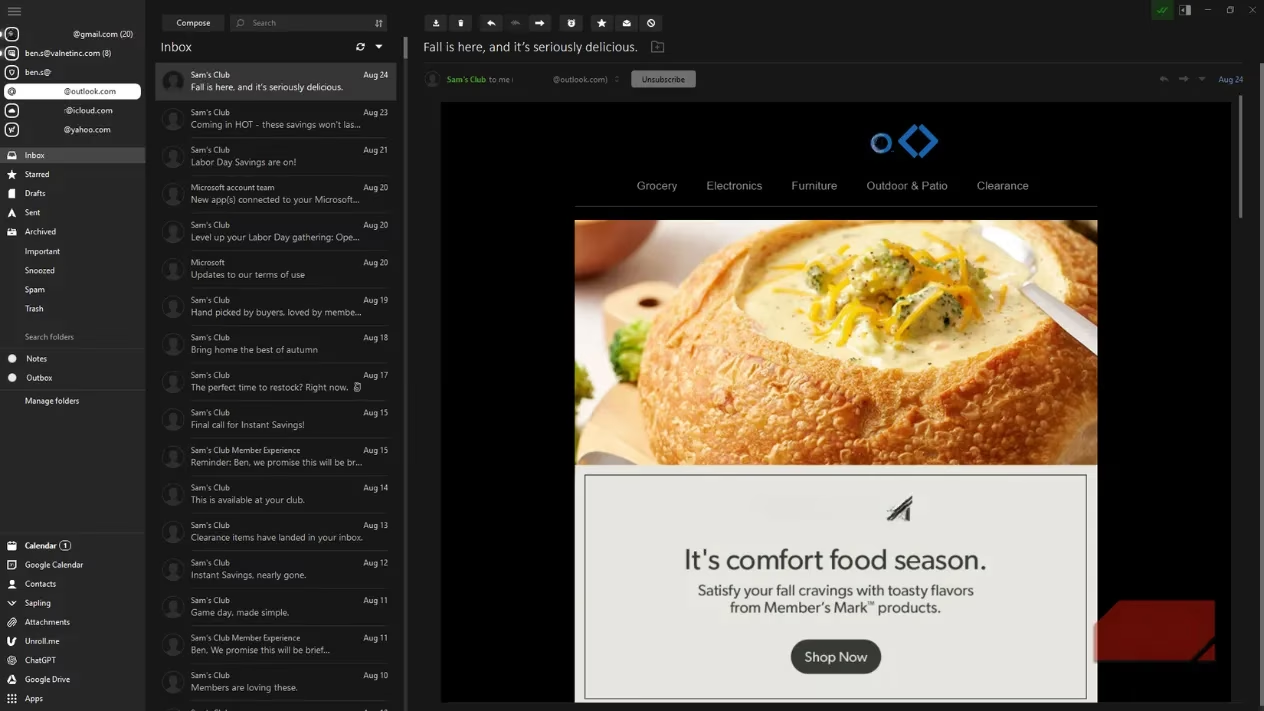
Its killer features include:
-
Unified Inbox: See all personal emails in one place (though our writer oddly ignores this gem).
-
Sidebar Superpowers: Access Google Calendar, ChatGPT, or Evernote without tab-hopping purgatory.
-
Lifetime License: The holy grail... mostly. Pay once, cry once.
But is it perfect? Ha! The "lifetime" tag didn't cover the leap to version 3.0, and occasional crashes add drama. Still, for managing the daily email avalanche? Worth it. If it ever implodes, Thunderbird awaits as a free backup plan. 🆓
✍️ Markdown Editors: The Writer's Sacred Ground
Markdown isn't just syntax; it's a lifestyle for wordsmiths. Our writer paid for MarkdownPad Pro, then Caret, and now swears by iA Writer. Why pay when free options like VS Code exist? Simple: a dedicated writing sanctuary minimizes distractions. It’s like paying for a quiet library vs. trying to work in a theme park.
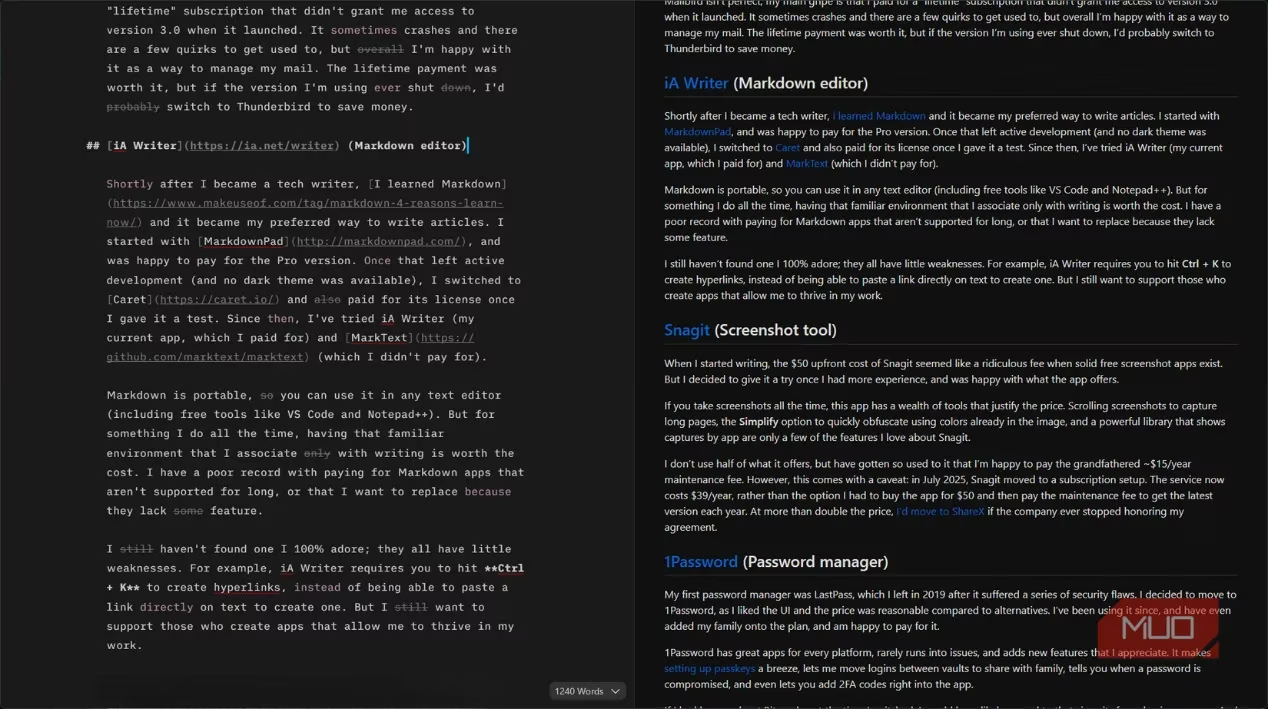
The Good & The Quirky:
-
Portability: Write anywhere, fearlessly.
-
Focus Mode: Blissful, distraction-free zones.
-
Annoying Shortcuts: Why must Ctrl+K summon hyperlinks instead of just pasting? 🤷♂️
No app is flawless, but supporting developers who enable your craft? That’s a hill worth dying on (or at least paying $20 for).
📸 Snagit: Screenshot Sorcery
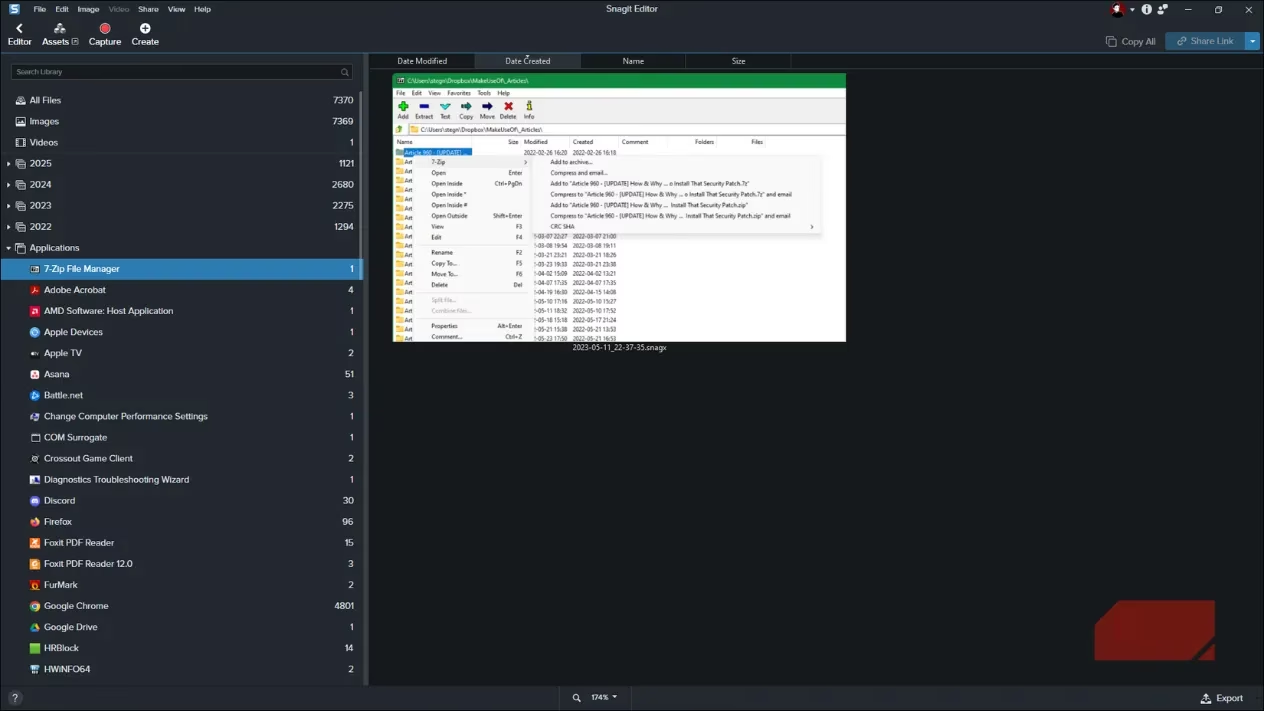
Paying $50 for screenshots felt like buying bottled air—until it didn’t. Free tools capture images; Snagit captures experiences. Scrolling shots of endless web pages? Check. Simplifying complex UIs with obfuscation magic? Double-check. A library organized by app? Chef's kiss. 💋
2025’s Sticker Shock:
| Old Model | New Subscription |
|---|---|
| $50 one-time + $15/year | $39/year |
Ouch. Our writer clings to a grandfathered $15/year rate. At full price? ShareX’s free awesomeness would beckon. But for now? Snagit remains the screenshot king. 👑
🔐 1Password: The Digital Fort Knox
After LastPass’s security fiascos, 1Password became the trusted vault. It’s not just passwords; it’s peace of mind. Features that make it shine:
-
Passkey Integration: Set up in seconds.
-
Cross-Platform Sync: Flawless on every device.
-
Breach Alerts: "Change this password NOW" nudges.
-
Family Sharing: Because everyone needs access to the Netflix password.
Would free Bitwarden suffice? Probably. But entrusting your digital life to an app? That’s worth the $36/year premium. No compromises.
☁️ Cloud Storage: Time > Pennies
Stacking free storage tiers is a part-time job nobody wants. Our writer pays for:
-
Google Photos ($20/year): 100GB for memories > coffee money.
-
iCloud+: Device backups? Priceless. Losing your data to save $12/year? Tragicomic.
The math is simple: Is your time worth more than $2/month? If yes, stop cloud-juggling. 😤
💾 Backblaze: The Backup Safety Net
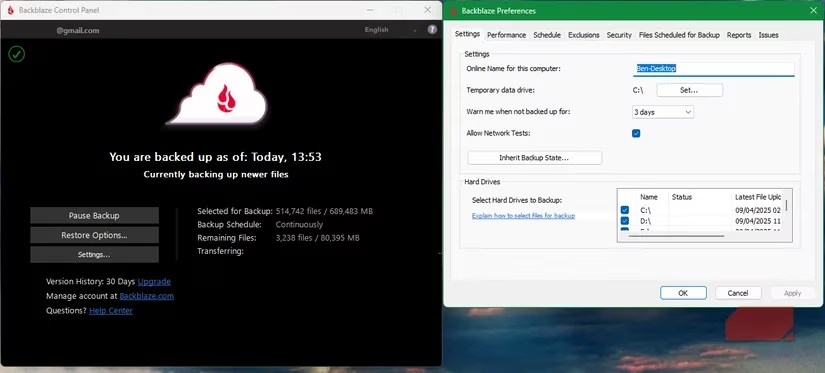
External drives fail. Theft happens. Disasters strike. Backblaze is the silent guardian backing up everything—PC, secondary drives, even that embarrassing fanfic folder—offsite. Set it, forget it, sleep soundly.
At $100/year, it’s insurance for a decade of digital life. Optional hard-drive restores? Just add cash. Worth it? Absolutely, unless you enjoy rebuilding your existence from scratch.
💰 The Verdict: Pay Smart, Not Often
In 2025, subscriptions are landmines. But these tools? They’re the exceptions—the ones that save time, sanity, or data. Our writer’s golden rule: If it removes friction daily, open the wallet. If not? Delete, block, move on. 🚀
So, fellow digital gladiators, what software earns your gold coins? Share your picks—or forever wrestle with freeware limitations! 😉
Leave a Comment