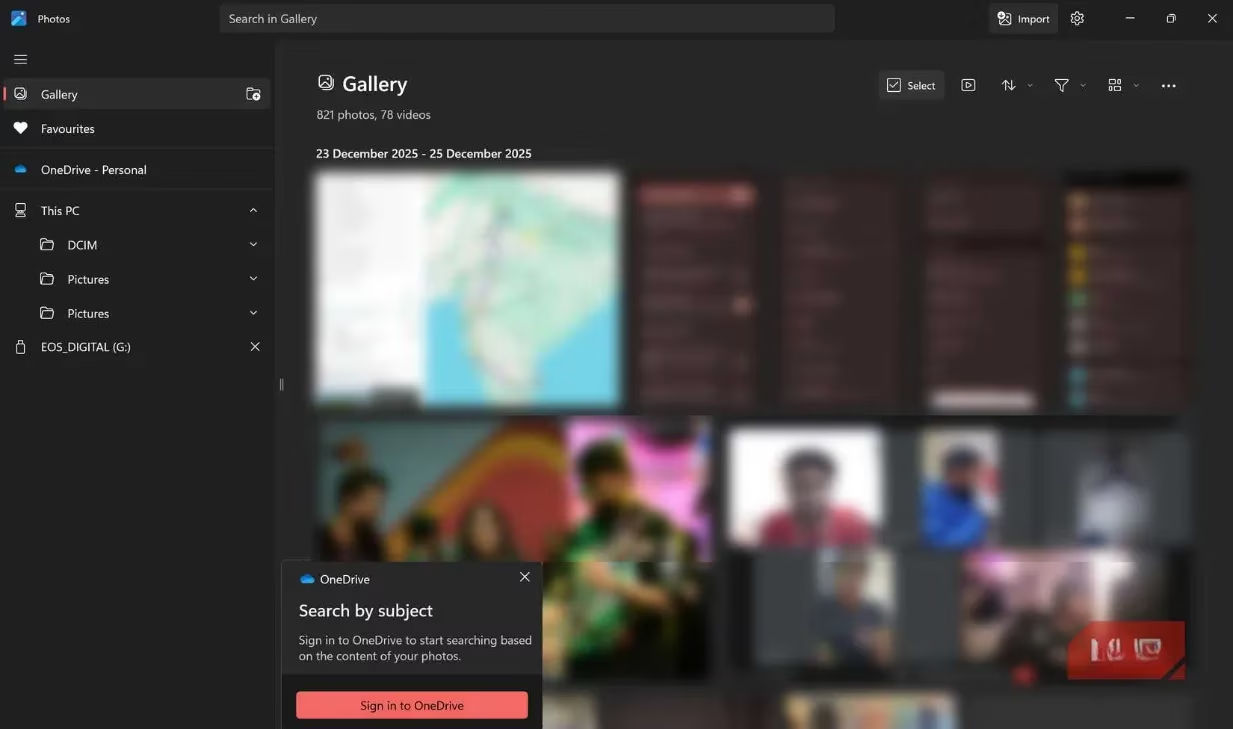
Let me tell you something straight up: Microsoft's Windows Photos app in 2026 is an absolute hot mess, a dumpster fire of bloated software that makes me want to throw my PC out the window! Remember the good old days? You'd click on an image, BAM, it'd open instantly like magic. You could cycle through your entire vacation photos without your computer sounding like a jet engine taking off. Those days are gone, my friends, gone with the wind! Now we're stuck with this monstrosity that Microsoft insists on calling a "photo viewer" when it's really trying to be everything to everyone—a Swiss Army knife with too many rusty blades.
The Nightmare That Is Windows Photos App
Holy moly, where do I even begin? This app is so bloated it should come with its own zip code! Microsoft has stuffed this thing with more features than a Thanksgiving turkey has stuffing, and let me tell you—most of these features are about as useful as a chocolate teapot! Here's what we're dealing with:
-
Cloud integration nobody asked for 🤯
-
Video editing capabilities that crash more often than my teenager's first car 💥
-
OneDrive syncing that takes longer than my last relationship ⏳
-
An interface so cluttered you need a treasure map to find basic options 🗺️
If you're a photographer, journalist, or content creator working with hundreds of photos—God help you! The app slows down to a crawl, thumbnails take approximately three business days to load, and navigating through your library becomes an exercise in extreme patience that would test a Buddhist monk!
The core issue here is classic Microsoft: they tried to make one app do EVERYTHING. It's like they took a perfectly good bicycle and kept adding parts until it became a spaceship that can't even roll down the driveway! Sure, there are some AI-powered tools hidden in there somewhere, but finding them is like looking for a needle in a haystack... while blindfolded... with both hands tied behind your back!
Enter Visum Photo Viewer: My Savior in 2026
Now let me introduce you to my new best friend: Visum Photo Viewer. This little gem is the knight in shining armor that rescued me from Microsoft's software hellscape! It's available for free on the Microsoft Store, and let me tell you—it's an absolute game-changer!
Visum takes a completely different approach: it's made for ONE task alone—viewing photos. That's it. No editing, no cloud storage, no AI upscaling nonsense. Just a fast, beautiful photo viewer that boots up faster than I can say "Microsoft bloatware" and loads images without breaking a sweat!
Why Visum Is Absolutely Mind-Blowing
-
Speed Demon Performance 🚀
-
Loads locally-stored images INSTANTLY
-
Handles RAW files like they're nothing
-
Scrolling through thumbnails is smoother than butter on a hot knife
-
Clean, Minimal Interface ✨
-
Folder navigation on the left (where it should be!)
-
Thumbnail grid in the center
-
Full-size preview on the right
-
Everything visible at a glance—no menu hunting required!
-
Customization Galore 🎨
-
Adjust thumbnail aspect ratios
-
Toggle between light and dark modes
-
Drag-and-drop photos directly into other programs
-
Automatically organizes your folders
The Performance Difference Will Blow Your Mind
What really sold me on Visum was the sheer speed. I'm talking lightning-fast, warp-speed, faster-than-a-speeding-bullet kind of speed! When you're dealing with hundreds of photos from your DSLR or mirrorless camera, every second counts, and Visum respects your time like no other app I've used.
Here's a quick comparison that'll make your jaw drop:
| Feature | Windows Photos App | Visum Photo Viewer |
|---|---|---|
| Loading Time (100 RAW files) | 15-20 seconds | 2-3 seconds |
| Interface Responsiveness | Laggy, stuttery | Butter smooth |
| Memory Usage | High (200+ MB) | Low (50-60 MB) |
| Startup Time | 5-7 seconds | Under 1 second |
| User Experience | Frustrating | Joyful |
I mean, come on! It's not even a fair fight! Visum absolutely demolishes the built-in Photos app when it comes to performance. The difference isn't just noticeable—it's like night and day, black and white, chalk and cheese!
File Format Support That Actually Makes Sense
Worried about file formats? Don't be! Visum handles all the usual suspects without breaking a sweat:
-
JPEG & PNG - Obviously! ✅
-
TIFF & WEBP - No problem! ✅
-
RAW files - Handles them BETTER than Windows Photos! ✅
-
SVG - Not supported, but honestly, who cares? ❌
Let's be real here—SVG files are for graphic designers, not photographers browsing through their vacation shots. This isn't a limitation; it's design clarity! Visum knows what it's good at and sticks to it.
Light Editing Tools That Don't Overpromise
Now, I need to be straight with you: Visum isn't Photoshop or Lightroom, and it doesn't pretend to be! But it does include some light editing tools that are perfect for quick adjustments:
🔥 Rotation tools for when your horizon isn't straight
🔥 Brightness/contrast adjustments for quick fixes
🔥 Hue/saturation tweaks to make colors pop
🔥 Resizing options for social media sharing
These tools are sufficient for those "just need to fix this real quick" moments before you pass the photo off to a proper editor. It's like having a Swiss Army knife when you need a simple knife—it has just the right tools for the job, not 50 tools you'll never use!
The One Thing Visum Doesn't Do (And That's OK!)
Here's Visum's biggest "weakness": it's not a full-featured photo editor. There, I said it. And you know what? That's perfectly fine! There's also no video support—not even basic trimming. But guess what? That's not a bug, it's a feature!
Visum was always meant to be a simple, lightweight, and FAST photo viewer, and it does that job so well it should win an award! It's like complaining that your sports car can't tow a trailer—that's not what it was designed for!
Why You Should Make The Switch TODAY
Let me break it down for you in simple terms:
-
It's COMPLETELY FREE - No subscription, no premium tier, no "pro version" with essential features behind a paywall
-
Installs in seconds - Download from Microsoft Store or Winget and you're good to go
-
Respects your system resources - Doesn't eat RAM for breakfast like Windows Photos does
-
Actually lets you VIEW your photos - Instead of getting in the way
If you spend any significant time managing or reviewing photos on Windows—or even if you just want a casual photo viewer that doesn't tax your system—Visum is a no-brainer. Switching isn't about losing functionality; it's about ditching the bloat that slows you down!
Final Verdict: Just Do It!
In 2026, we shouldn't have to put up with bloated software that tries to do everything and ends up doing nothing well. Visum Photo Viewer is the breath of fresh air we've all been waiting for. It's faster, more focused, and actually does what it says on the tin.
So what are you waiting for? Go download Visum Photo Viewer right now! Your photos (and your sanity) will thank you. Trust me, once you experience the speed and simplicity, you'll wonder how you ever put up with Microsoft's Photos app in the first place. This isn't just an alternative—it's an upgrade in every sense of the word! 🎉
Leave a Comment