A fresh Windows installation or a new PC often comes with a surprising array of pre-installed applications. While essential tools like Photos, File Explorer, and Media Player form the core of the user experience, the operating system is frequently bundled with additional software from Microsoft, the PC manufacturer, and various third-party partners. The majority of these extra applications are not critical to Windows functionality. In fact, allowing them to remain on the system can lead to a host of unintended problems, from performance degradation to privacy intrusions. This makes the removal of this 'bloatware' one of the most impactful first steps a user can take after setting up their computer in 2026, ensuring a leaner, faster, and more private computing environment from the start.
🔧 The Performance Boost: Reclaiming System Resources
One of the most compelling reasons to eliminate bloatware is the immediate and noticeable improvement in system performance. It's a common scenario: a brand-new PC begins to feel sluggish and unresponsive within the first week of use. This phenomenon is frequently not a hardware deficiency but a direct consequence of pre-installed software. These applications rarely remain dormant on the storage drive. Instead, many are configured to launch background processes automatically when Windows starts, consuming valuable system resources from the moment you log in.
This constant background activity has a cumulative negative effect. These hidden processes utilize internet bandwidth, drain laptop battery life, and consume precious CPU and RAM cycles. Some bloatware can even significantly delay the system's boot time. The most frustrating aspect is that this resource drain occurs regardless of whether the user ever intentionally opens or uses the applications. Removing these unwanted programs halts all unnecessary background activity. With fewer processes competing for attention, the PC can allocate more memory, processing power, and disk I/O to the applications the user actually needs, providing a free and safe performance upgrade without any new hardware investment.
💾 Freeing Up Valuable Storage Space
While individual pre-installed apps, trial software, and bundled utilities might not seem massive, their combined footprint can be substantial. Together, they can easily occupy several gigabytes of storage space. On modern laptops equipped with smaller, faster SSDs where every gigabyte is precious, this wasted space is a significant concern. Clearing out this digital clutter is a straightforward and effective method to reclaim storage for personal files, essential software, or games. The freed space contributes to better system management and can even improve overall drive performance.
🚫 Ending Annoying Distractions and Alerts
Beyond performance, removing bloatware brings a profound sense of peace and quiet to the computing experience. A significant portion of pre-installed Windows apps exists due to commercial partnerships between developers, Microsoft, and PC manufacturers. As part of these agreements, these applications are often granted permissions to display various types of intrusive notifications by default.
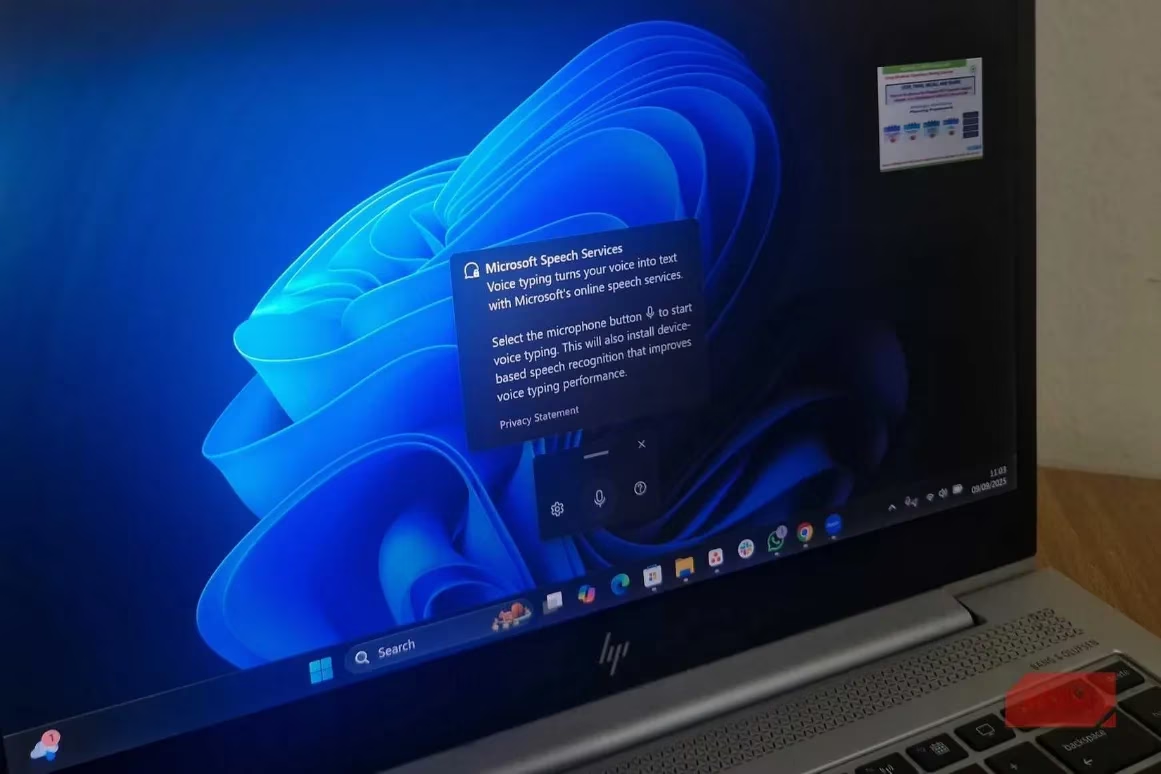
Users commonly encounter:
-
Expired Trial Alarms: Security software trials (like McAfee or Norton) that display alarming pop-ups claiming "Your PC is at risk" after the trial ends, despite Windows Security offering robust, built-in protection.
-
Promotional Pushes: Manufacturer utilities that prompt device registration, account creation, or upselling for extended warranties.
-
Attention-Grabbing Notifications: Even free apps send notifications purely to engage users or promote other services.
Eliminating bloatware cuts off these distractions at the source. The result is a cleaner Start menu, a notification center that only displays important system or app alerts, and an overall calmer, more focused user interface. The user regains control over their digital workspace.
🛡️ Protecting Privacy and Security
Bloatware isn't merely a nuisance; it can pose a genuine threat to user privacy. Certain pre-installed applications, particularly those from PC manufacturers and even some Microsoft services, are designed to collect data in the background. This data collection can encompass a wide range of information, including usage patterns, system diagnostics, hardware details, and software interaction statistics. While some telemetry is intended for performance optimization and error reporting, this data can also be leveraged for targeted advertising and user profiling. By removing unnecessary applications, users significantly reduce the number of potential data collection points on their system, enhancing their digital privacy.
⚠️ Avoiding Unexpected System Instability
Perhaps the most insidious problem caused by bloatware is unexpected system instability or malfunction. These issues are notoriously difficult to diagnose because they stem from software the user didn't intentionally install. For instance, a user might experience persistent internet slowdowns or connection drops. After hours of futile troubleshooting—checking routers, updating network drivers, running diagnostics—the root cause could be a pre-installed 'optimization' utility like the Intel Killer Performance Suite. This type of software is meant to prioritize network traffic for gaming or streaming but can instead misconfigure settings and cause widespread network problems.
The worst part is that such problems fly under the radar. Users and even tech support may not think to check a pre-installed manufacturer tool as the culprit, leading to lengthy and frustrating diagnostic dead-ends. Removing these unnecessary utilities eliminates a whole category of potential, hidden system conflicts.
🛠️ How to Remove Bloatware in 2026
Microsoft has not made bloatware removal straightforward in Windows 11. Many of these applications cannot be uninstalled through the standard Settings app or Control Panel, which can make the process seem daunting. However, users are not forced to learn complex PowerShell commands. In 2026, several effective tools simplify the process:
| Tool | Primary Function | Best For |
|---|---|---|
| Win11Debloat | Automated bulk removal of common bloatware. | Users who want a quick, one-click solution to clean a new PC. |
| Sparkle | Selective, granular removal with user choice. | Users who prefer control and want to review and pick which apps to remove. |
| Bloatbox | Simple GUI for managing Windows apps & features. | Users comfortable with a straightforward checklist interface. |
These third-party tools safely handle the removal of applications that are otherwise stubbornly integrated into the system. Win11Debloat automates the entire process, removing a wide swath of known bloatware in seconds. For those who desire more precision, a tool like Sparkle provides a clear interface where users can select specific apps to uninstall, offering greater control over the final system state.
In conclusion, taking the time to declutter a Windows PC of its pre-installed bloatware is a critical step for any user in 2026. The benefits are multifaceted and substantial: a faster and more responsive system, more available storage, a distraction-free interface, enhanced privacy, and reduced risk of mysterious system errors. By using modern debloating tools, this process has become accessible to all users, transforming a bloated out-of-the-box experience into a clean, efficient, and personalized computing environment.
Leave a Comment