Have you ever wondered if your antivirus is doing more harm than good? One tech enthusiast certainly did. After years of dealing with system freezes, sluggish performance, and constant pop-ups, they made a bold decision: they uninstalled their third-party antivirus and decided to rely solely on Windows Security. It felt like removing the airbags from a speeding car—risky, maybe even foolish. But to their surprise, nothing bad happened. In fact, their computer ran smoother than ever.
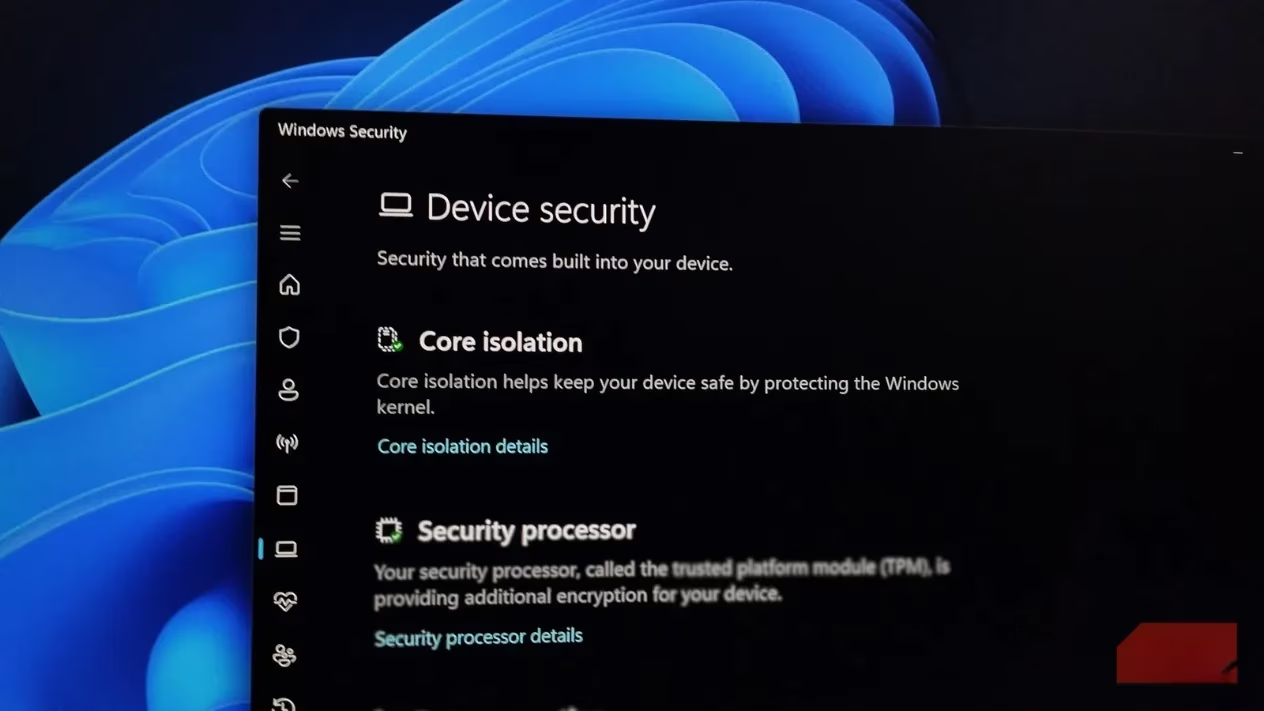
This experience led them to dig deeper into what Windows Security actually offers. The biggest revelation? Microsoft's built-in protection has evolved dramatically. It's no longer the basic Defender of the Windows 7 era. Today, it leverages cloud-based machine learning, automatic sample submission, SmartScreen reputation checks, and kernel-level integration. These are the same sophisticated techniques that premium antivirus suites tout.
The Numbers Don't Lie
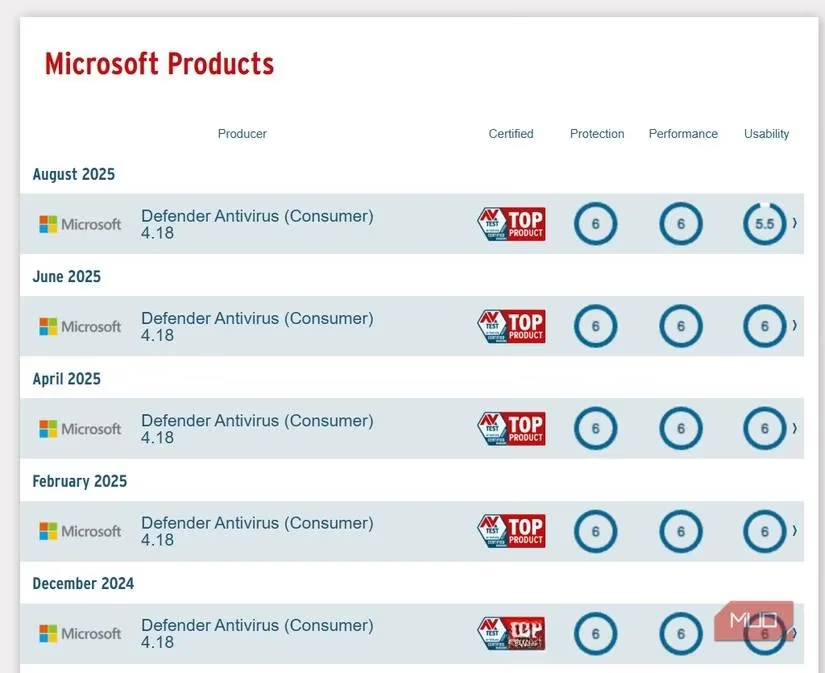
Between 2013 and 2016, Windows Defender scored between 0.5 and 3.5 for protection in AV-TEST's independent evaluations. But times have changed. By 2024-2025, it achieved a near-perfect score of 6 for protection, putting it on par with—and sometimes ahead of—many paid alternatives.
Of course, premium security suites still offer extras like identity monitoring, VPNs, and parental controls. If you need those features, a paid solution might be worth it. But for basic protection, Windows Security is remarkably capable. It updates quietly, stays out of your way, and doesn't bombard you with upgrade notifications.
The Hidden Risks of Third-Party Antivirus
Here's a counterintuitive thought: installing a third-party antivirus might actually make your system less secure. How? Because antivirus software runs with deep system privileges, any vulnerability within it becomes a golden ticket for attackers. Google's Project Zero has uncovered several high-severity flaws in popular anti-malware tools, from insecure network filters to flawed file parsers. In 2024, Tech Monitor reported on malware that exploited a vulnerability in an Avast/AVG kernel driver, allowing attackers to disable the security software and wreak havoc.
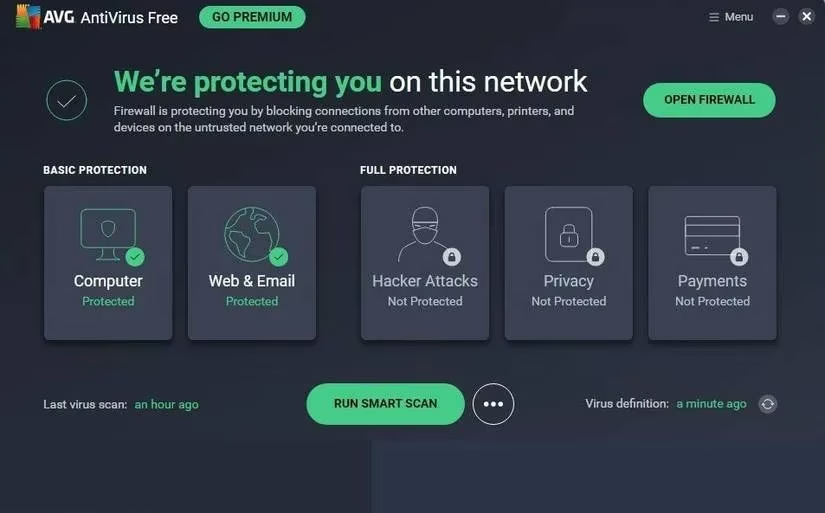
The point isn't that all antiviruses are insecure. Rather, adding a massive, highly privileged code base to your system doesn't automatically make it safer. When our user uninstalled their antivirus, they removed a complex component that could have been exploited.
Performance and Peace of Mind
Performance was another major factor. Virus scans dragged boot times, caused apps to stutter, and spiked background tasks. This isn't an isolated complaint—many users report similar issues with certain antivirus programs. Constant pop-ups and 'Your PC may be at risk!' banners create security fatigue, making users ignore warnings altogether. Ironically, that desensitization can put you at greater risk when a real threat appears.
After uninstalling, the user's computer felt fresh again. No more notifications, no more surprise pop-ups. But what about protection? That's where modern Windows defenses shine.
Behavior-Based Protection for Modern Threats
Traditional antivirus relies on signature-based detection—a list of known malware patterns. But modern threats are fileless, script-based, and often blend into legitimate system processes. Think PowerShell abuse, Office macro exploits, and living-off-the-land techniques. These are behaviors, not just files. Windows 11 uses SmartScreen to block suspicious downloads based on reputation, and Defender's cloud protection can flag unusual activity within seconds.
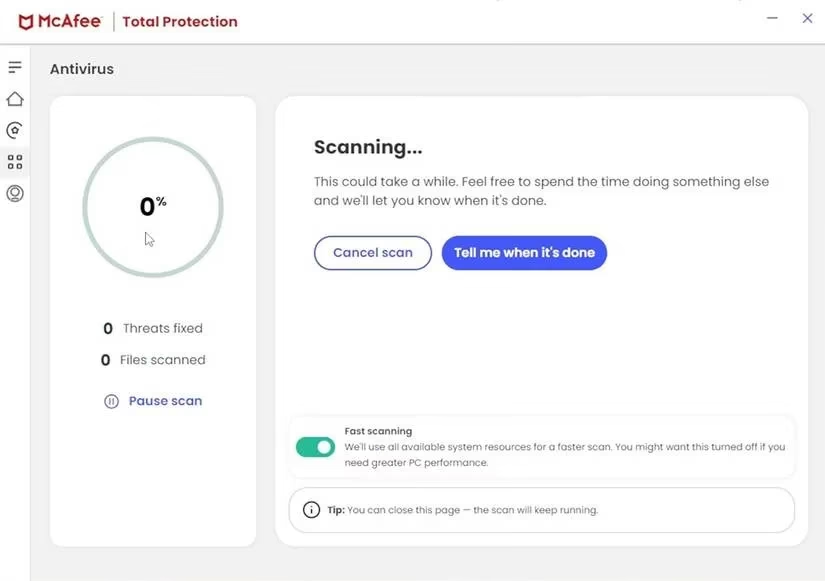
By relying on these behavior-based protections, the user shifted from a model built around threats that barely exist anymore to one that adapts to modern attack vectors.
A Calculated Risk with Safe Habits
Uninstalling antivirus isn't for everyone. It's a calculated risk that requires safe habits. The user became more mindful of email attachments, stopped downloading every app they came across, and educated themselves about browser sandboxes and reputation checks. They also added security extensions to their browser—because today, browsers are one of the biggest attack surfaces.
With good habits, SmartScreen, the firewall, and Windows' built-in protection, they felt safer than ever. And they saved money and system resources in the process.
The Bottom Line
So, should you ditch your antivirus? It depends. If you need advanced features like identity theft protection or a VPN, a paid suite might be worth it. But for many users, Windows Security is more than enough. It's free, it's integrated, and it's quietly effective. As of 2026, Microsoft continues to improve its defenses, making the built-in option a legitimate choice for everyday users.
The next time your antivirus freezes your system, ask yourself: do I really need this? The answer might surprise you.
Leave a Comment