For years, I was convinced that third-party antivirus software was an absolute necessity—my digital bodyguard that I couldn't live without. I'd dance between paid versions and free alternatives, always searching for that perfect cybersecurity companion. But oh, the drama! These programs were like overbearing roommates who constantly interrupted my workflow with pop-ups, slowed my computer to a snail's pace during scans, and always had their hand out for more money.
The turning point came when Windows Security underwent its magnificent transformation with Windows 11. This wasn't the timid Defender of yesteryear—this was a full-blown cybersecurity powerhouse that had been hitting the gym while nobody was watching. Microsoft had quietly been building something extraordinary right under our noses.
What Makes Windows Security Actually Stand Out:
-
🤫 Silent Guardian Mode: It works quietly in the background like a well-trained butler
-
☁️ Cloud-Powered Intelligence: Constantly learns from global threats
-
🔄 Automatic Updates: Stays current without any effort on your part
-
💰 Zero Upsells: Doesn't constantly beg for more money
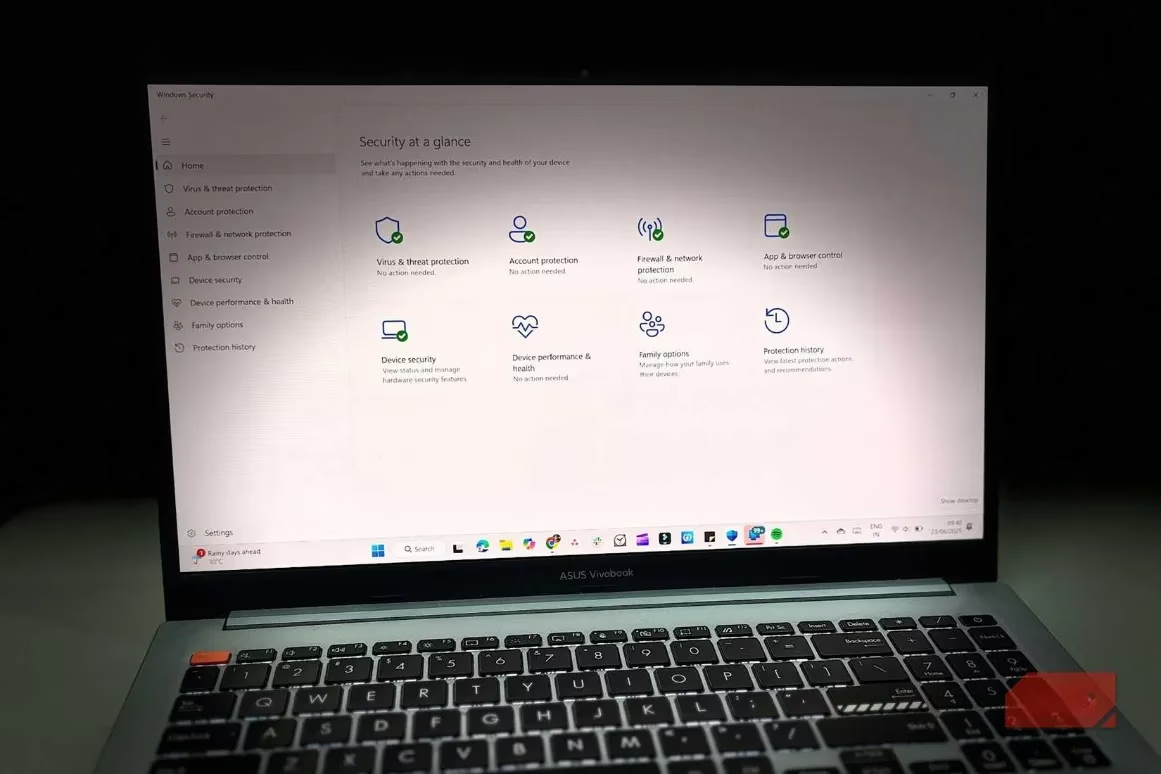
But here's where Windows Security really flexes its muscles—it's not just an antivirus; it's a complete digital fortress. The Controlled Folder Access feature is like having a bouncer for your files, keeping ransomware attacks at bay with just a couple of clicks. And let me tell you, watching it block unauthorized apps from messing with your documents is downright satisfying.
The Anti-Phishing Superhero ♂️
Windows Security's SmartScreen Filter is basically your personal scam detector. It's got this sixth sense for shady websites and will give you the side-eye when you're about to visit something suspicious. The best part? It's cloud-based, meaning it's always learning new tricks to protect you from the latest online cons.
Tamper Protection: Your Digital Bodyguard
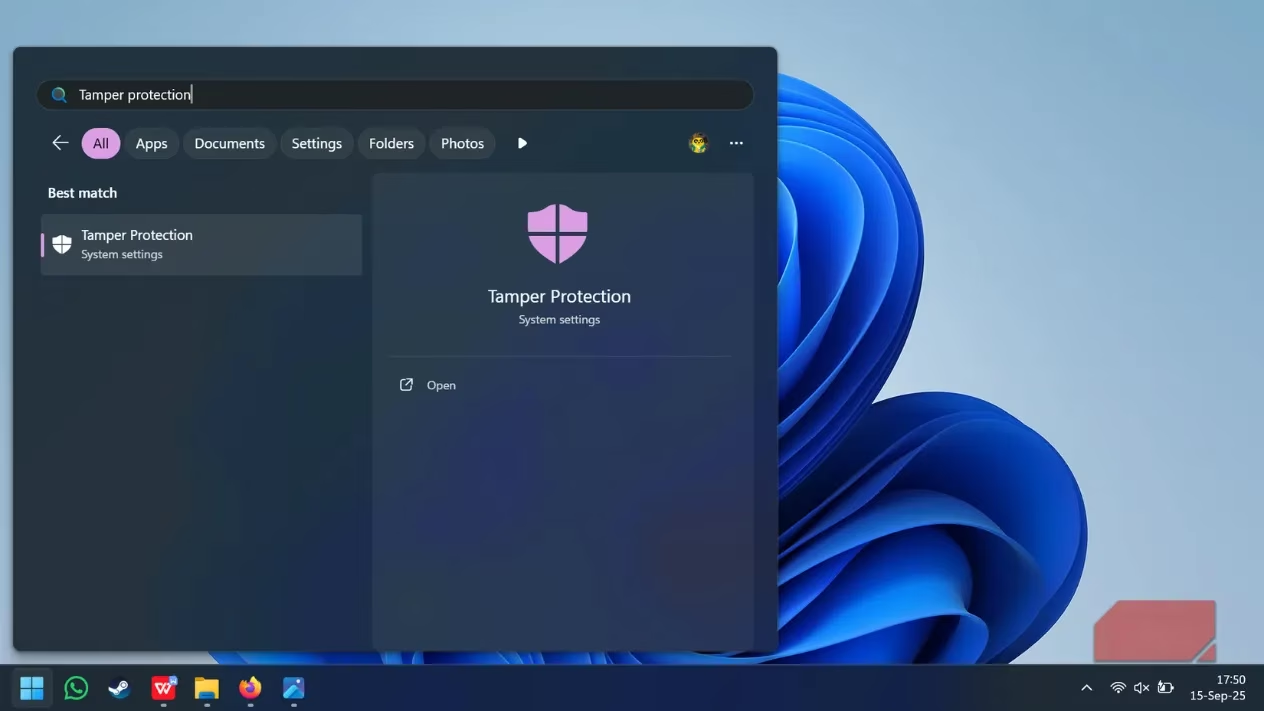
Imagine having a security guard that nobody can bribe or trick—that's Tamper Protection for you. Even if someone gets physical access to your device or you accidentally download something nasty, this feature ensures your security settings remain untouched. It's like having an unbreakable vault for your digital safety preferences.
Firewall on Steroids 🔥
Windows Security doesn't just stop at viruses—it's got a built-in firewall that's smarter than your average bear. This thing examines every bit of data trying to enter or leave your device, especially crucial when you're on public Wi-Fi. You can customize how paranoid you want it to be, from casually observant to downright suspicious of everything.
Encryption That Would Make Spies Jealous 🕵️♂️
The data encryption features are so robust they'd make James Bond's tech team envious. With a simple toggle, you can encrypt your entire device, protecting yourself from both online and offline attacks. It's like having your own personal black box that only you can open.
The bottom line? Windows Security has evolved from being the awkward kid in cybersecurity class to the valedictorian. It's comprehensive, it's free, and it actually respects your time and intelligence. Who would've thought that the solution was right there all along, waiting for us to notice how incredibly capable it had become?
Leave a Comment