Let's be real—Windows has always been the workhorse of operating systems, reliable and flexible as hell, but when it comes to design aesthetics, it's often playing catch-up with macOS. While Windows gets the job done with its functional interface, many users find it looking a bit plain Jane compared to Apple's sleek offering. But here's the kicker: Windows gives you the ultimate freedom to customize every pixel, and with the right tools, you can create a setup that's not just beautiful but actually feels cleaner than macOS.
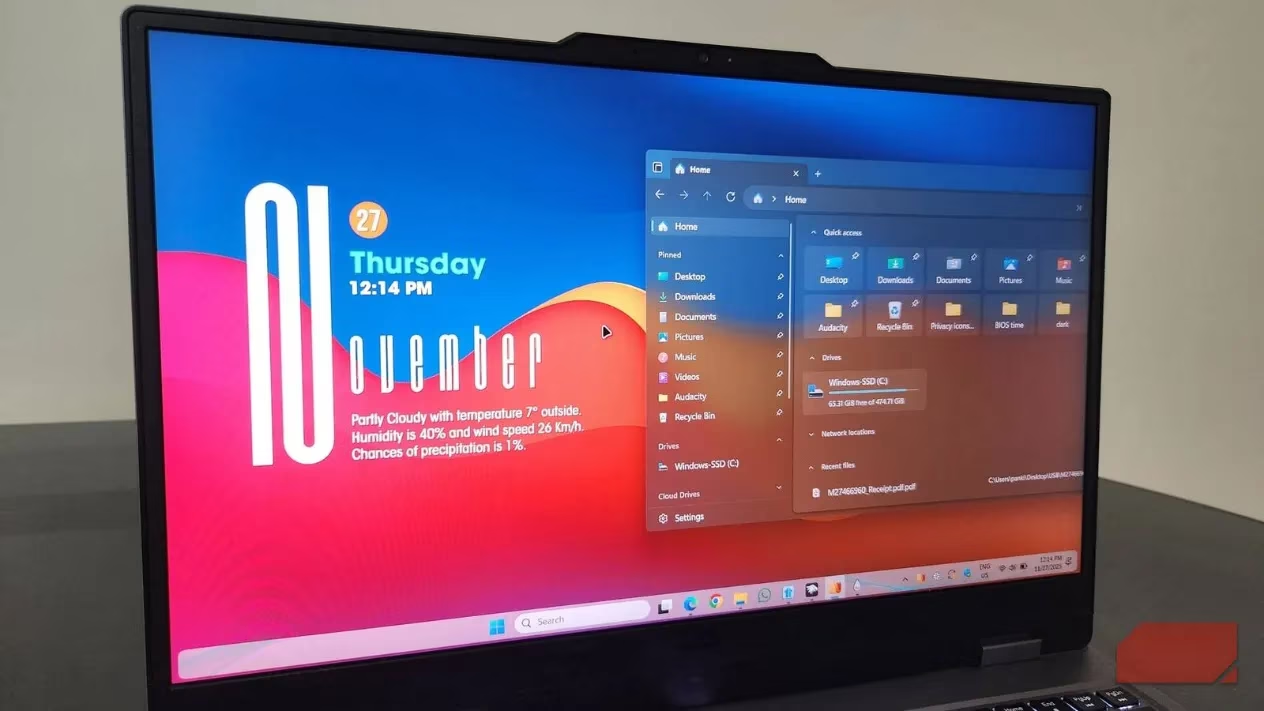
🔄 Revamping the Start Menu and Taskbar with Start11
The Start menu and taskbar are where Windows shows its age the most—they're the first things you see when you boot up and what you interact with all day long. Unfortunately, Microsoft doesn't provide many built-in options to change their appearance. That's where Start11 comes to the rescue, giving you complete control over these essential elements.
Here's what you can achieve with Start11:
-
Modern Start Menu Layout: Swap the default menu for one that places icons in the top-right corner with apps neatly organized below
-
Mica Effect Integration: Enable the Mica effect so the menu blends seamlessly with your desktop background
-
Flexible Resizing: Hover your cursor over the edge and resize the menu just like in Windows 10—super convenient!
-
Taskbar Customization: Set transparency levels (I went with 30% to match my Start menu) and apply textures or even custom images
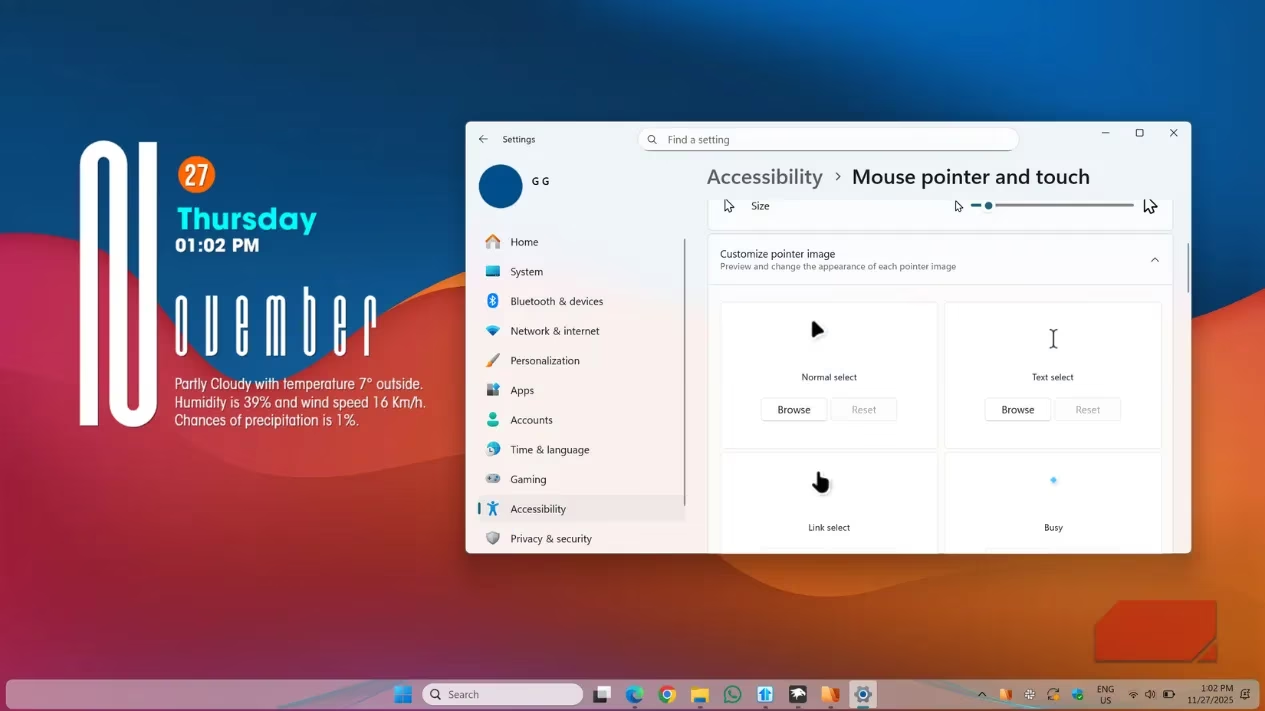
Choosing the Perfect Wallpaper and Cursor
No matter how clean your layout is, a boring wallpaper can ruin the entire vibe. I skipped Windows' built-in options and opted for an abstract wallpaper with minimal shapes—something that looks sophisticated without demanding attention every time I turn on my PC.
Wallpaper preferences are completely subjective, so here are popular categories in 2025:
| Style Type | Description | Best For |
|---|---|---|
| Minimal Solid Colors | Clean, distraction-free backgrounds | Productivity-focused users |
| Landscape Shots | Natural scenery and outdoor photography | Those wanting a calming environment |
| Digital Art | Creative, often animated artwork | Gamers and creative professionals |
| Live Wallpapers | Animated backgrounds with subtle motion | Users wanting dynamic visuals |
The cursor might seem like a small detail, but it's literally always visible. I switched to a clean, macOS-style cursor pack because it looks modern and polished. The internet is filled with amazing cursor options—from colorful anime styles to futuristic neon themes.
🧹 Decluttering the Desktop and Adding Smart Widgets
A cluttered desktop can easily ruin your carefully crafted aesthetic. My desktop used to be packed with random shortcuts and screenshots scattered everywhere like yesterday's laundry. Instead of organizing them piece by piece, I went nuclear: right-clicked on the desktop, went to View, and unchecked "Show desktop icons."
But an empty desktop can feel a bit lifeless, so I added some intentional elements using Rainmeter. Here's my widget setup:
-
✅ Clean, minimal clock widget
-
✅ Weather information display
-
❌ No overcrowding—restraint is key!
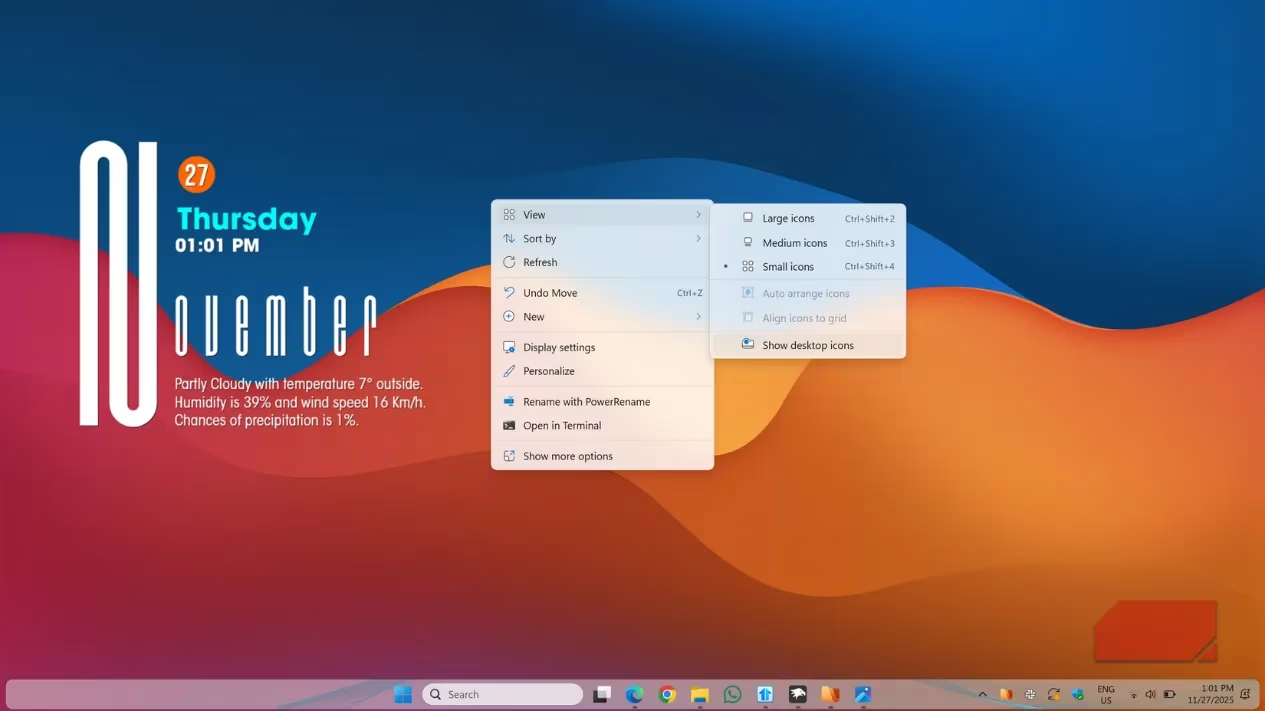
Pro tip: Don't go overboard with widgets. Stick with 2-3 maximum, keep them aligned, and ensure they match your wallpaper and overall color theme. The goal is enhancement, not distraction.
📁 Upgrading File Explorer to Files App
This last step isn't necessary for everyone, but if you're like me and open File Explorer dozens of times daily, the default version starts to feel dated. I replaced it with the Files app, which is basically a modern take on File Explorer with a cleaner layout and theming options.
Why Files app rocks in 2025:
-
🎯 Cleaner, more intuitive interface
-
🎨 Theming options that complement your desktop aesthetic
-
🔧 Advanced features like column view and dual pane
-
⌨️ Custom keyboard shortcuts for power users
-
💯 Better integration with modern Windows features
Having used Files for a while, going back to the default File Explorer feels like stepping back in time—it's that much of an upgrade.
💫 Final Thoughts: Make Your PC Reflect You
At the end of the day, if you're spending most of your waking hours working on a PC, it's worth investing some time to make it visually appealing. The goal isn't to create a carbon copy of macOS, but to experiment and settle on something that reflects your personality and workflow.
Remember: Windows customization is all about finding that sweet spot between form and function. With these tweaks, you can create a desktop environment that's not just easy on the eyes but also enhances your productivity. Happy customizing!
Leave a Comment