In the quiet hum of a modern computer, a legacy of care persists—a collection of digital rituals passed down through generations of Windows users. For years, the diligent custodian would clean, scan, and defragment, believing these acts were the secret to a machine's longevity and speed. Yet, as the calendar turns to 2026, the operating system itself has evolved into a sentient guardian, rendering many of these time-honored practices obsolete. The machine you use every day no longer needs the same manual tending; it has learned to care for itself.
The Phantom Menace of Temporary Files
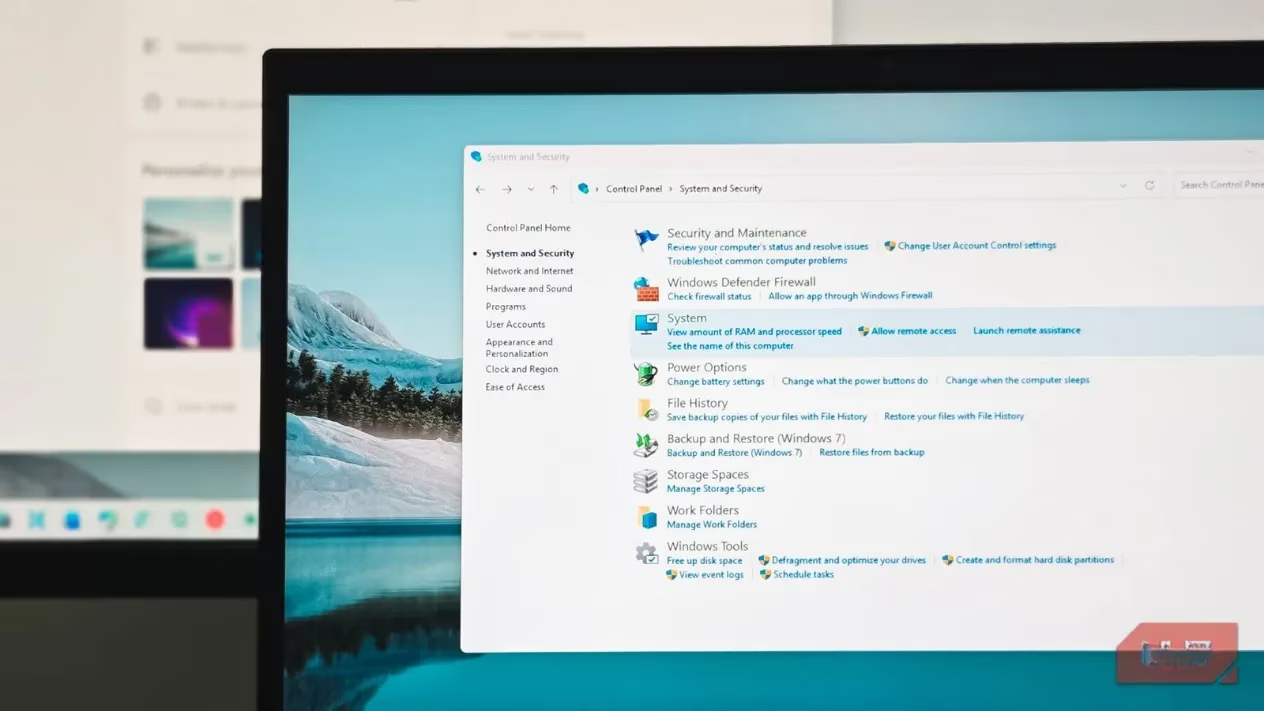
Windows and its applications weave a tapestry of temporary files as you work—harmless leftovers from updates, cached data meant to accelerate future tasks. These digital ephemera can, over time, accumulate into gigabytes of seemingly wasted space. For decades, the solution was Disk Cleanup, a simple tool that promised reclaimed storage with a few clicks. But the need to manually invoke this tool has faded into history. 🗑️
Your PC now possesses a more elegant, autonomous solution: Storage Sense. By default, this intelligent feature awakens when disk space grows scarce, quietly sweeping away the digital detritus. For those who prefer absolute consistency, it can be scheduled—a silent custodian running every day or week. Once configured, the ritual of manually deleting temporary files becomes a relic of a bygone era, a task your computer handles while you sleep.
The Registry: A Garden Best Left Untended
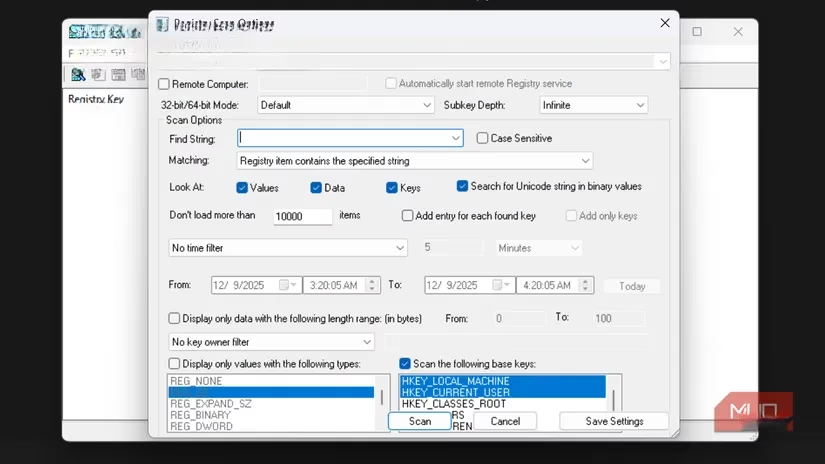
Among the most persistent myths is the promise that cleansing the Windows registry is the secret to a faster computer. The logic seems sound: why should obsolete entries or ghostly remnants of long-uninstalled apps linger? The compelling truth, however, is that the registry does not require cleaning. Those extra entries occupy a microscopic amount of space—their impact on performance is virtually nonexistent.
⚠️ The risk far outweighs any mythical reward. Tampering with registry files is one of the most hazardous actions a user can take. The chance of breaking a core Windows feature or triggering a cascade of serious issues is significantly higher than achieving any measurable speed gain. The modern system manages its own internal ledger efficiently; our intervention is not only unnecessary but potentially destructive.
Defragmentation: A Ritual for a Bygone Technology
There was a time when the mechanical whir of a spinning hard disk drive (HDD) defined computing. These bulky drives loved to scatter file fragments across their platters like leaves in the wind. The more scattered the data, the more the drive's read head had to dance and zigzag, slowing everything down. Running a defragmentation tool was a necessary ceremony—it gathered the fragments, imposed order, and granted a small, satisfying performance boost.
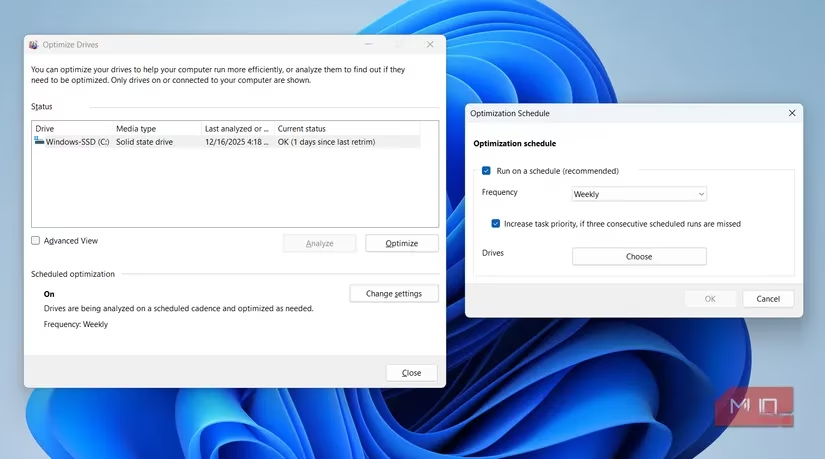
That world has passed. The solid-state drive (SSD) now reigns supreme in modern PCs, and its architecture renders defragmentation not just useless, but harmful. SSDs have no moving parts and access data differently; defragging them adds unnecessary write cycles, actively shortening their lifespan. Windows 11 includes an "Optimize" function for SSDs, which performs useful housekeeping like trimming unused space. Crucially, this optimization runs automatically once a week by default. The manual defrag ritual is now a nostalgic echo, best left in the past with the spinning disks it served.
The Endless Manual Antivirus Scan
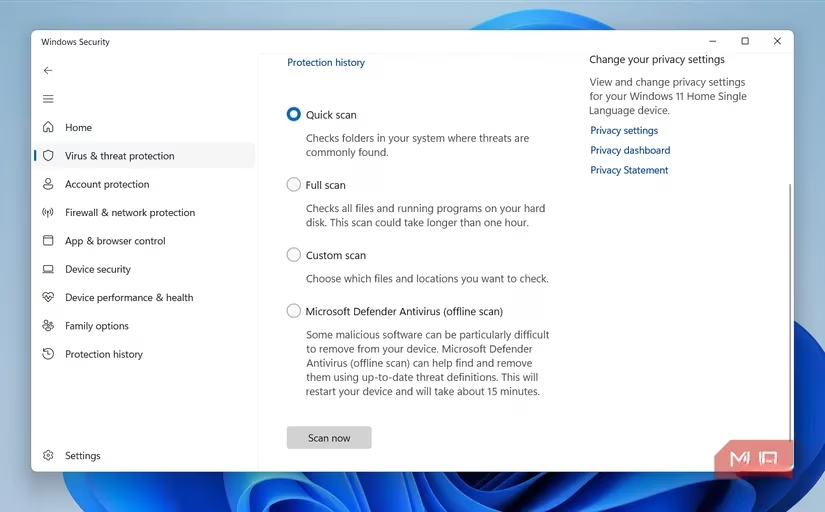
For many, the full system antivirus scan became a digital Sabbath—a multi-hour ordeal undertaken with faith in its protective power. Yet, this exhaustive manual process is largely a relic. Modern antivirus suites, including the robust Windows Security built into the system, operate on a principle of constant, real-time vigilance. 👁️
-
Real-time File Scanning: New files are inspected the moment they appear on your system.
-
Active Process Monitoring: Applications are watched as they run, their behavior analyzed for malice.
-
Download Protection: Threats are often neutralized before you even attempt to open a downloaded file.
Your PC exists in a state of perpetual, automated scan. Running an occasional manual scan is harmless, but obsessing over it is unnecessary. Unless specific, suspicious activity triggers your concern, you can trust the silent, ever-present guard that Windows has already stationed at every gate and corridor.
The Driver Update Hunt
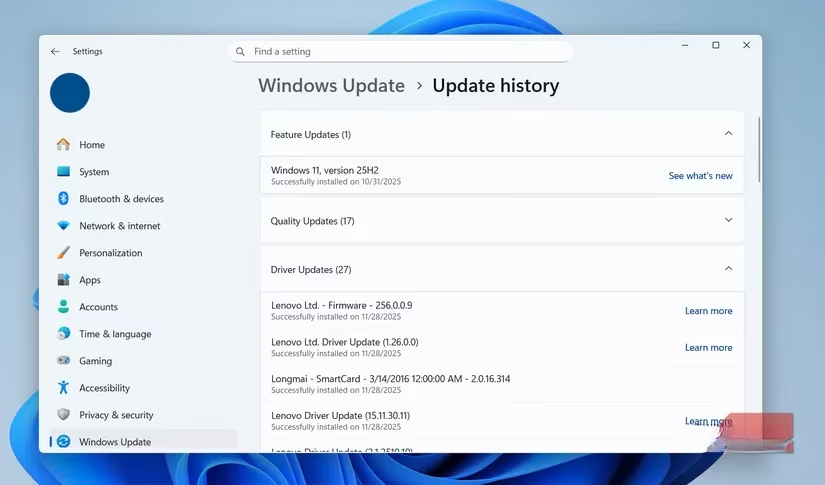
Drivers are the essential interpreters between your PC's hardware and the Windows operating system. Keeping them updated is indeed crucial for stability, security, and performance. However, the era of scouring manufacturer websites or employing dubious third-party updater tools is over. Windows Update has matured into a comprehensive curator.
Every time you check for system updates, Windows Update also searches for new, stable drivers for your hardware. It handles the vast majority of these updates seamlessly in the background. The exceptions are few and specific:
| Scenario | Recommended Action |
|---|---|
| Seeking latest GPU driver for new games | Use the official tool from NVIDIA, AMD, or Intel. |
| Troubleshooting a specific hardware issue | Manually download from the manufacturer's site. |
| For all other general updates | Rely entirely on Windows Update. |
For the everyday user, the system's automated process is not only sufficient but preferred, minimizing the risk of installing incorrect or unstable drivers.
Embracing the Autonomy of Modern Windows
In 2026, Windows is an operating system of quiet intelligence. It has internalized the maintenance rituals we once performed by hand, executing them with a precision and timeliness no human schedule could match. The habits of cleaning temporary files, obsessing over the registry, defragmenting drives, launching manual virus scans, and hunting for driver updates are vestiges of a time when the machine was more fragile, more opaque. To cling to them now is to distrust the very sophistication we demanded. By letting go, we free our time and trust our tools, allowing the modern PC to maintain its own health, silently and surely, in the background of our digital lives.
Recent analysis comes from Digital Foundry, and it reinforces why modern Windows “maintenance rituals” matter less for today’s gaming PCs: with SSD-centric storage and increasingly automated OS optimization, real-world performance gains are more often tied to measurable bottlenecks like GPU/CPU frametimes and consistent driver stability than to manual temp-file purges or defragmentation runs.
Leave a Comment