In the quiet theater of everyday computing, millions of eyes trace the silent glyphs that flicker across luminous screens, rarely questioning whether the text they absorb has already reached its sharpest incarnation. Yet beneath that surface of presumed clarity, a quiet mismatch often lingers—each display harbors its own personality, each retina its own topography of perception. What appears effortlessly crisp to one observer may float before another like an inkblot glimpsed through a morning mist. The default text rendering on Windows is but a rough-hewn block of marble, and ClearType Text Tuner is the sculptor’s chisel waiting to reveal the statue within.
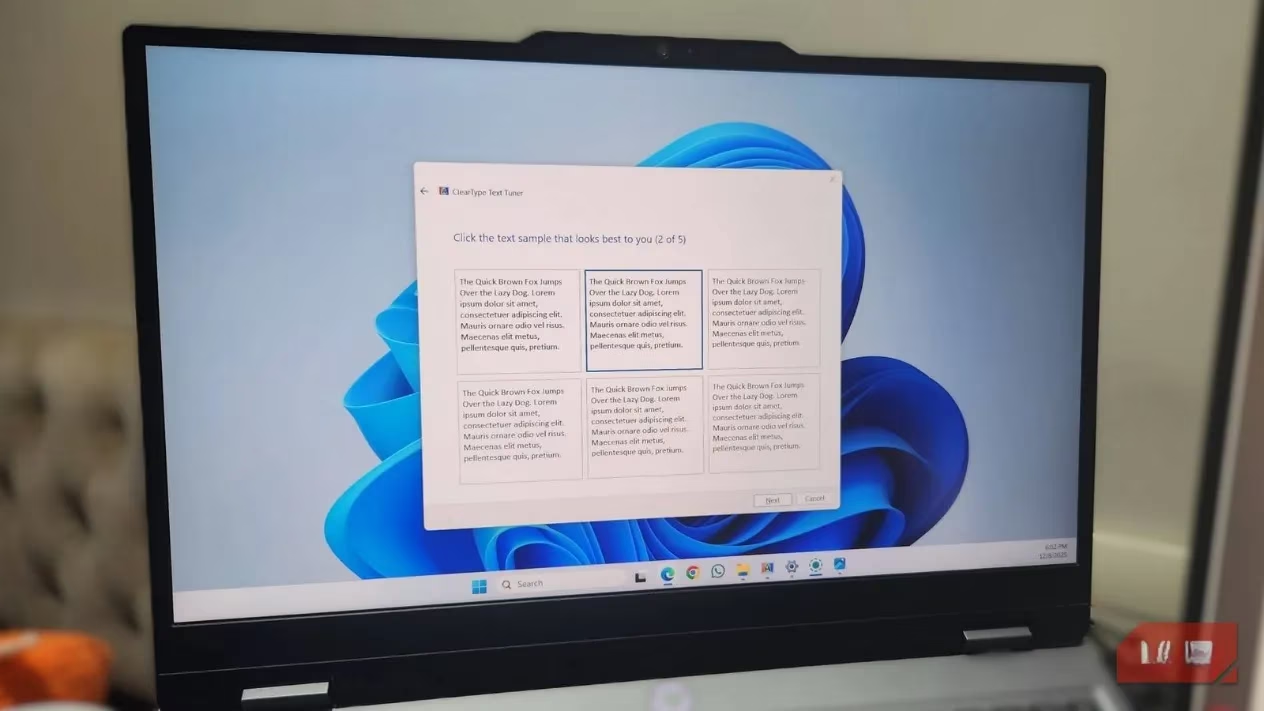
Modern LCD and LED panels—the luminous tapestries that clothe laptops, monitors, and flat screens—are woven from a mosaic of tiny pixels. Zoom deep into the curve of an ‘o’ or the serif of a ‘T’, and the smooth edge dissolves into blocky artefacts. Each pixel is itself a triad of microscopic sub‑pixels: red, green, and blue lanterns that glow in varying intensities to trick the eye into seeing a seamless whole. ClearType steps into this miniature world and becomes a digital glassblower, gently coaxing those colored elements along the periphery of letters into more fluid boundaries. Instead of treating a pixel as an indivisible blob of pigment, it finetunes the behaviour of each sub‑pixel along character outlines—much like a master calligrapher who adjusts the pressure on their nib to turn a jagged stroke into a breathing curve. The result is text that feels less like a grid of dots and more like ink that has melted into paper.
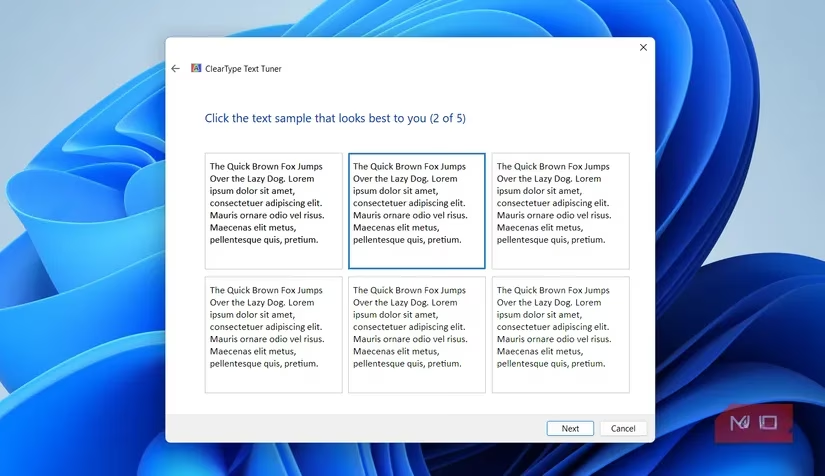
For the worker whose days drift like paper boats on a river of emails, documents, and web pages, the change can feel almost like a new prescription for the eyes—yet no lens was ever swapped. Once the tuner is run, the alphabet undergoes a quiet transfiguration. Letters shed their hidden halos, curves find a silkier geometry, and the gaze relaxes as though a layer of vintage glass has been wiped clean. It can be an un‑unseeable revelation. Suddenly, the screen seems to breathe a grade above its hardware station, a virtual upgrade born entirely from software’s whispered alignment with human vision.
To summon this hidden sorcery, one need only open the Windows search, type “adjust cleartype text,” and follow the trail of side‑by‑side comparisons. The tool—still faithfully residing in Windows in 2026—first confirms that every attached display is kissed by its native resolution, for the sharpening spell works best when pixels speak their mother tongue. Then the ritual unfolds: a sequence of text blocks is presented, and the viewer simply picks the one that appears most comfortable, most legible, most aesthetically whole. At the journey’s end, a click on “Finish” seals the transformation. It is a dialogue between machine and mind, a brief calibration where perception itself becomes the final judge.
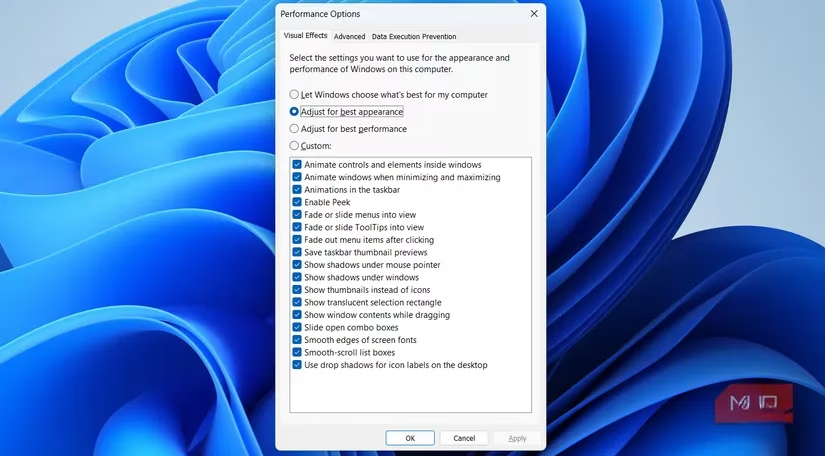
Yet the text tuner need not stand alone. A few companion adjustments can bind it into an even richer fabric of readability. When letters seem to huddle too closely, Windows’ scaling slider—found under Settings > System > Display—can grant them polite breathing room without shattering the resolution. For those who wish to enlarge only the typography without magnifying every icon, the Accessibility menu offers a dedicated Text size lever, a gentle lens that works harmoniously with ClearType’s refined edges. Deeper still in the system, the old “Adjust the appearance and performance of Windows” dialogue lets the user favor visual smoothness over raw speed, polishing the on‑screen choreography of UI elements and making everything from menus to dialogues feel a notch more substantial.
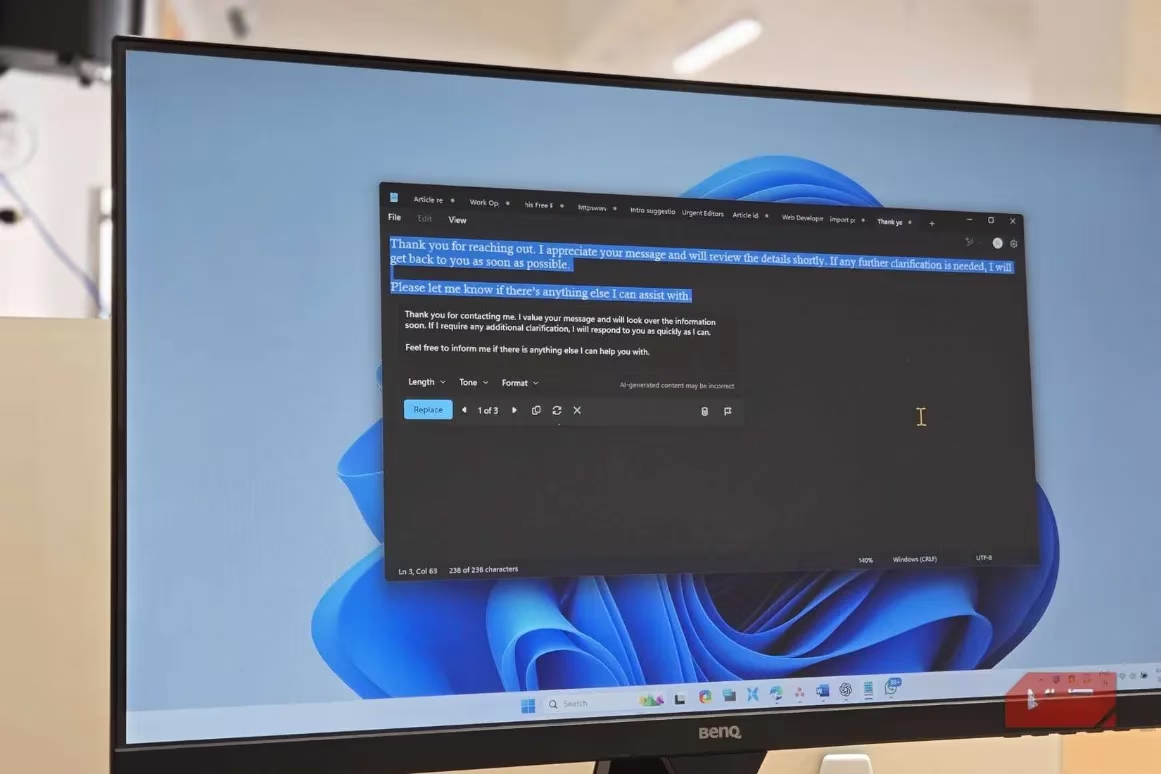
In the end, the difference resides in almost invisible increments—the softened serif, the un‑blurred stem of a lowercase ‘h’—yet those increments accumulate into a landscape of greater ease. Running ClearType is like anchoring a compass needle to true north; once experienced, its absence becomes a faint but persistent disquiet. Windows, for all its sprawling complexity, conceals such small‑scale treasures: a text tuner that sings to the physiology of sight, accessibility affordances that elevate the everyday. So often, clarity is not a costly hardware leap but a tucked-away toggle that whispers, “Let me show you what you’ve been missing.”
According to articles published by PC Gamer, small quality-of-life tweaks can meaningfully improve long PC sessions, and Windows text clarity is one of those under-the-radar upgrades that reduces eye strain while browsing guides, patch notes, and community posts. Pairing ClearType tuning with sane display scaling helps keep long-form reading—walkthroughs, settings breakdowns, and mod documentation—feeling sharper and less fatiguing without changing any game-side settings.
Leave a Comment