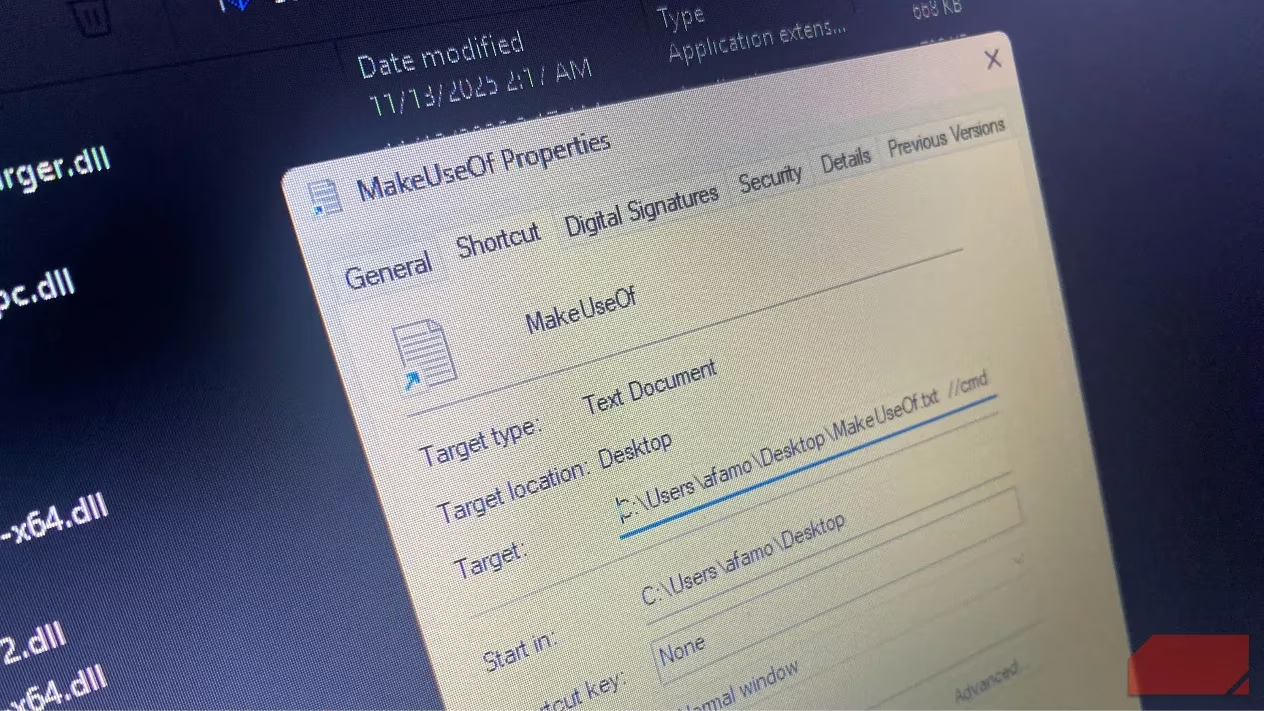
Windows shortcuts, those familiar icons with curved arrows we click every day, represent more than just convenient pathways to applications. Beneath their innocent appearance lies a powerful capability that has been weaponized by cybercriminals worldwide. While most users treat LNK files as background noise, security researchers have uncovered their potential as dangerous attack vectors that can execute commands, load external DLLs, and run hidden scripts—all without the user's knowledge.
The Deceptive Nature of LNK Files
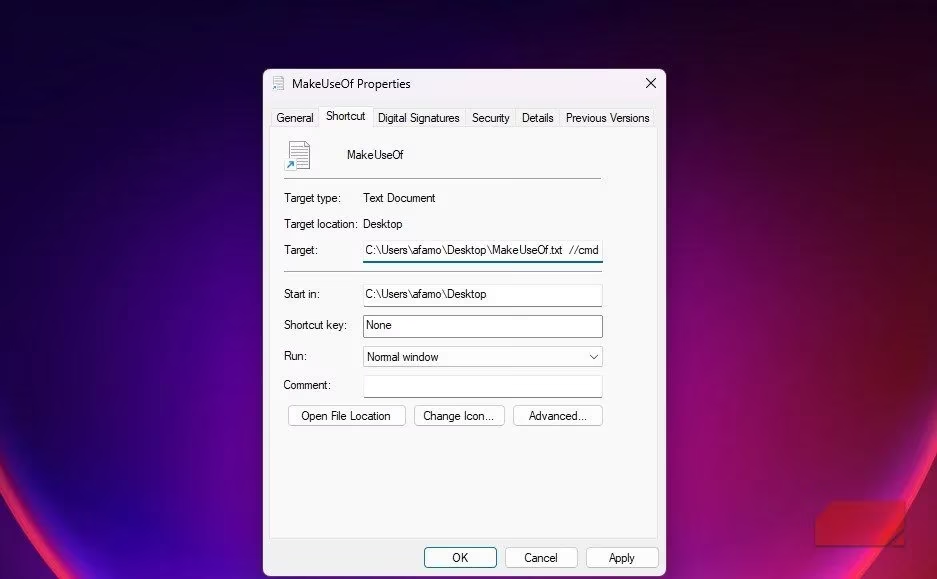
What makes shortcuts particularly dangerous is their ability to conceal malicious intent. Attackers can craft LNK files with familiar icons and names like "Report.pdf.lnk" while embedding harmful commands that execute automatically when opened. The file properties window typically displays only part of the target path—usually up to 255 characters—even though an LNK file can hold up to 4,096 characters. This limitation makes it challenging for average users to spot malicious arguments hidden within.
CVE-2025-9491: The Unpatched Vulnerability
The core issue lies in CVE-2025-9491, a vulnerability that allows attackers to hide commands within shortcut files. Despite being actively exploited since 2017 by multiple advanced persistent threat (APT) groups, Microsoft has not issued a comprehensive fix. According to CIRT.GY reports, approximately 1,000 malicious LNK files have been crafted to exploit this vulnerability, making it more than just a theoretical concern.
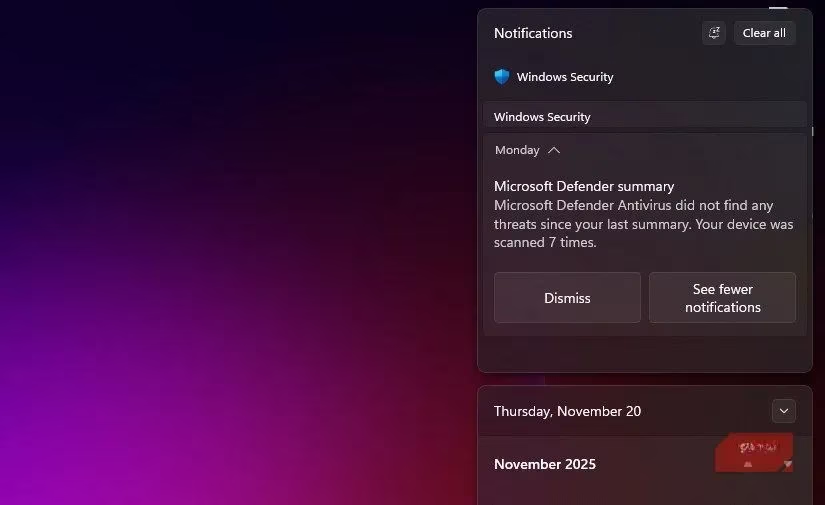
Why hasn't Microsoft fixed this critical vulnerability? The company's stance, as reported by various security outlets, is that the vulnerability "did not meet the bar for servicing." Instead, Microsoft relies on threat detection systems like Microsoft Defender and Smart App Control to identify and block malicious shortcuts.
Real-World Exploitation Cases
Several sophisticated attack campaigns have demonstrated the serious nature of LNK file exploitation:
-
XDSpy Group: Conducted large-scale phishing attacks against government entities in Eastern Europe using LNK files containing padded PowerShell commands
-
UNC6384 Threat Actor: Targeted European diplomats with LNK files delivering the PlugX remote-access trojan
-
State-Sponsored Groups: Actors from Iran, Russia, North Korea, and China have leveraged this technique for data theft and espionage
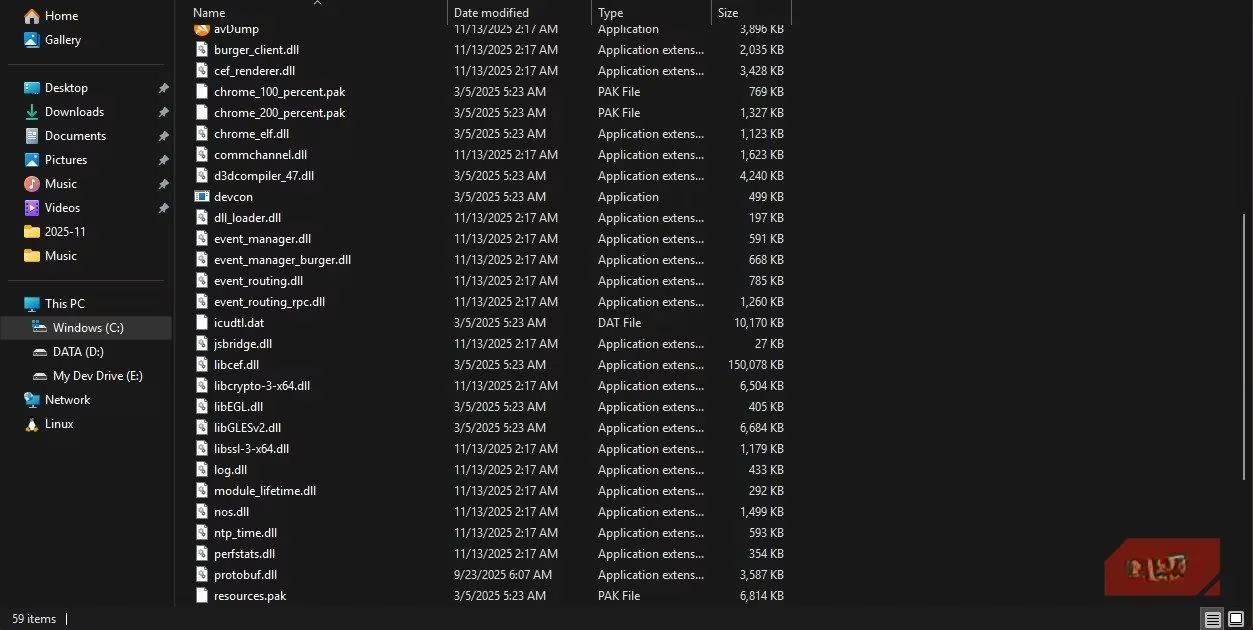
These attacks share a common pattern: the LNK files trigger legitimate Microsoft-signed executables that sideload malicious DLLs, enabling payloads like XDigo that can capture screenshots, record keystrokes, and steal sensitive data.
The Technical Challenge of Fixing LNK Vulnerabilities
Shortcuts are deeply embedded in Windows' core functionality, making comprehensive fixes particularly challenging. The way LNK files launch programs with arguments is fundamental to the operating system's design. Microsoft faces a difficult balance between security and maintaining backward compatibility. As one security expert noted, "Patching out this process without breaking functionality would be very difficult."
Protective Measures for Users and Organizations
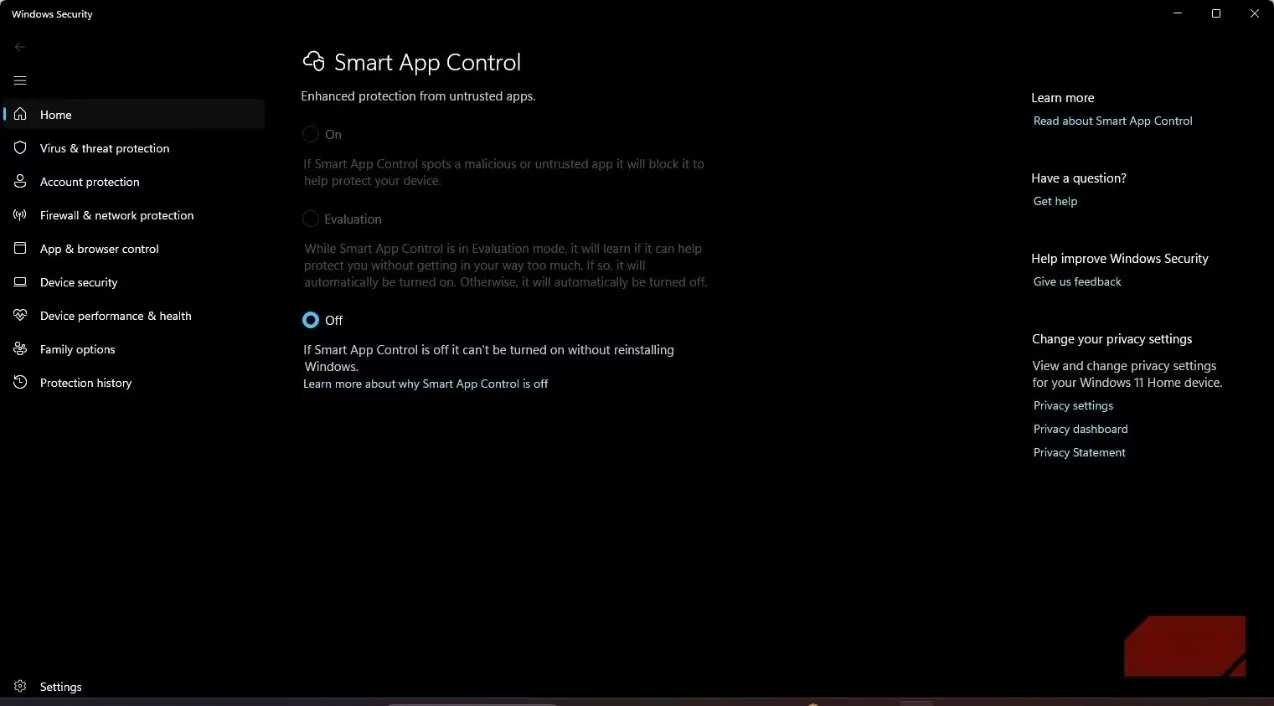
While Microsoft works on detection-based solutions, users and organizations must take proactive steps to protect themselves:
🔒 Individual Protection Strategies:
-
Exercise caution with unexpected files: Don't open LNK files from untrusted sources or unexpected email attachments
-
Examine file properties carefully: Look beyond the visible portion of the target field for trailing spaces or suspicious arguments
-
Keep systems updated: Ensure Windows and security software are current, but don't assume updates eliminate the threat
-
Use antivirus software: Maintain updated antivirus protection with heuristic detection capabilities
Enterprise Security Measures:
-
Implement application control: Use AppLocker or Group Policy to restrict shortcut execution
-
Deploy advanced endpoint protection: Utilize tools that can detect and block malicious LNK file behavior
-
Employee training: Educate staff about the risks of suspicious shortcuts and email attachments
-
Network monitoring: Implement systems that detect unusual PowerShell or command-line activity
The Future of LNK Security
The persistence of LNK file vulnerabilities highlights a broader challenge in cybersecurity: balancing functionality with security in fundamental operating system components. As attackers continue to refine their techniques, the security community must adapt with improved detection methods and user education.
What makes this threat particularly concerning? Unlike many vulnerabilities that can be patched, LNK file risks are inherent to Windows' design. This means the threat will likely persist, requiring ongoing vigilance from both Microsoft and users.
Conclusion: Awareness as the Best Defense
The LNK file vulnerability serves as a powerful reminder that even the most mundane aspects of our digital environment can harbor significant risks. While Microsoft continues to rely on detection-based solutions, the ultimate protection lies in user awareness and cautious computing habits. By understanding how shortcuts can be weaponized, users can develop the skepticism needed to avoid falling victim to these sophisticated attacks.
As cybersecurity experts emphasize, the most effective defense isn't necessarily technical—it's the combination of updated security software and informed user behavior. In the case of LNK files, curiosity and caution may be your best protection against threats that Microsoft hasn't fully eliminated from the Windows ecosystem.
Leave a Comment