In 2026, the software landscape has shifted remarkably. What once seemed indispensable now feels like an unnecessary drain on your wallet. It’s not that premium tools are bad—many are excellent. But with the relentless march of subscription pricing, those yearly fees add up fast. The real kicker? The free alternatives have become so polished, so capable, that you might not miss a thing. Let’s face it: holding onto old habits can be costly. Maybe it’s time to rethink that software roster.
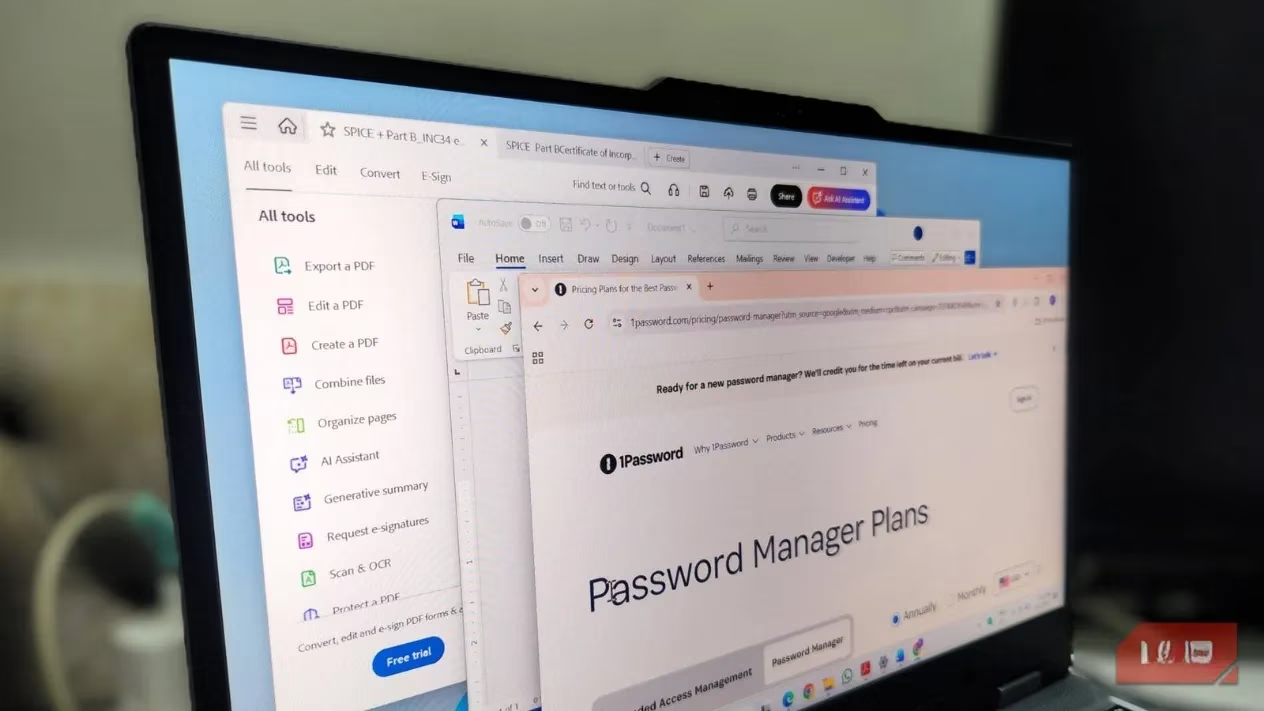
Screen Capture: SnagIt’s Grip Is Slipping
SnagIt has long been the darling of power users who live inside screenshots. It could grab scrolling windows, polish captures with a rich editor, and even spin them into neat step-by-step guides using AI. For years, it felt worth every penny. But that $39 annual subscription now stings a little more each time it renews. And here’s the thing: Microsoft’s built-in Snipping Tool has been quietly beefing up. It now handles screen recording, text extraction, and basic annotations without breaking a sweat.
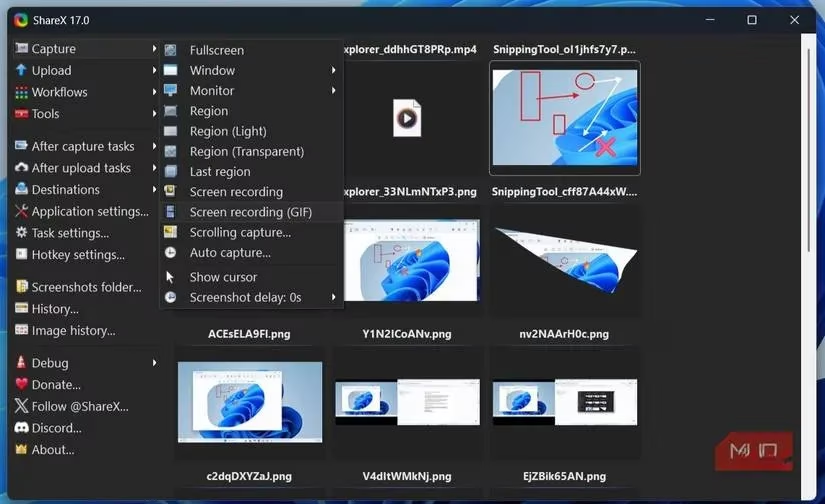
If you need the advanced muscle that SnagIt flexes, just look at ShareX. This free, open-source powerhouse packs a dizzying array of capture modes, a dedicated image editor, and even cloud uploads. It whispers, “I’ve got you,” without ever asking for your credit card. The days of paying for screenshots are pretty much over.
Office Suites: The Mighty 365 Faces Real Competition
Microsoft Office has been the default productivity suite for so long that many folks don’t even glance at alternatives. Word, Excel, and PowerPoint still set the gold standard in many ways. But unless you’re swimming in exotic Excel formulas or niche Word formatting, shelling out for a yearly Microsoft 365 subscription—or that $149.99 one-time Office Home buy—feels increasingly hard to justify.
LibreOffice strides in like a trusty old friend who never asks for rent. It plays nicely with all Office files and brings its own trinity: Writer for Word, Calc for Excel, and Impress for PowerPoint. It works offline, and that’s a kind of freedom you forget you crave.
Meanwhile, Google’s Workspace apps—Docs, Sheets, Slides—are the poster children for effortless collaboration. They live in any browser, save your work as you go, and turn real-time co-authoring into something almost magical. You know what’s even better? Zero dollars leaves your pocket.
Password Managers: Bitwarden Steals 1Password’s Thunder
1Password has built a reputation like a finely tailored suit. Everything about it feels refined: a clean interface, buttery-smooth autofill, secure sharing, and extras like breach monitoring. It’s an easy recommendation for anyone who doesn’t bat an eye at $36 a year. But… that’s the catch, isn’t it?
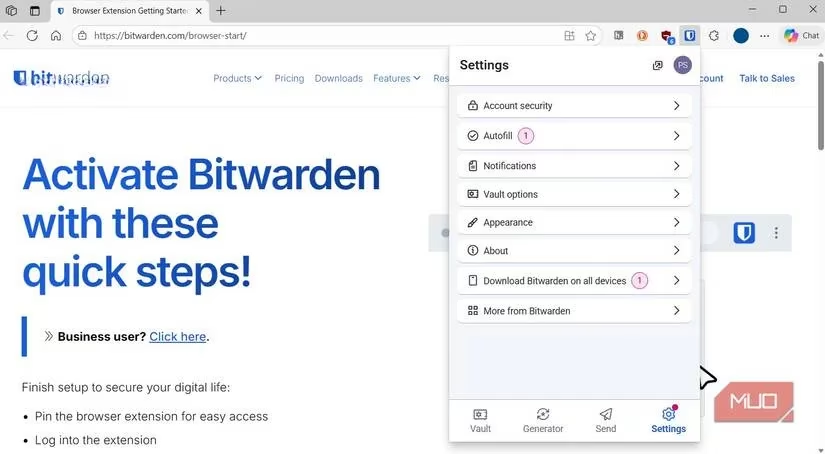
Bitwarden enters the room with a quiet confidence. The free tier does practically everything a modern password manager should: unlimited password storage, sync across all your devices, secure sharing. It’s open-source, too, which gives the privacy-minded crowd a warm, fuzzy feeling. At $10 a year for the premium plan, it feels almost apologetic. For most users, Bitwarden matches 1Password’s core beats note for note, without asking you to spend a dime. And if you’re the type who wants a fully offline vault under your total control, KeePassXC stands ready, no servers required.
PDF Editors: Adobe Acrobat, Meet Your Match
Adobe Acrobat needs no introduction. It’s a household name that does everything you could imagine with a PDF: robust editing, conversion, and even an AI assistant that seems to read your mind. Acrobat is dependable, polished, and yes, accompanied by a subscription price that keeps inching upward.
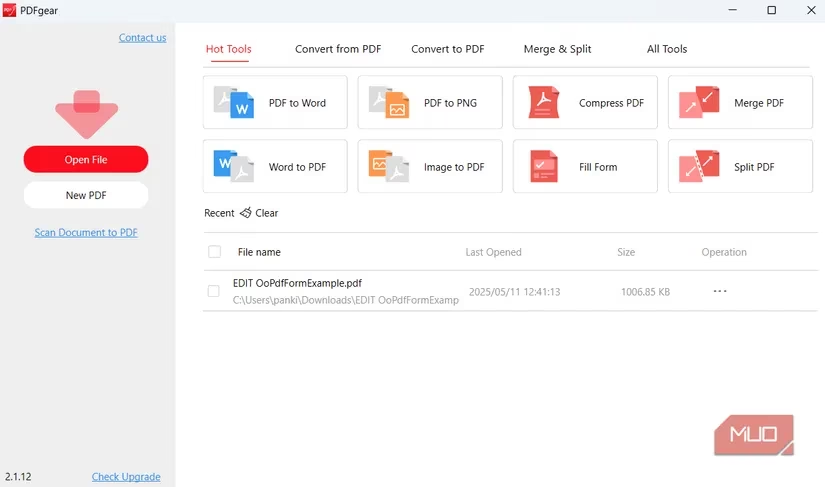
But the ground has shifted. Free editors are no longer the clunky toys they used to be. PDFGear, for instance, struts in with a full toolkit—edit, convert, merge, split—and even a built-in ChatGPT assistant. Need to summarize a 200-page report in seconds? Done. Want to ask questions about a contract while sipping coffee? Go for it. PDFGear also has mobile apps for Android and iPhone, so quick edits happen on the fly.
Adobe still has its place in high-end workflows, but for everyday PDF tasks, the freebies have closed the gap dramatically. Why feed the beast when a free alternative purrs just as sweetly?
Antivirus: Windows Security Has Grown Up
There was a time when a shiny third-party antivirus was the first thing you installed on a new PC. Even today, McAfee arrives pre-packaged on many machines, and plenty of users keep renewing it simply out of habit. But the truth in 2026 is clear: paying for antivirus has become largely unnecessary for the average user.
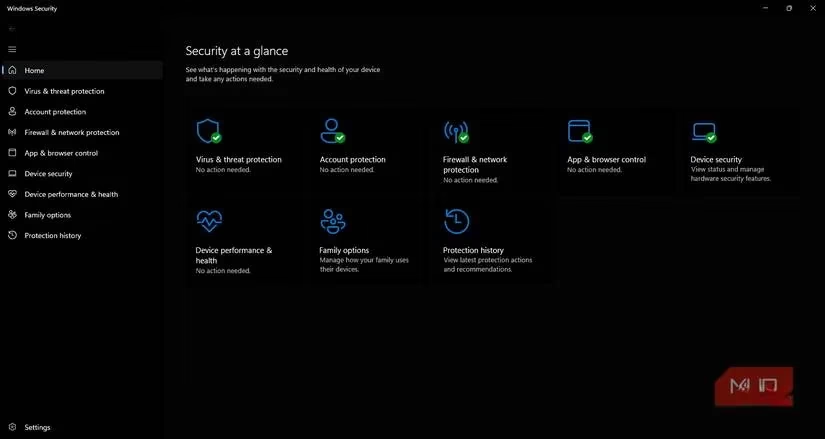
Microsoft’s built-in Windows Security app has matured into a fully capable protection suite. Real-time shields, ransomware defense, SmartScreen filtering, and tamper protection—all baked right into the OS. It covers every essential layer without nagging you for a single cent. Unless you specifically need the extras McAfee bundles—like personal data cleanup, parental controls, or a VPN—you can give that subscription notice a happy little wave goodbye.
The Bottom Line
If a premium app genuinely earns its keep in your workflow, by all means, keep feeding it. But if you’re only forking over cash out of habit or loyalty, 2026 might be the perfect moment to reassess. A handful of smart swaps can save you real money every year—and honestly, the free alternatives have never been this good. Let your wallet breathe a little.
Leave a Comment