Every operating system ships with a basic screenshot utility designed to capture the screen and save an image. For casual users, these built-in tools often suffice. However, for professionals who create content, write documentation, or explain concepts online, the limitations of free tools become a significant friction point. Back in 2019, the decision to invest in a license for TechSmith's Snagit was made, and even looking ahead to 2026, that investment continues to pay dividends. It's not merely a screenshot tool; it's a comprehensive visual communication suite that streamlines the entire process from capture to final, polished output.
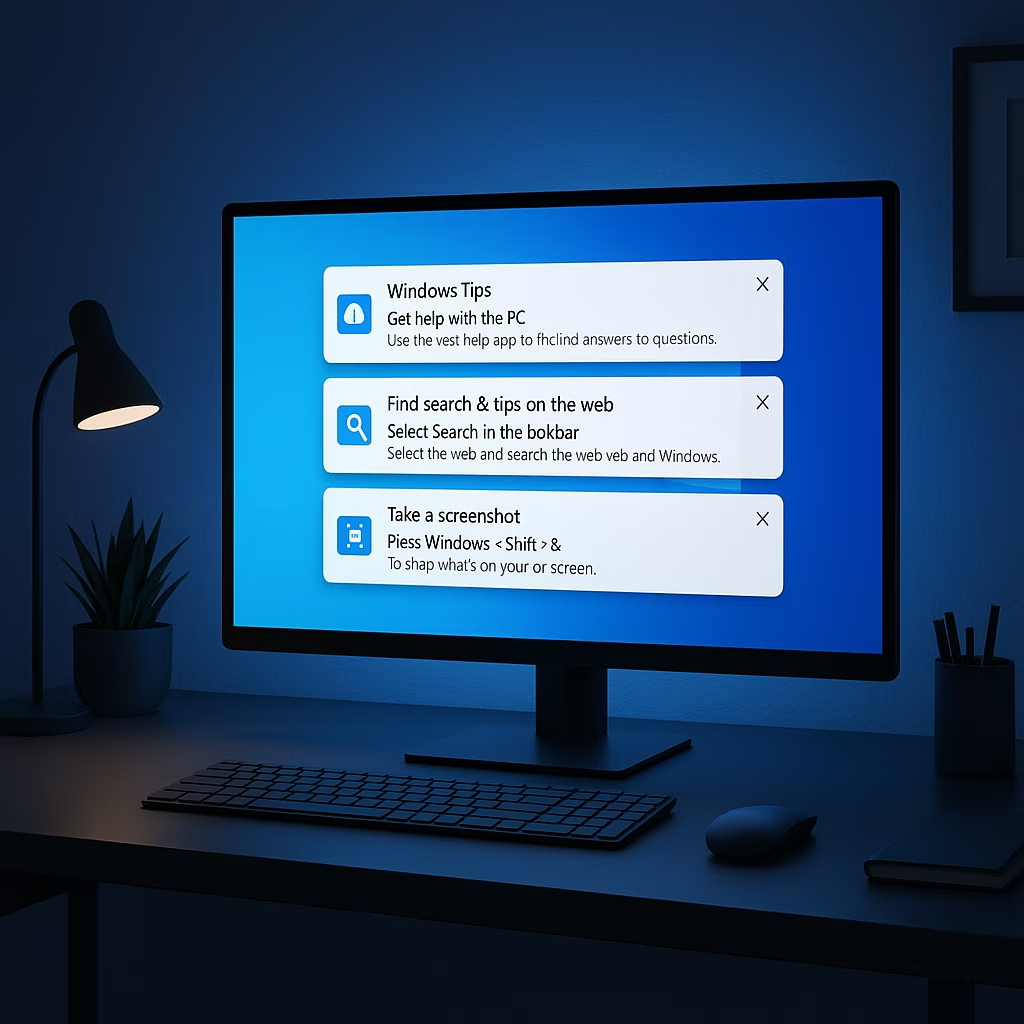
The core advantage of Snagit lies in its sophisticated capture capabilities. It intelligently detects open windows and even individual UI elements within them, allowing for one-click captures even on a cluttered desktop. For manual selections, the cursor transforms into a large crosshair with a magnified view, ensuring pixel-perfect accuracy. Furthermore, Snagit handles scrolling screenshots with ease, capturing lengthy web pages or documents without any manual stitching required. This precision extends to screen recording as well, offering the same level of control for creating video content.
While the capture tool is excellent, the true powerhouse is the built-in editor. Unlike free alternatives where editing is an afterthought, Snagit's editor launches automatically post-capture, packed with professional-grade features. Beyond basic cropping and resizing, users can perform color adjustments, add borders, apply filters (blur, sharpen, grayscale), and insert shapes, text, and callouts. The Cut Out tool is particularly useful for removing redundant sections from long screenshots and seamlessly stitching the remaining parts.
For technical writers and educators, the Simplify feature is a game-changer. A single toggle can obscure specific UI elements with clean, generic blocks and lines, transforming a busy interface into a clear, abstract wireframe. This directs the viewer's attention precisely where it's needed. Another frequently used tool is Grab Text, which employs OCR (Optical Character Recognition) to extract editable text directly from any screenshot, saving immense time over manual transcription.
Organization and workflow integration are where Snagit truly shines. It automatically archives every capture in a visual timeline, eliminating the hassle of manually saving and later searching for files. Sharing is streamlined directly from the editor to numerous destinations including cloud storage (Google Drive, Dropbox), office suites (Word, PowerPoint), FTP servers, and more. This consolidation of utilities—capture, powerful editing, OCR, archiving, and sharing—into one seamless application respects the user's time and maintains workflow continuity.
A common question is why an older version like Snagit 2019 might still be viable in 2026. The answer is functionality. For static image capture and editing, it remains fully capable. While newer versions (like Snagit 2025 and beyond) introduce features such as 4K recording, Picture-in-Picture mode, live screen drawing, and AI-powered tools like background removal, the core workflow for screenshot-based tasks is already perfected in earlier editions. The shift to a subscription model with newer versions is a consideration, but the 2019 version represents a solid, one-time purchase that continues to deliver immense value.
| Feature | Snagit (Premium) | Free Tools (Snipping Tool + GIMP) |
|---|---|---|
| Workflow Integration | 🟢 All-in-one suite | 🔴 Fragmented across multiple apps |
| Advanced Editing | 🟢 Built-in (effects, Simplify, Cut Out) | 🟡 Requires separate, complex editor |
| Text Extraction | 🟢 Built-in OCR (Grab Text) | 🟡 Requires separate OCR utility |
| Asset Management | 🟢 Automatic visual archive | 🔴 Manual file management |
| Cost Model | Subscription or one-time purchase (older ver.) | Free |
Certainly, one could replicate some functions using free tools: Windows Snipping Tool (or its successor) for capture, GIMP for advanced editing, and a separate OCR tool. However, this creates a disjointed, time-consuming process. The constant app-switching breaks concentration and adds unnecessary steps. Snagit's value proposition isn't just about features—it's about efficiency and a cohesive user experience.
For anyone whose work relies heavily on visual communication—be it software documentation, online tutorials, content creation, or technical support—Snagit represents a wise investment. It removes friction, enhances productivity, and delivers professional results effortlessly. In a digital landscape where time is the ultimate currency, a tool that consolidates and refines a critical workflow is not an expense; it's an investment that pays for itself many times over. As we move through 2026, the principles of streamlined workflow and integrated tooling that Snagit exemplifies are more valuable than ever.
Leave a Comment