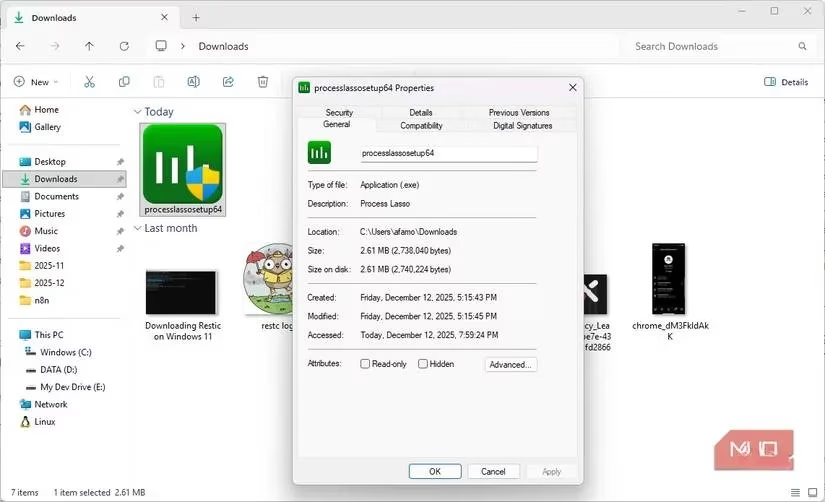
In the year 2026, where software bloat has become the norm, with applications ballooning to hundreds of megabytes for the simplest of tasks, imagine a tool so impossibly tiny, so devastatingly effective, that it downloads and installs before you can even blink. That is the legendary reality of Process Lasso. Skeptics scoffed at its minuscule 2.6MB footprint, dismissing it as another trivial utility. But oh, how wrong they were! On a world still dominated by Windows 11 (and whispers of 12), where even powerful machines like those with 11th-gen Intel Core i7 chips succumb to the creeping sludge of time, Process Lasso emerges not as a tool, but as a digital exorcist for your CPU's demons. Have you ever felt your cursor lagging, your foreground apps stuttering like a bad dream, all because some rogue background service decided to feast on your processor? Welcome to the club. But what if you could stop the feast without starting a war?
The ProBalance Miracle: A Diplomat, Not a Dictator
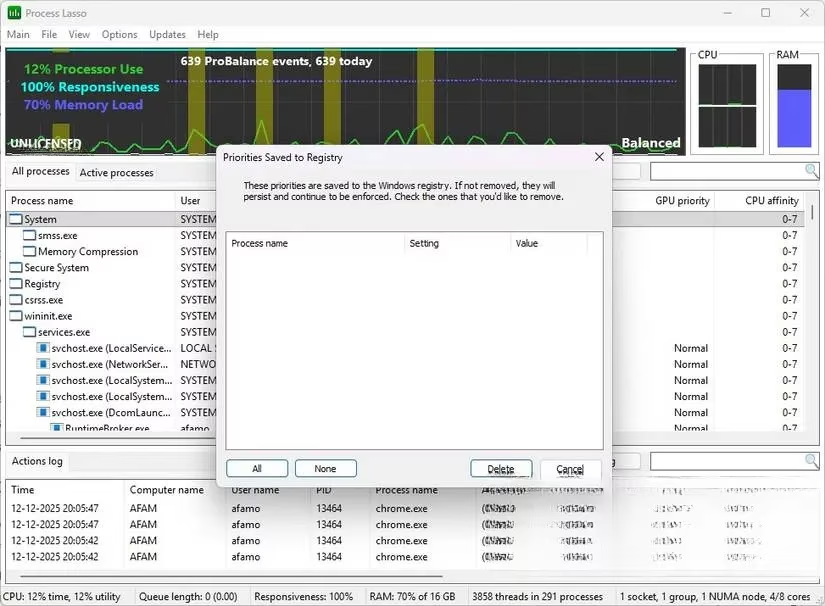
The core of Process Lasso's sorcery is its ProBalance feature. While other, more aggressive tools resort to the digital equivalent of blunt-force trauma—blindly throttling or terminating processes and causing system instability—ProBalance is a master of subtlety. Think of it as a supremely skilled traffic controller. When an application, perhaps a browser tab or a system indexing service, goes berserk and tries to monopolize the CPU, ProBalance doesn't shut it down. Instead, it gently but firmly limits how aggressively that app can compete for resources, all while allowing it to complete its intended task. The result? Instantaneous relief. Foreground apps stop stuttering, the cursor lag vanishes into thin air, and system stability remains intact. It's a temporary, intelligent adjustment that stabilizes CPU load immediately, then gracefully allows the process to regain its original priority once the crisis is over. Isn't that what a true optimization tool should do—fix the problem without creating new ones?
Permanent Rules: Teaching Your PC How to Behave
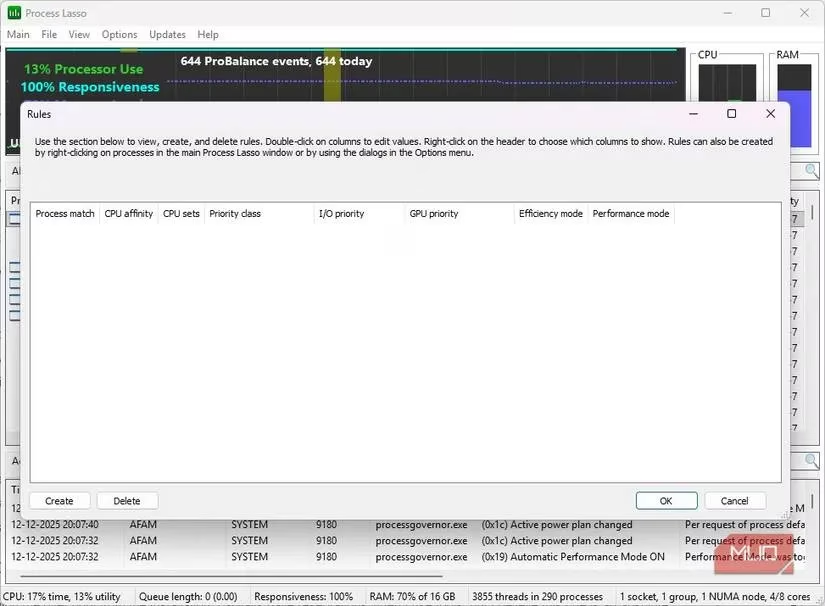
Windows has long offered the ability to set process priority and CPU affinity. But let's be honest: its implementation feels like a forgotten afterthought. You painstakingly configure settings for a heavy-duty application, only to have them reset the moment you close it. Frustrating, right? Process Lasso changes the game entirely. When you set a rule—be it for CPU affinity, I/O priority, or memory priority—it becomes permanent. This is revolutionary for managing predictable chaos.
Consider this common 2026 scenario: You're running a massive cloud backup sync while also editing a video. Native Windows management turns this into a resource war. With Process Lasso, you can pre-emptively teach these programs how to coexist. You can lock the backup utility to specific cores, reserving others for your creative work. It's proactive system governance.
Strategic Core Warfare: Why You Shouldn't Set Affinity for Everything
The native Windows approach to CPU affinity often spreads applications thinly across all cores, which can be catastrophic for older or poorly-threaded software under multitasking loads. Process Lasso provides total control without requiring constant micromanagement. The key is strategy, not blanket application.
A popular and highly effective tactic is to reserve Core 0 exclusively for the operating system and critical background services. Why? This core is often the first point of contact for system interrupts. By isolating it, you create a stable command center. All your heavy applications—your video editors, virtual machines, and games—are then directed to the remaining cores. The result? A drastic reduction in those infuriating micro-stutters and system freezes that plague even modern PCs. Remember, wisdom is paramount: you shouldn't set affinity for every process. Targeted, intentional rules yield noticeable benefits and rock-solid stability.
The "Gaming Mode" That Actually Makes Sense
In 2026, the term "Gaming Mode" has been watered down by countless utilities that simply massacre your background processes. Razer Cortex pioneered this brute-force method, often closing essential services and causing more problems than it solved. Naturally, one would be skeptical of Process Lasso's claims. But its implementation is a stroke of genius. Instead of a global, all-destroying mode, Process Lasso can trigger a high-performance power profile only when a specific, designated application is running. The moment you close that app, your system calmly returns to its balanced power plan.
This is incredibly practical. Windows, in its quest for energy efficiency, will aggressively downclock CPUs or park cores, which is great for battery life but terrible for real-time performance in demanding tasks. With Process Lasso, you assign Performance Mode only to your video editor, your CAD software, or your favorite game. Your CPU delivers full, unbridled power when you need it, and your PC isn't stuck in a permanent, power-hungry state of high alert. The automation is beautiful: app opens, system accelerates; app closes, everything calms down. It's seamless intelligence.
Who Really Needs This Power in 2026?
Let's address the elephant in the room. If you're rocking a top-tier gaming rig with 16 or more high-performance cores, your system likely has enough raw power to absorb random CPU spikes without breaking a sweat. For those fortunate few, Process Lasso might be a fine-tuning tool rather than a necessity.
But for the rest of us—the vast majority with capable but not monstrous machines, laptops with thermal constraints, and systems that have aged gracefully but show their years—Process Lasso is nothing short of a revelation. It is the must-have utility that works in concert with other diagnostic tools to point out exactly what's slowing down your PC, and then gives you the precise, surgical instruments to fix it. From the instant, sub-10-second installation to the daily, silent operation of its rules, Process Lasso doesn't just win you over; it becomes an indispensable part of your computing backbone. In a digital age of excess, it proves that sometimes, the most powerful solutions come in the smallest, smartest packages.
Leave a Comment