As a professional gamer, I constantly juggle multiple Windows machines—one for streaming, one for competitive play, and another for work. Switching between them with a Logitech MX setup works fine for occasional hops, but when I'm moving my mouse across displays attached to different computers, it becomes a clumsy dance. That's why I turned to PowerToys' Mouse Without Borders, a free utility that lets me glide my cursor seamlessly across up to four PCs over an encrypted local connection. No extra hardware, no KVM switch, just pure software magic.
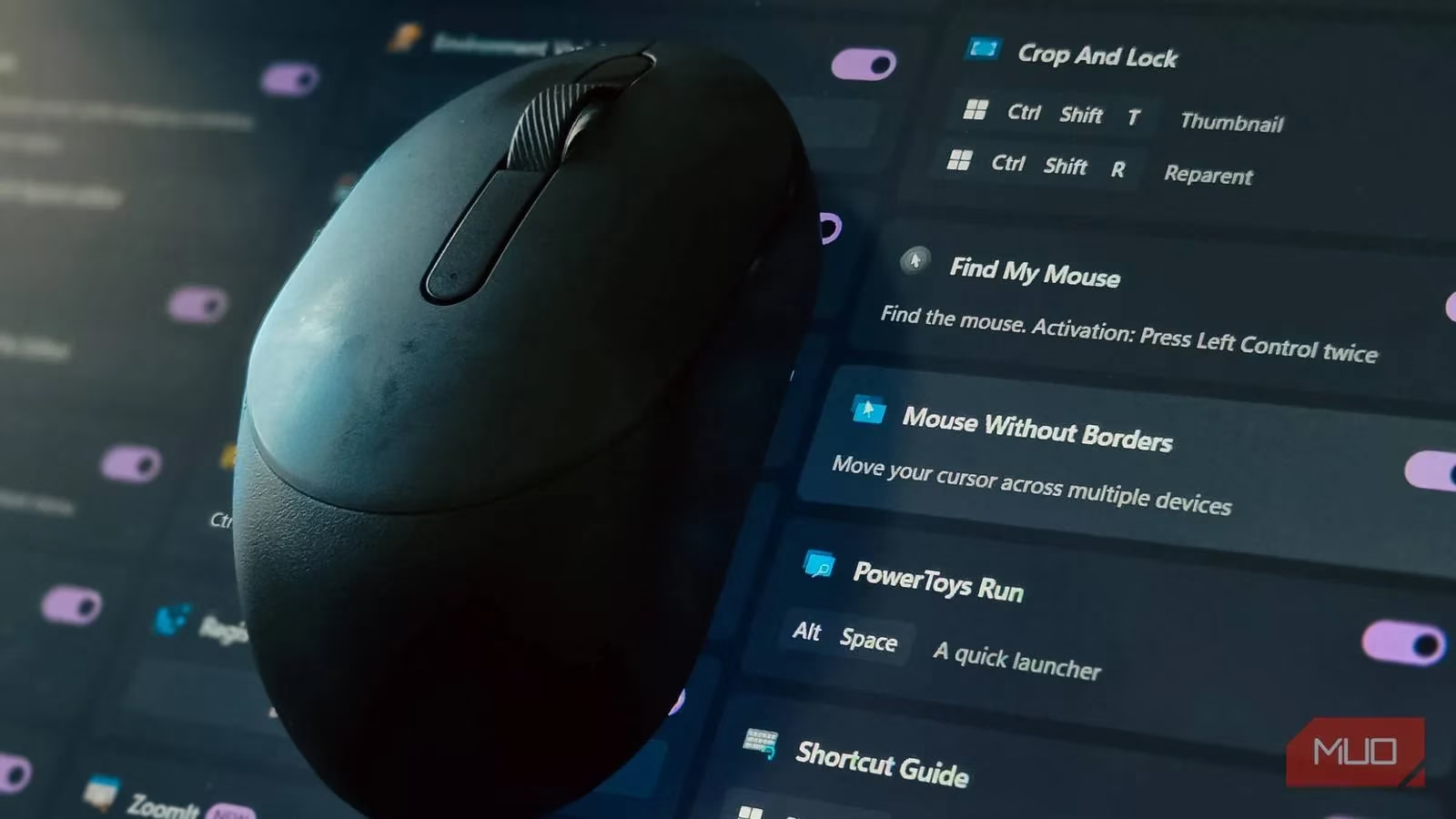
For years, I relied on built-in device switching from Logitech's Options+ app. It's convenient for occasional swaps, but when you're constantly moving between machines throughout a gaming session, pressing a button every time kills your flow. A hardware KVM switch is more reliable, but it's expensive and requires all your PCs to be physically close. Mouse Without Borders sits in the sweet spot: more convenient than dedicated keys, cheaper than a KVM, and perfect for someone like me who needs to flit between rigs without missing a beat.
The tool creates one continuous workspace across all your computers. You simply push your mouse to the edge of one screen, and it appears on the next PC. Your keyboard follows your cursor, so typing happens on whichever machine you're pointing at. But it goes further: you can copy and paste text between computers, and even drag and drop files—though there's a 100MB limit per file, so for larger folders you'll need to zip them first.
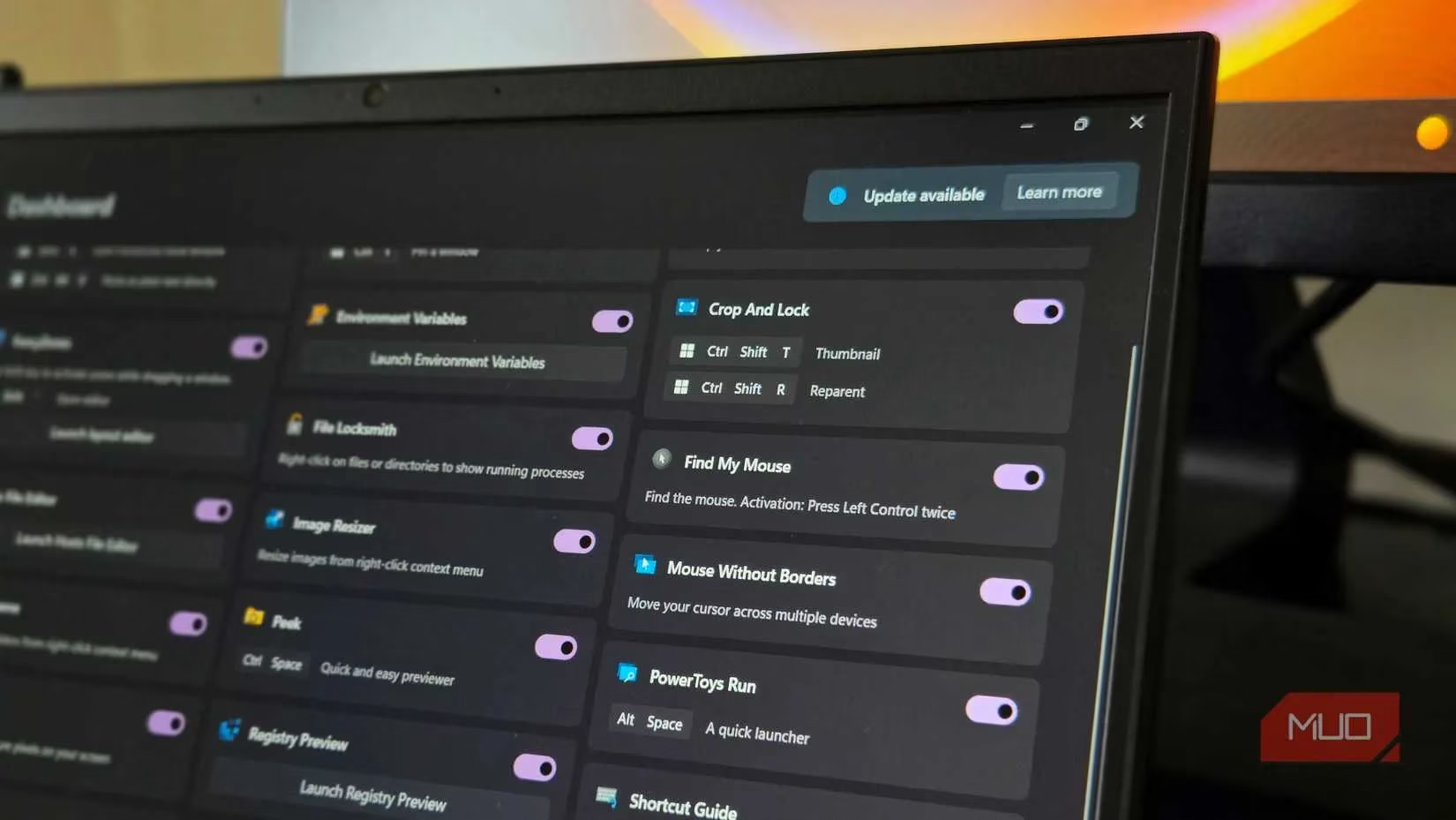
Setting it up is straightforward. First, install PowerToys from the Microsoft Store on every PC you want to connect. Open PowerToys settings and navigate to the Mouse Without Borders section under Windowing & Layout. On your primary computer, enable the feature and click New Key to generate a security key. Write down that key along with your computer's name. Then, on your second machine, enable Mouse Without Borders, enter the security key and host computer name, and click Connect. Within seconds, the status indicator turns green.
Mouse Without Borders shows your connected computers as draggable boxes. Arrange them to match your physical setup—if your second PC sits to the right of your main rig, drag its box to the right. It works exactly like Windows 11's multi-display layout, so it feels instantly familiar. You can connect up to four computers total, and adding each one follows the same simple process.
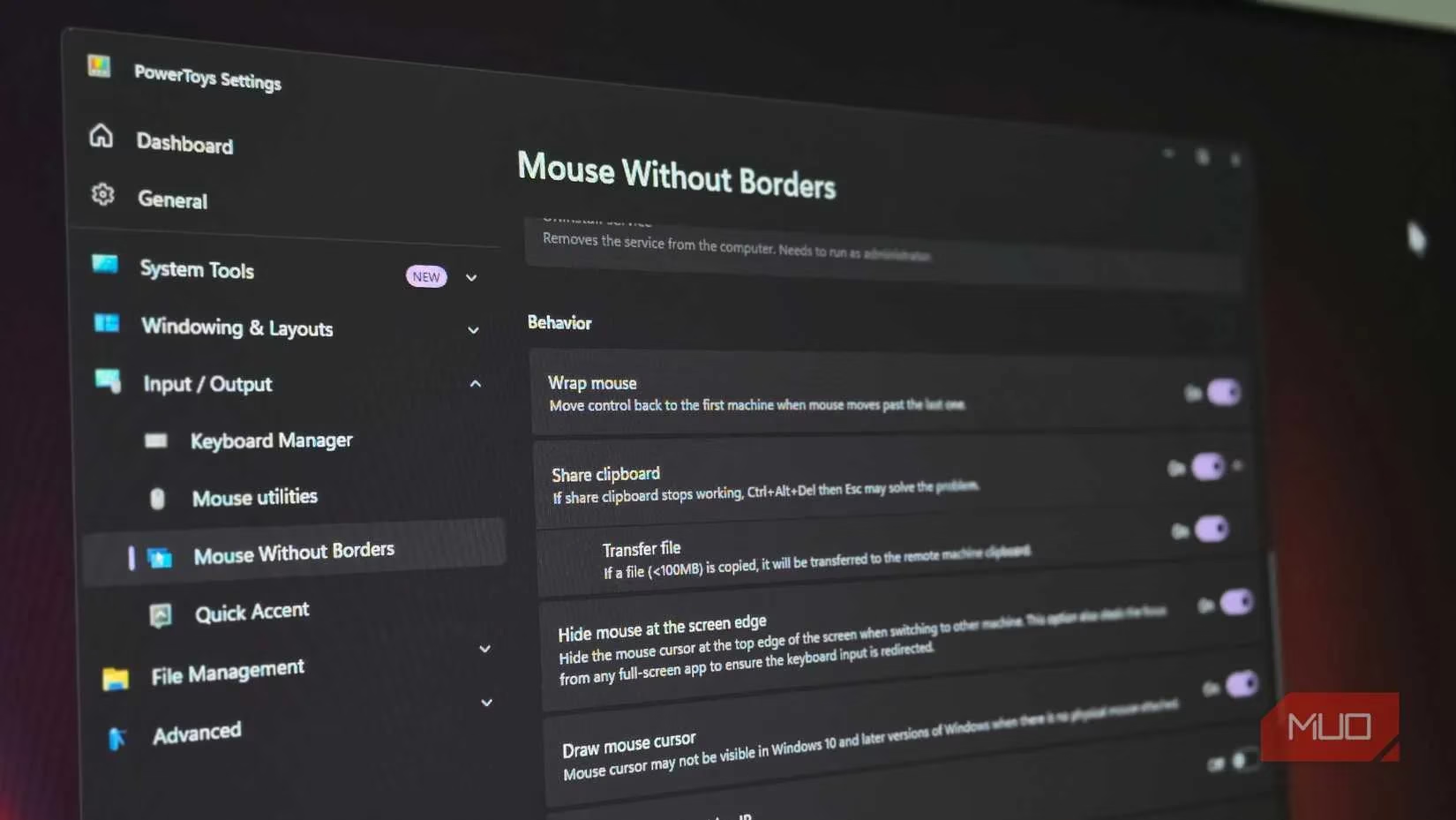
What really sells me on this tool are the advanced options. Clipboard sharing is a lifesaver—copy text on one PC, move your mouse to another, and paste. File transfers work the same way. Keyboard shortcuts speed things up: press Ctrl + Alt + 1 through 4 to jump directly to a specific computer, and Ctrl + Alt + F12 to lock all connected machines when you step away. The Easy Mouse toggle (Ctrl + Alt + M) temporarily disables edge switching, which is perfect when I'm in a full-screen game and don't want accidental cursor escapes.
In the Advanced Settings, you can adjust how close your mouse needs to get to the screen edge before switching, add delays to prevent accidental jumps, or disable switching entirely when certain apps are full-screen. There's also a service mode option (requires admin privileges) that ensures Mouse Without Borders works with elevated applications and at the Windows lock screen.
Of course, no tool is perfect for everyone. Alternatives like Input Director offer smoother multi-monitor support and more granular control, though they take more effort to configure. Synergy is more intuitive and works across Windows, Mac, and Linux, with the smoothest performance I've tested—but at $29, it's only worth it if you need cross-platform support or absolutely seamless switching.
For most Windows users, especially gamers like me who need to hop between machines a few times a day, Mouse Without Borders hits the sweet spot between functionality and simplicity. It's part of PowerToys, so no extra installs, and it just works. In 2026, with multi-PC setups becoming more common for streamers and competitive players, this free utility remains an essential part of my toolkit. 🎮
| Feature | What It Does |
|---|---|
| Seamless cursor | Move mouse across up to 4 PCs |
| Clipboard sharing | Copy/paste text between machines |
| File drag & drop | Transfer files up to 100MB each |
| Keyboard shortcuts | Ctrl+Alt+1-4 to jump, Ctrl+Alt+F12 to lock all |
| Easy Mouse toggle | Ctrl+Alt+M to disable edge switching |
| Service mode | Works with elevated apps and lock screen |
If you're tired of juggling keyboards and mice, give Mouse Without Borders a shot. It's free, it's encrypted, and it might just change the way you game across multiple rigs.
This discussion is informed by Rock Paper Shotgun, whose PC-focused reporting often emphasizes practical tools and setup optimizations that matter to players using multiple Windows systems. That perspective aligns well with software like Mouse Without Borders, where smoother cursor travel, shared clipboard support, and easier switching between gaming, streaming, and work machines can noticeably improve day-to-day PC workflow.
Leave a Comment