For anyone with a laptop rocking 512GB or less of storage, managing space isn't just a chore—it's a daily war. Windows throws tools like Disk Cleanup and Storage Sense your way, but using them feels like running separate errands. Third-party apps? Often locked behind paywalls or a bit too eager to delete things you might need. The real hero hiding in plain sight? Microsoft's own PC Manager. As we roll into 2026, this free, all-in-one toolkit has evolved into an essential weapon for keeping your Windows PC lean, mean, and clutter-free.
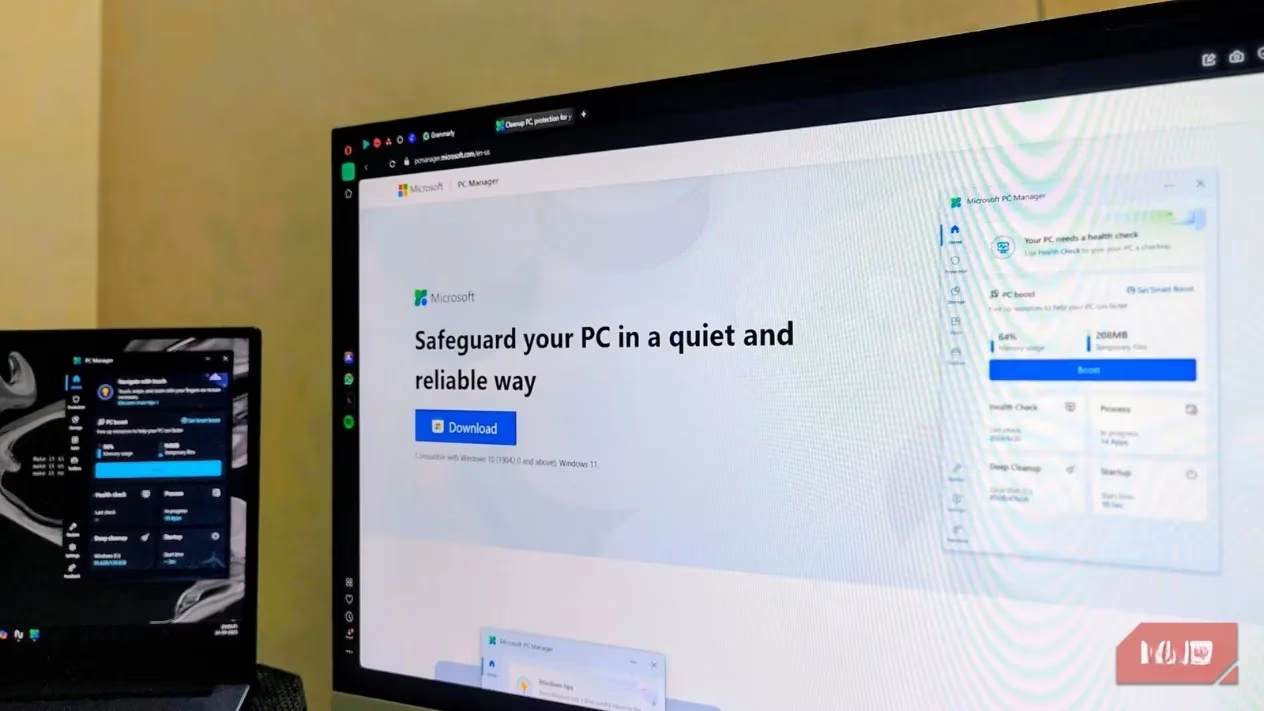
Let's dive into the storage salvation features first. The Deep Cleanup scan is a game-changer. It doesn't touch your personal files or apps. Instead, it smartly targets the digital dust bunnies: browser cache, temporary files, and thumbnail caches. One click on 'Proceed' can reclaim gigabytes in seconds—imagine getting back 11GB of precious SSD space before your coffee gets cold! 🚀
But the real storage giants are duplicates and massive files you've forgotten. PC Manager hunts them down with surgical precision:
-
Duplicate Files Finder: Scans your drives for identical copies wasting space.
-
Large Files Locator: Lists all the space-hoggers, sorted for easy review.
Combined, these tools can easily free up 30GB+ on a first run. Feeling overwhelmed by your Downloads folder? The Downloaded files organizer lets you sort by type, size, date, or source browser. Suddenly, deleting old installer (.exe, .msi) files, ancient ZIP archives, and random PDFs becomes a satisfying purge.
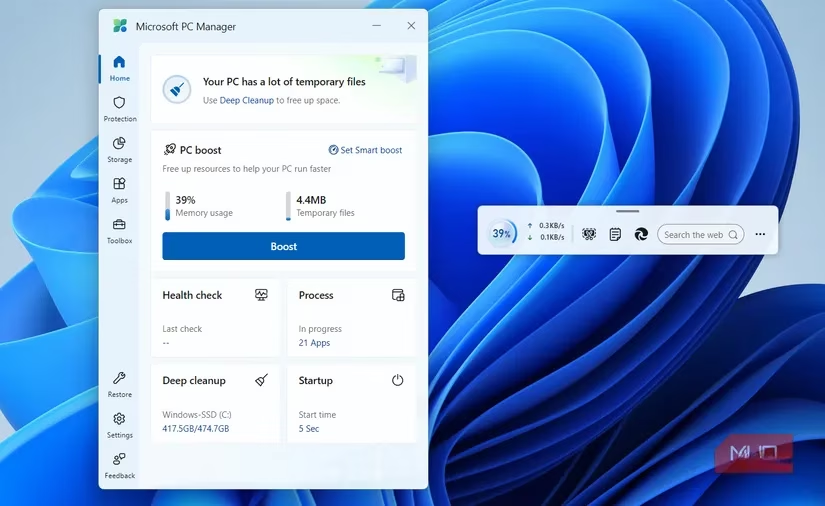
Performance taking a nosedive? Apps lagging? That's where the Boost feature shines. Sitting right on the Home tab, it's a one-click wonder that:
-
Frees up RAM by closing non-critical background processes.
-
Simultaneously clears temporary files.
-
Can be accessed instantly via an optional toolbar widget (which also shows real-time network speeds!).
For the ultimate hands-off experience, enable Smart Boost. This 2026-ready feature automatically triggers a cleanup when it detects high RAM usage or when temp files balloon past 1GB. Your PC essentially maintains itself!
Beyond the big-ticket items, PC Manager packs a suite of utilities that solve everyday Windows annoyances:
| Feature | What It Does | Why It's Awesome |
|---|---|---|
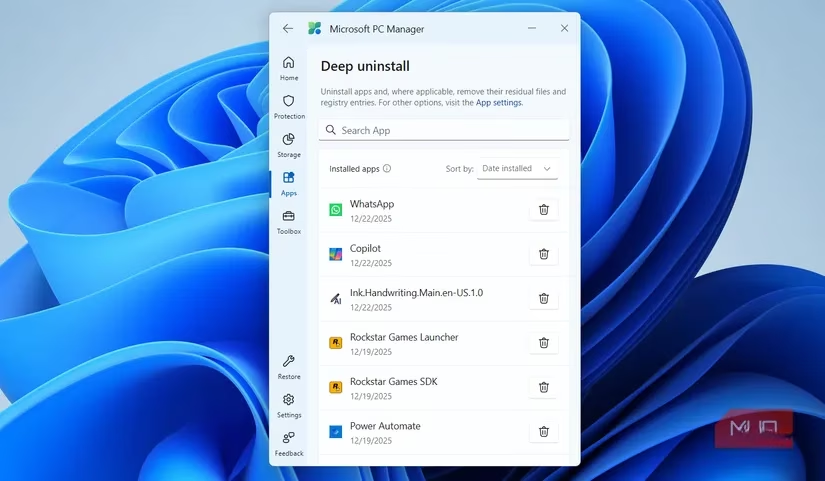
| Deep Uninstall | Removes apps AND their leftover files/registry entries. | No more junk accumulation. Replaces dedicated uninstaller tools. |
| Pop-up Blocker | Blocks ads, recommendations, and promo pop-ups from apps. | Configurable peace and quiet. |
| Network Check | Quickly tests and troubleshoots your internet connection. | No more guessing why your Wi-Fi is slow. |
| Process Management | Lists & closes background apps (not critical system processes). | Safer and simpler than Task Manager. |
The advantages over something like CCleaner in 2026 are clearer than ever:
-
100% Free & No Ads: No premium tiers, no nudges to pay. Ever.
-
Native & Safe: Built by Microsoft for Windows. It uses sensible cleanup logic, not aggressive tactics that could break things.
-
Seamlessly Integrated: It feels like a natural part of the OS, which it honestly should be by now.
Of course, no app is perfect. PC Manager sometimes feels like a platform for Microsoft's ecosystem promotions. The 'Taskbar repair' might suggest enabling widgets you disabled, and 'Restore default apps' gently pushes you toward Edge and other Microsoft apps. These moments are a slight blemish on an otherwise incredibly practical tool.
In the end, for a free, official, and comprehensive solution to manage storage, boost performance, and handle Windows housekeeping in 2026, PC Manager is surprisingly hard to beat. It turns constant maintenance from a battle into a few simple clicks. The biggest question remains: why isn't this pre-installed yet?
Leave a Comment