In the grand theater of Windows personalization, where taskbars get tweaked and themes get overhauled, the humble wallpaper often steals the spotlight. But let's face it: the default static backgrounds in Windows 11 are about as exciting as watching paint dry. Enter Lively Wallpaper, the open-source dynamo that transforms your desktop into a living, breathing canvas. Since its rise in popularity, it has become the go-to solution for users who refuse to settle for a boring backdrop. And in 2026, with even more features and polish, it's clearer than ever that Lively Wallpaper is the undisputed champion of desktop aesthetics.
Setting Up a Video Wallpaper: A Piece of Cake 🍰
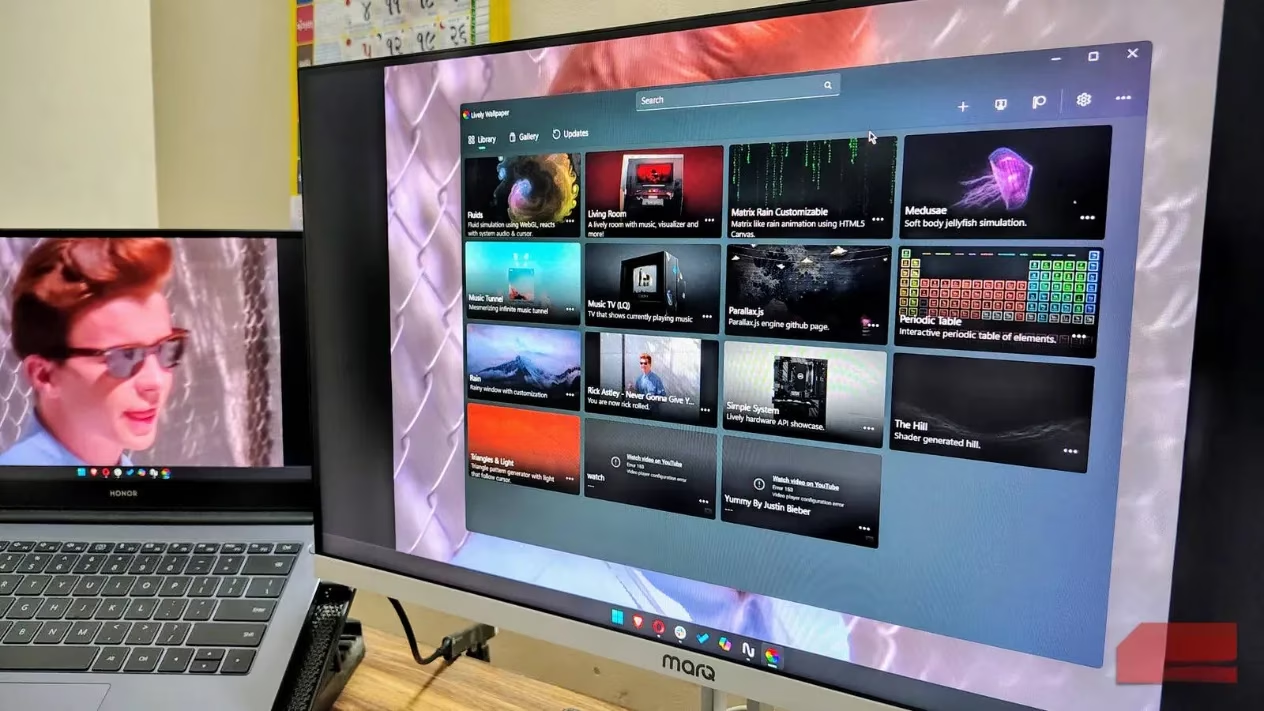
The beauty of Lively Wallpaper lies in its simplicity. Even the most technologically challenged individual can set a video as their wallpaper in mere moments. Here's the drill:
-
Download Lively Wallpaper from the Microsoft Store (it's free, by the way).
-
Launch the app and click the "+" button in the top-right corner.
-
Drag and drop your desired video file, or use the file picker to select it.
-
Tweak the attributes—like playback speed, mute, or fit—to your liking.
-
Hit "OK" and watch your desktop come alive.
It supports a smorgasbord of formats: MP4, MKV, AVI, GIF, and even direct YouTube links. Yes, you can literally have a YouTube video as your wallpaper. The possibilities are as endless as your imagination.
Performance That Won't Choke Your PC 🚀
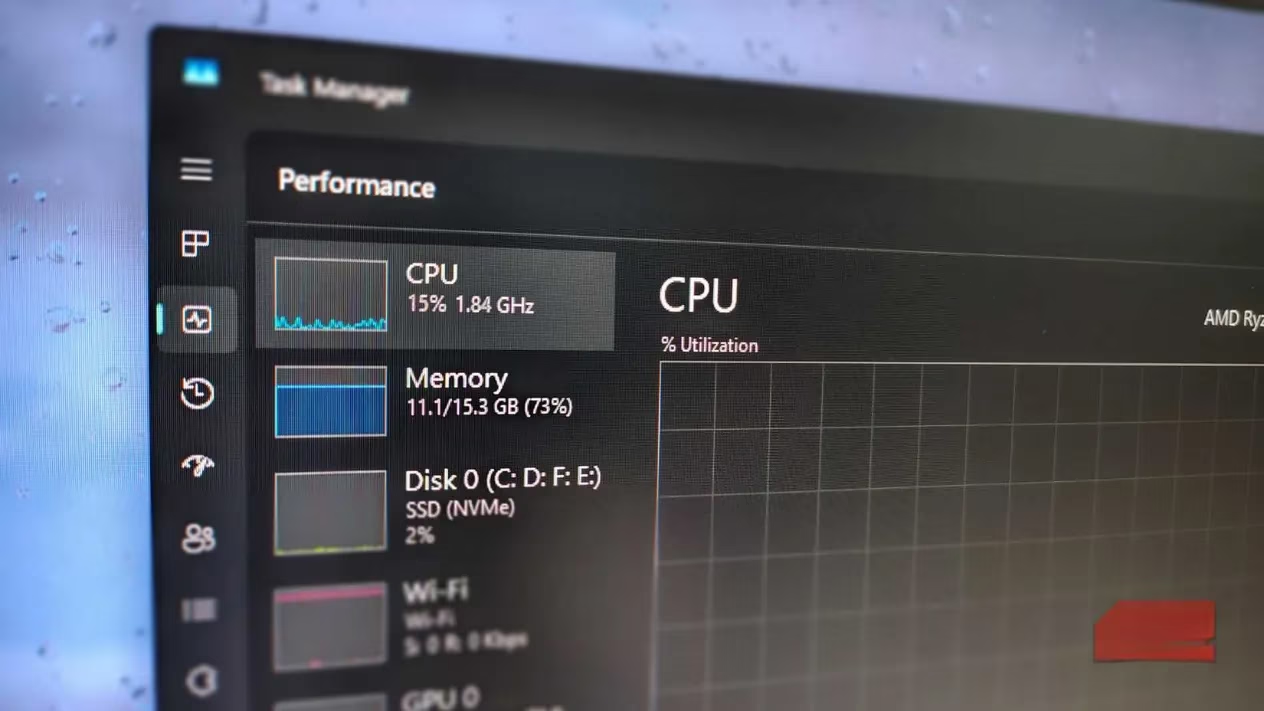
One might assume that live wallpapers would gobble up system resources like a starving hippo. But Lively Wallpaper is designed with efficiency in mind. When you launch a full-screen game or application, it automatically pauses background activities, freeing up your CPU and GPU for more demanding tasks. This isn't just a gimmick—it's a thoughtful feature that ensures your gaming sessions remain buttery smooth.
You can even customize this behavior. In the performance settings, you can specify which apps trigger the auto-pause, or adjust the wallpaper resolution to reduce load if your system starts to stutter. It's like having a personal assistant that knows when to step back.
A User Interface That Feels Like Home 🏡
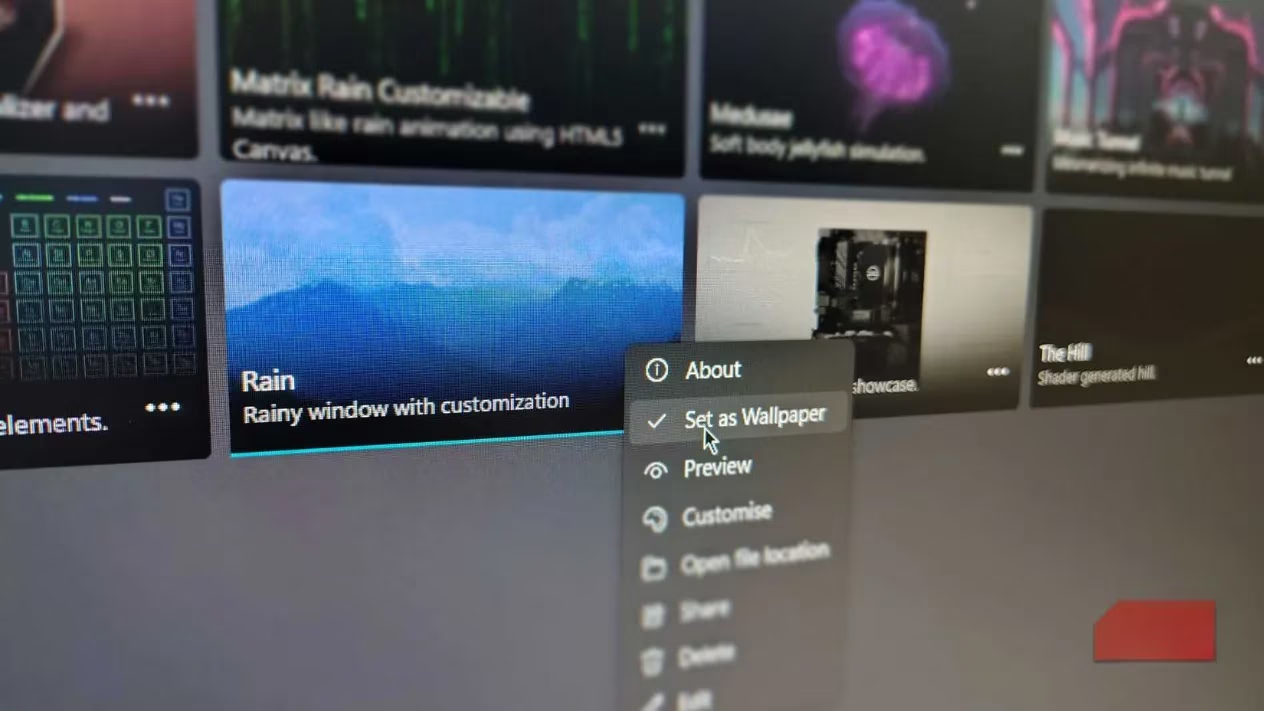
Lively Wallpaper is built with WinUI 3, giving it a native Windows 11 look and feel. The interface is clean, modern, and intuitive—no labyrinthine menus or confusing jargon. The app is divided into two main sections: Library and Gallery. That's it. No overwhelming "Discover" or "Workshop" tabs cluttering your experience. This streamlined approach makes finding and applying new wallpapers a breeze.
Whether you're a seasoned tinkerer or a casual user, you'll feel right at home. The app's design philosophy is simple: get out of the way and let the wallpapers shine.
Customization Galore: From Shaders to Unity 🎨
Lively Wallpaper isn't just about playing videos. It's a full-fledged customization platform. You can use live web pages, interactive websites, and even shaders from Shadertoy. If you're a developer, you can import projects made in Unity or Godot. The app supports a wide range of video formats and allows you to create truly unique wallpapers that reflect your personality.
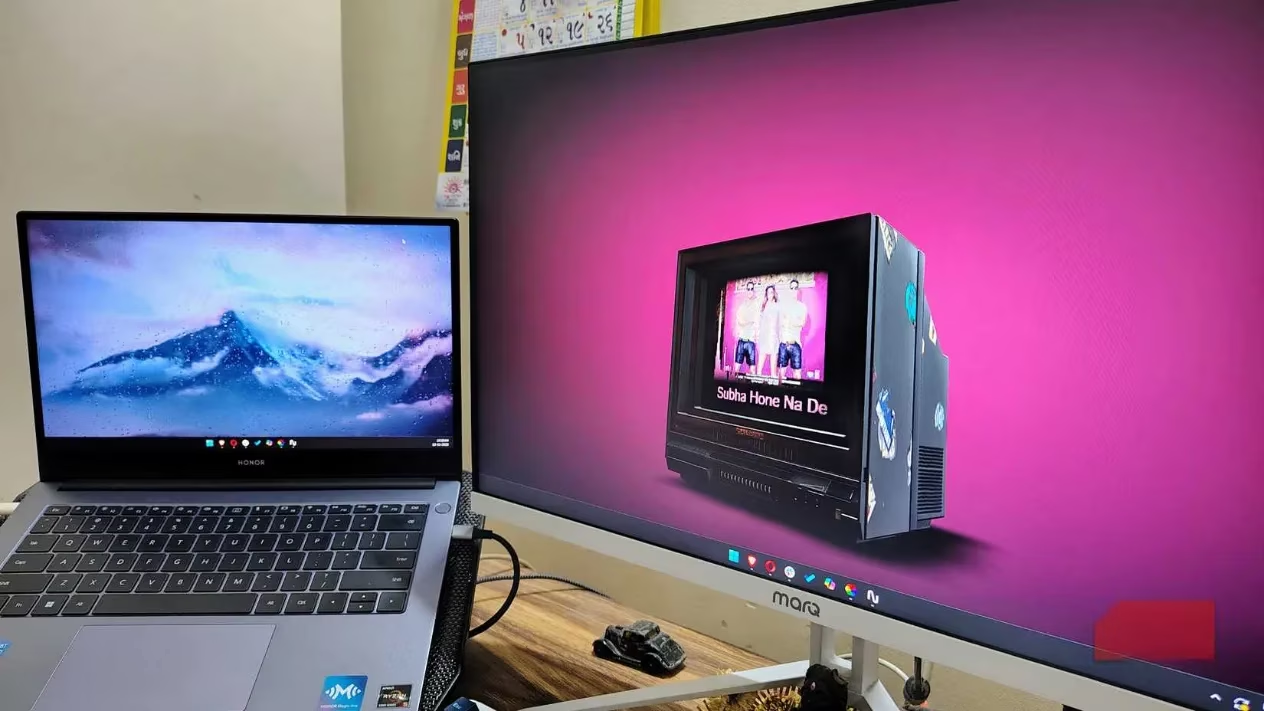
Want to display system information or an audio visualizer that bops to your music? Lively Wallpaper has you covered. It's like having a Swiss Army knife for your desktop background.
Multi-Monitor Magic 🖥️🖥️
For those who rock multiple monitors, Lively Wallpaper is a dream come true. You can stretch a single wallpaper across all screens or assign different wallpapers to each display. The app also includes an audio visualizer that reacts to your music and can display system info for any app with music output. It's the ultimate setup for productivity and eye candy.
Free and Open Source: The Cherry on Top 🍒
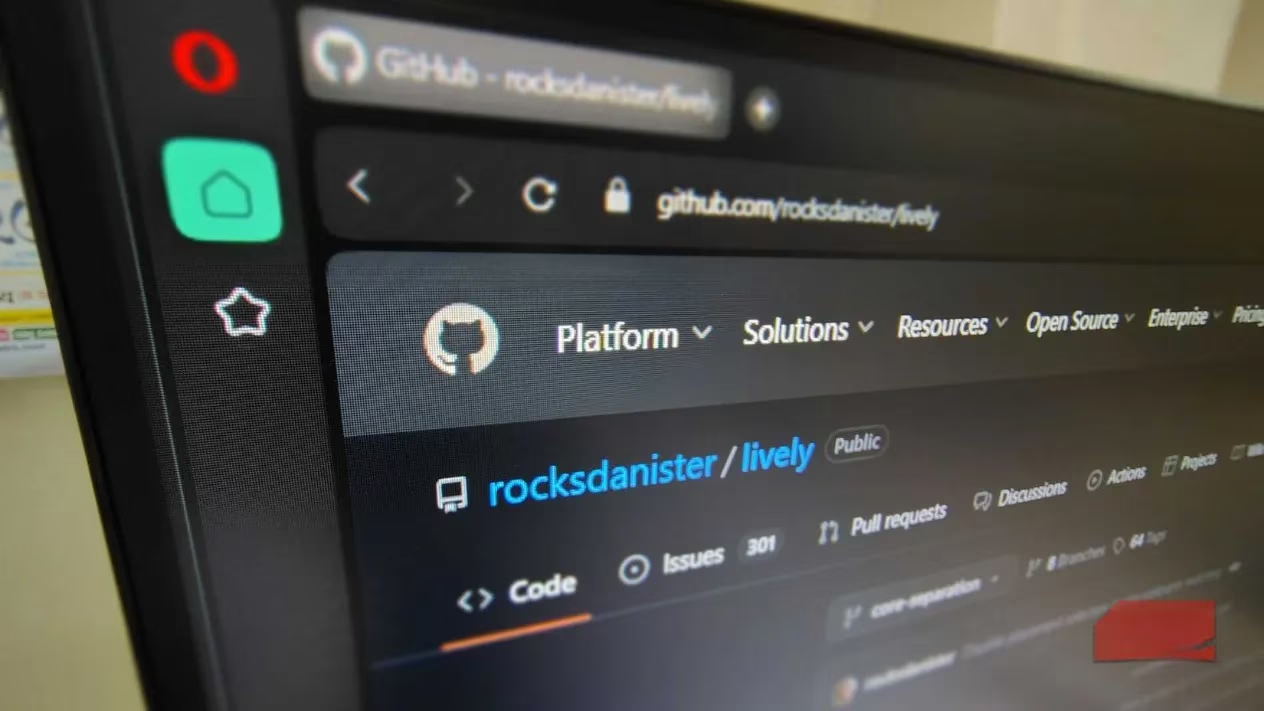
Perhaps the best part? Lively Wallpaper is completely free and open-source. That means no paywalls, no premium tiers, and no nonsense. The app is regularly updated by a dedicated community of developers who are passionate about making your desktop awesome. If you're feeling generous, you can support the project via Patreon or contribute code. But even if you don't, you get the full experience without spending a dime.
The Verdict: Why Lively Wallpaper Wins in 2026 🏆
In a world where software often bloats and charges for basic features, Lively Wallpaper stands out as a beacon of hope. It's lightweight, open-source, and packed with features that rival paid alternatives. It has changed the way users interact with their Windows PCs, and it's often one of the first apps installed on a new machine.
So, if you're still staring at a static, boring wallpaper, it's time to join the lively side. Your desktop deserves better. And with Lively Wallpaper, better is just a download away.
Leave a Comment