When Samsung dropped a Windows version of its browser back in late 2025, I snorted so hard my coffee almost went up my nose. Another Chromium clone? In a world already drowning in Chrome, Edge, Brave, and that weird new Comet thing? Why on earth would anyone, even a die-hard Galaxy fan, bother? I had been perfectly happy syncing Chrome across my phone and laptop for years—until I wasn’t. Out of sheer morbid curiosity, I set Samsung Internet as my default on Windows 11 two weeks ago. It’s now 2026, and I’m here to tell you: I was embarrassingly, hilariously wrong. This plucky little beta has charm, speed, and a surprising lack of bloat. In fact, I’m starting to understand why Samsung Internet beats Chrome for so many people.
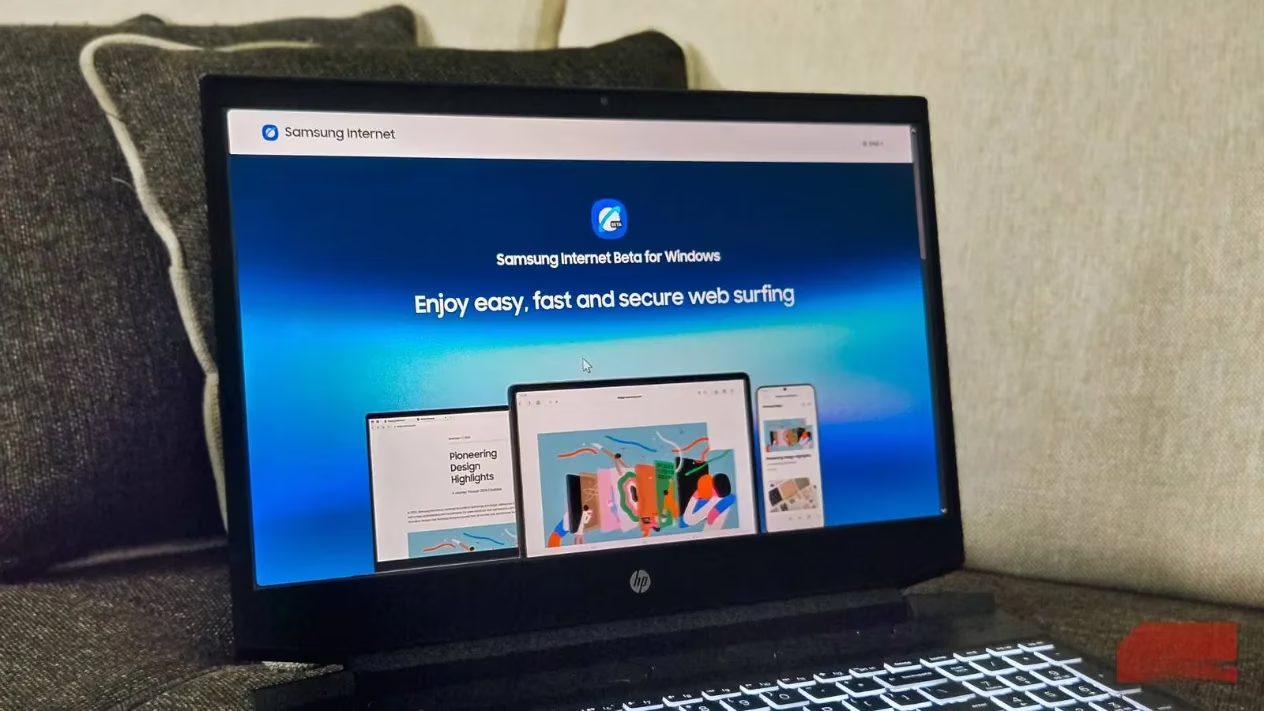
Let’s start with the bones. Samsung Internet for Windows is built on Chromium—no surprise there. That means you can raid the Chrome Web Store for almost any extension your productivity-crazed heart desires. uBlock Origin? Check. Bitwarden? Check. That obscure plugin that turns every image into a cat? Probably works. The point is, you won’t miss your add-on collection. The interface itself is a breath of minimalist fresh air. Out of the box, there’s no news feed screaming about celebrity divorces or AI doomsday predictions. Sign in with your Samsung account, and tabs from your Galaxy phone appear under “From other devices,” ready to be resumed. You can tweak the background, add widgets, and pin shortcuts to frequently visited sites. It’s like someone at Samsung actually understands that a new tab page should be a calm launchpad, not a slot machine of clickbait.
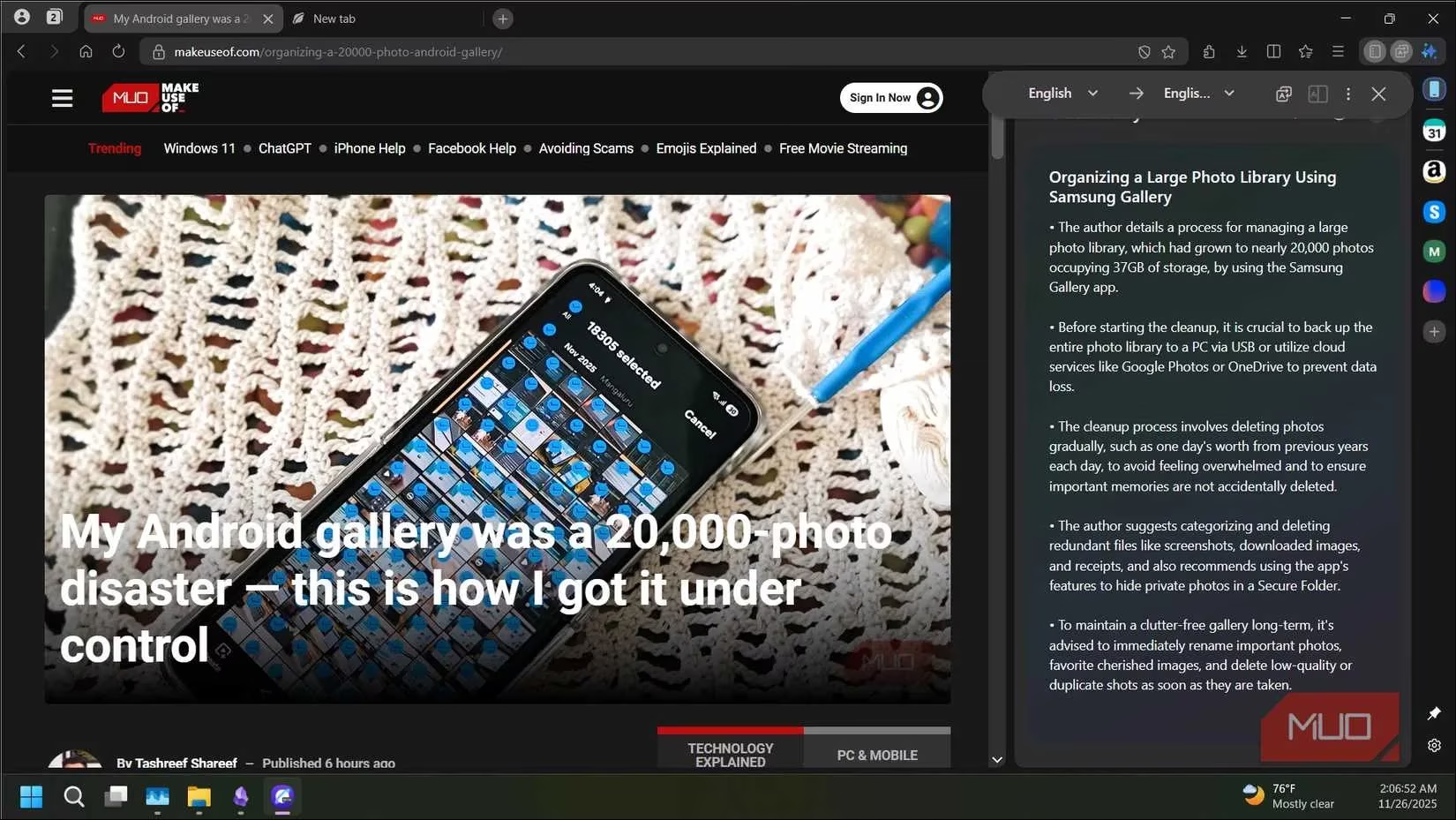
AI features are now as common as dust bunnies in browsers, but Samsung’s implementation is refreshingly useful. There’s a browsing assistant that can summarize a webpage with a single click—great for those 10,000-word think pieces I never actually read. A built-in translator is tucked in too, though you’ll need to download language packs first, a minor hurdle. Once set up, it rivals any competitor. Multitasking gets a lovely boost with a split-screen feature that lets me pin two tabs side by side. I use it constantly when comparing laptop deals or referencing documentation while writing. It’s the digital equivalent of having two cookbooks open on the counter, except your kitchen doesn’t catch fire. The sidebar is another gem: a collapsible panel giving quick access to your favorite sites and apps without leaving your current tab. By default, it’s stuffed with popular services, but you can swap those out for whatever niche tools you live in. Unlike Edge, which often squishes my page content into a claustrophobic frame, Samsung’s sidebar plays nice.
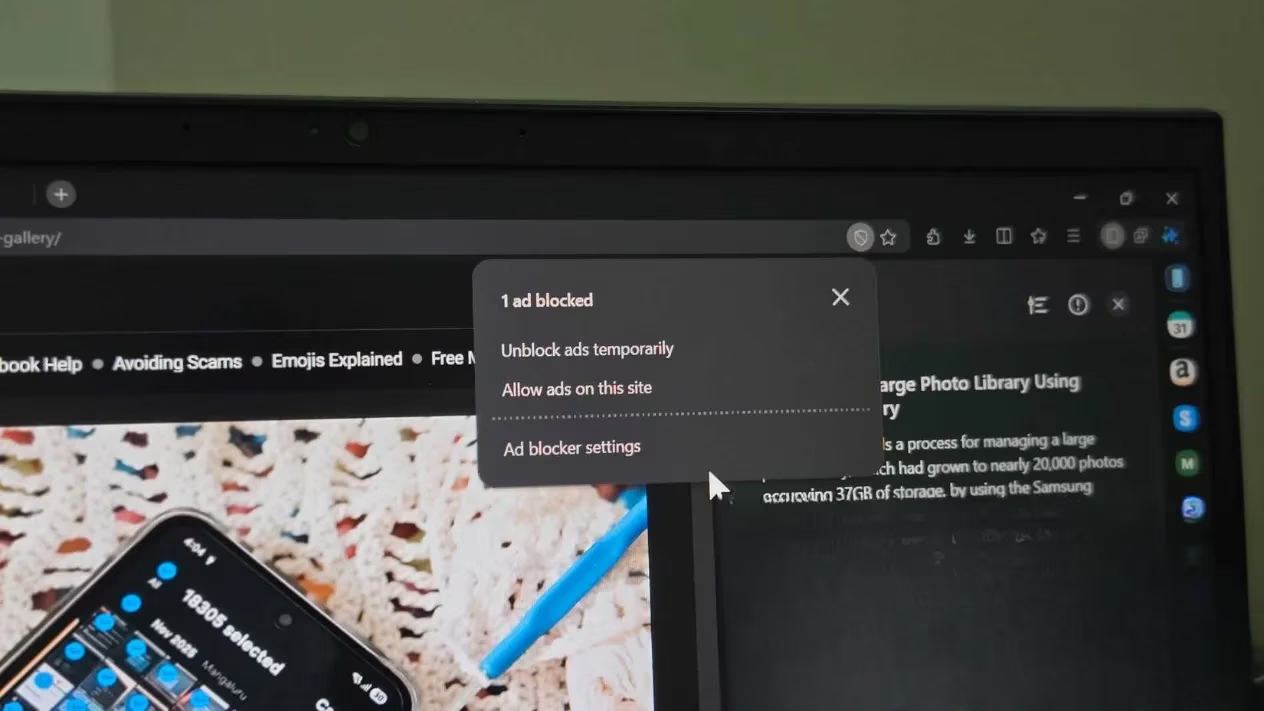
Now, let’s talk ad blocking—a touchy subject in 2026. Samsung Internet packs a built-in ad blocker that actually shows you a tally of how many annoyances it vaporized. On most sites, it performed like a champ, scrubbing pop-ups and banners into oblivion. Google may be waging a war on ad blockers, but this one mostly held the line. YouTube, however, is its kryptonite. I queued up the same test video on Samsung Internet and Perplexity’s Comet; Comet blocked the pre-roll ad, Samsung sat there like a deer in headlights. Maybe it’s a strategic partnership thing with Google, maybe it’s a bug, but it’s frustrating. If Samsung can plug that hole, the blocker goes from “good” to “legendary.”
Performance is where this browser genuinely shocked me. Pages loaded with a snappiness I haven’t felt since the early days of Chrome, partly thanks to that aggressive ad filtering but also due to smart optimization. I pulled up Task Manager after a full day of heavy browsing—multiple tabs, some streaming, the works—and Samsung Internet’s memory footprint was noticeably lower than both Edge and Comet with the same workload. For someone who’s grown numb to browsers treating RAM like an all-you-can-eat buffet, this felt like a gift. If you’re hunting for a capable Google Chrome alternative that won’t bring your machine to its knees, this deserves a spot on your shortlist.
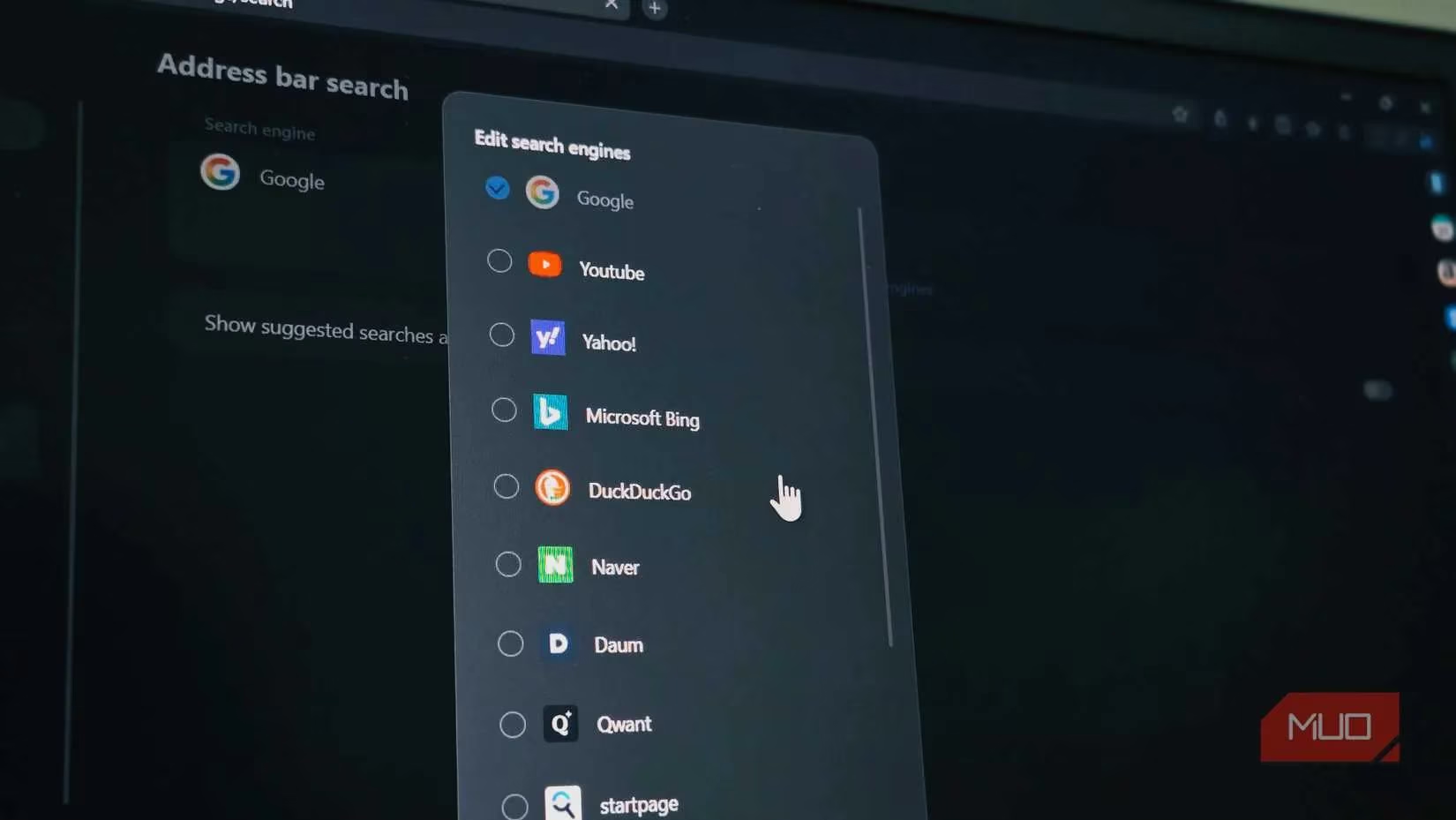
However, we must address the elephant in the room—the beta caveats. Gesture navigation, a feature I rely on to flip between pages with a flick, is completely absent, and I miss it like an old friend. You can’t add a custom search engine either; you’re stuck choosing from a pre-set list, which will irk anyone who loves niche, privacy-focused engines. Multiple user profiles? Forget it. For someone juggling work and personal identities, that’s a dealbreaker. And as mentioned, YouTube ads waltz right through, making the ad-blocker feel half-hearted there.
Still, Samsung Internet isn’t just another Chromium wrapper. It’s a purpose-built bridge for the Samsung ecosystem. The company wants you to use its browser everywhere, and honestly, syncing between my Galaxy phone and Windows laptop is now seamless—before this, juggling two different browsers was a motivational black hole. Building on Chromium removes the biggest barrier to entry, letting Samsung focus on polish rather than reinventing the wheel. For Samsung phone owners, this is the missing link. It’s fast, clean, and doesn’t bury you in bloat or news spam. Yes, a few features are still MIA, and that YouTube ad situation is irksome. But for a beta (or whatever it’s called in 2026 after a few updates), Samsung Internet on Windows is surprisingly refined. I never thought I’d voluntarily make a Samsung app my daily driver, yet here we are. Give it a shot—you might just eat your words too.
Leave a Comment