As early 2026 brought a fresh wave of large games, high-resolution recordings, and containerized development projects, Maya found her Windows system drive constantly missing free space. She had grown used to seeing the red storage bar in File Explorer, but she had no clear answer for where the capacity had gone. Windows Storage Sense dutifully emptied the Recycle Bin, cleared temporary files, and tidied the Downloads folder, yet it never addressed the deeper layers of hidden clutter. The real breakthrough came when she began using WizTree, a free disk analyzer that transforms an opaque storage problem into a clear visual map.
WizTree works differently from older cleanup utilities. Instead of crawling through every folder and file, it reads the NTFS Master File Table directly. This low-level approach lets the application identify millions of files in seconds and display their exact sizes without slowing down the system. Maya simply selected her nearly full C: partition, clicked Scan, and watched the entire file inventory appear within a few seconds. The interface gave her several ways to understand her storage. The Tree View presented a folder hierarchy with the largest directories rising to the top, while the File View allowed her to inspect individual files, sorted by size. Color-coded blocks offered an instant visual summary of which folders were consuming the most space.
With that new clarity, Maya developed a practical cleanup routine. She opened File View, applied filters to search for large video files, old archives, installer packages, and forgotten backups, and then reviewed the worst offenders. One unexpected discovery was a Docker data folder that had swollen to around 70GB. Because a few containerized services were still active, she did not remove everything. Instead, she filtered the Docker storage, identified the containers tied to abandoned experiments, and deleted only those. She also ticked the Duplicate Only option in File View, which revealed duplicate photos, downloaded documents, and software packages scattered across separate folders. That one focused session reclaimed about 40GB of space without requiring her to uninstall a single working application.
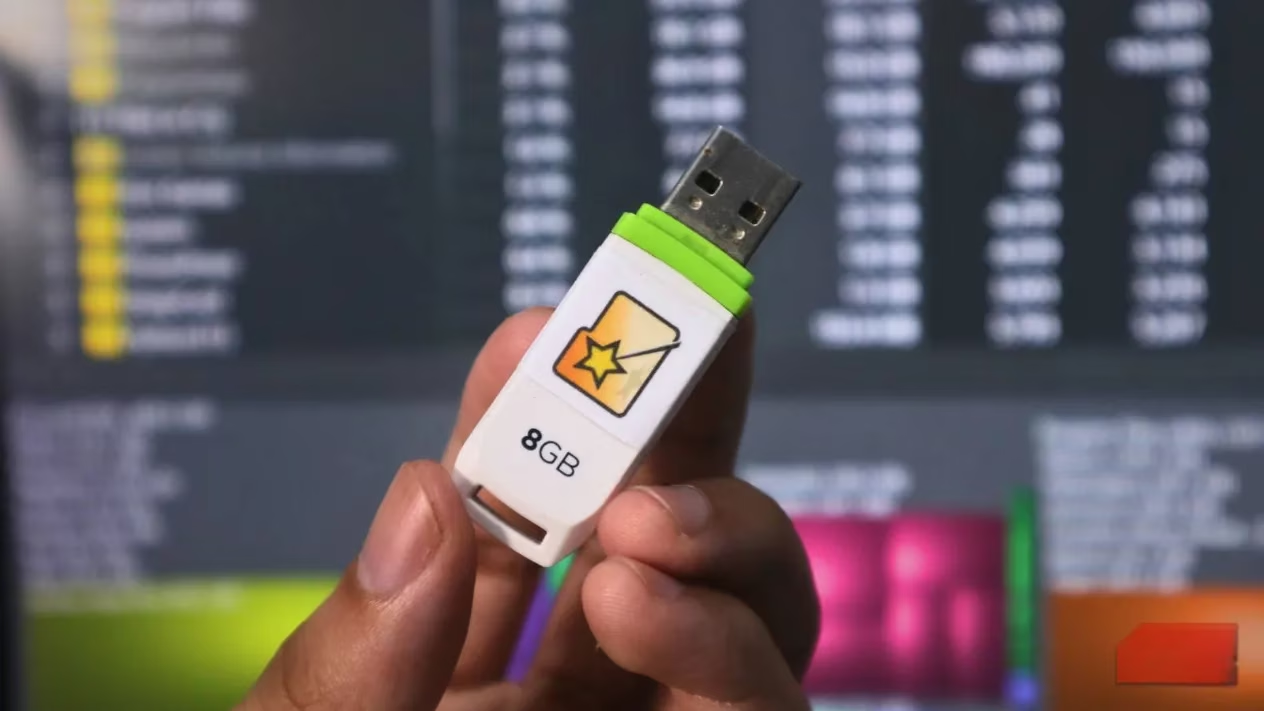
The usefulness of WizTree goes beyond a single machine. Maya added the portable version to a small USB flash drive that she keeps as part of a PC repair kit. Whenever a friend or family member complains about a laptop that feels slow or a drive that is almost full, she can plug in the same trusted analyzer, scan the system, and immediately show them what is taking up space. No installation is required, and no personal data leaves the computer.
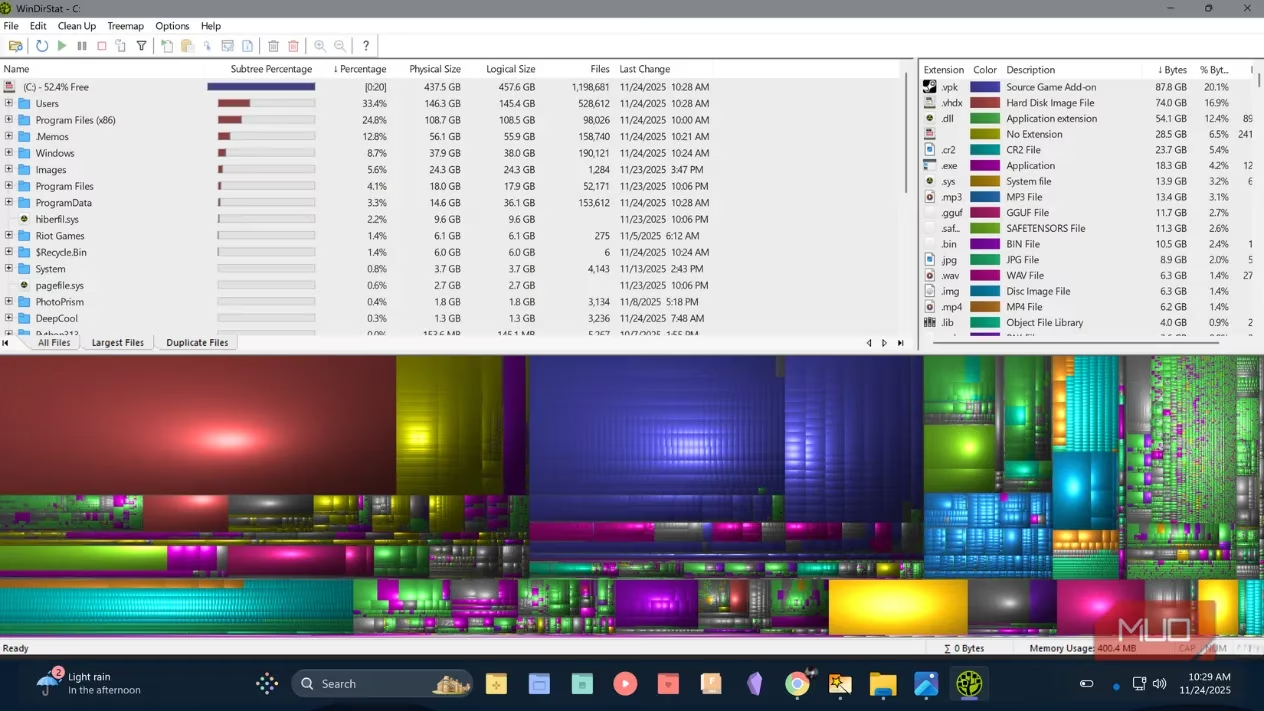
WizTree is often compared with WinDirStat, another well-known disk space analyzer. Both programs display folder sizes, offer treemap visuals, and are free for personal use, but their scanning methods are quite different. WinDirStat follows a more traditional process of enumerating directories one by one, which can take much longer on modern drives. WizTree takes advantage of the NTFS structure and returns results far more quickly. During Maya's test on a 1TB drive, WizTree completed a full scan in roughly seven seconds, while WinDirStat needed around half a minute. The difference becomes even larger on high-capacity drives or drives filled with millions of small files.
A side-by-side comparison helps explain why WizTree has become the preferred choice for many users:
| Feature | WizTree | WinDirStat |
|---|---|---|
| Scanning approach | Reads NTFS Master File Table directly | Enumerates directories traditionally |
| Typical 1TB scan speed | Around 7 seconds | Around 30 seconds |
| Portable option | Yes | Yes |
| File filtering | Includes File View, filters, and duplicate detection | Basic file list and treemap |
| Personal use cost | Free | Free |
The lesson from Maya's experience is simple: a full Windows drive does not have to remain a mystery. Built-in tools such as Storage Sense are helpful for maintaining basic hygiene, but they rarely provide the complete picture needed for serious cleanup. A focused disk analyzer like WizTree removes the guesswork by turning storage consumption into something visible, sortable, and actionable. Whether the goal is reclaiming space on a personal gaming PC, maintaining a development workstation, or helping someone else repair their machine, scanning with the right tool can lead to surprising recoveries. In an era of ever-expanding games, media libraries, and cached project files, the ability to see exactly what lives on a drive is more valuable than ever.
Leave a Comment