I don't know about you, but my Windows desktop used to look like a digital hoarder's paradise. Shortcuts everywhere, random files scattered like confetti after a parade, and a Recycle Bin that refused to leave. Then, in a moment of clarity (or maybe desperation), I decided to rebuild everything from scratch. That's when I rediscovered Rainmeter—a tool that's been around for over twenty years and yet still makes modern customization apps look like they're playing catch-up. It's 2026, and this classic piece of software remains the undisputed champion of making Windows feel like yours. And no, I'm not being paid to say that. I just really hate clutter.
Why Rainmeter Still Wins After Two Decades
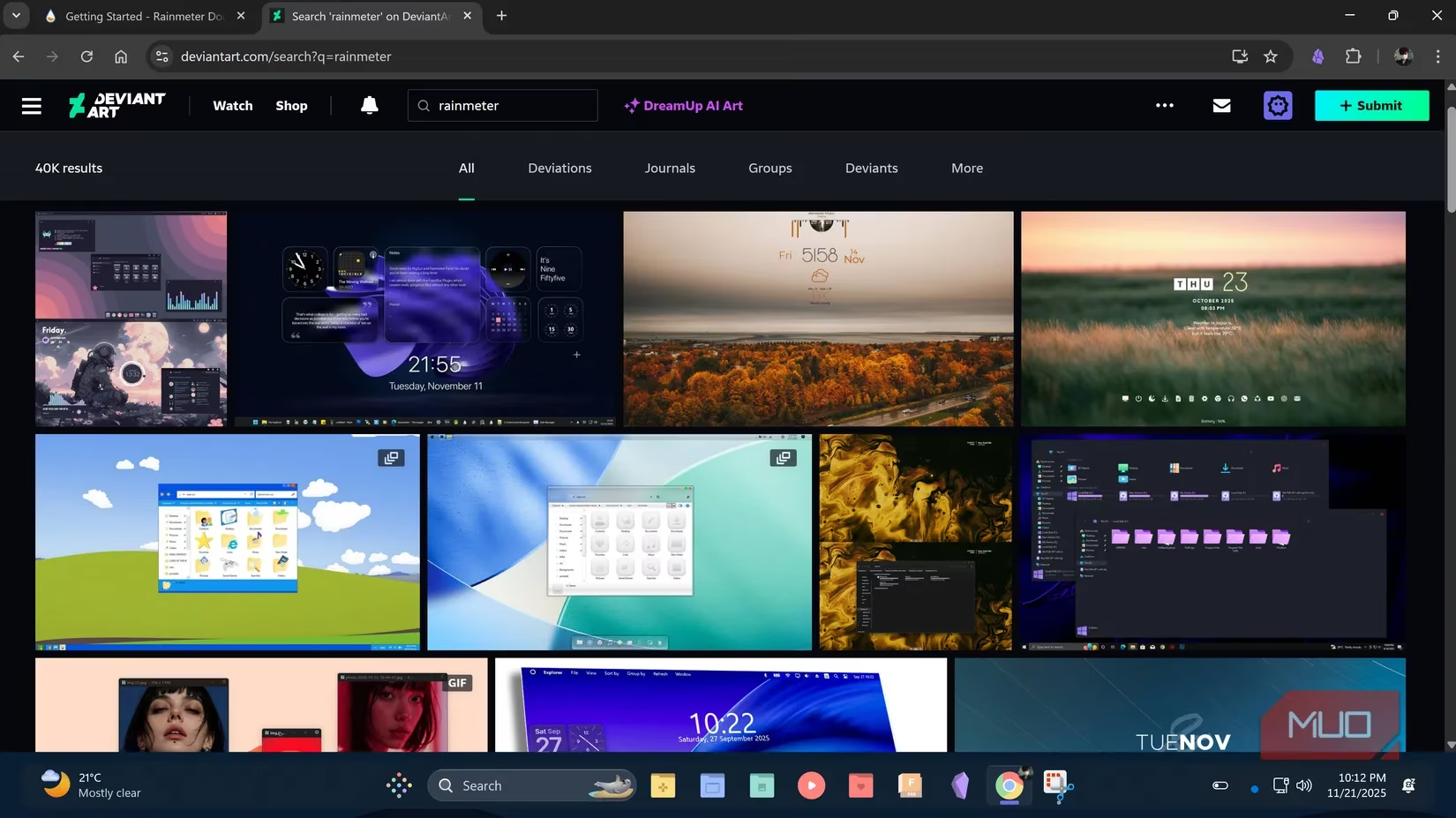
Rainmeter doesn't just survive; it thrives. Why? Because Windows still treats customization like an afterthought. You get a few accent colors and a dark mode—whoop-de-doo. Rainmeter, on the other hand, hands you the keys to the kingdom. Want a minimalist dashboard? Done. Want system stats floating elegantly on your screen? Easy. Want to pretend you're a hacker from a 90s movie? Go for it. The community behind Rainmeter is a relentless army of creators who pump out thousands of skins on sites like DeviantArt and VisualSkins. It's not nostalgia; it's a living, breathing ecosystem. And it's free. Free! In 2026, that's practically a miracle.
My Four Favorite Skins (That Keep My Desktop Sane)
Before Rainmeter, my desktop was a dump for shortcuts. Now, every pixel has a purpose. Here are the skins that turned my chaotic mess into a well-oiled machine.
1. CyberSearch: Because Opening a Browser Just to Search Is So 2020
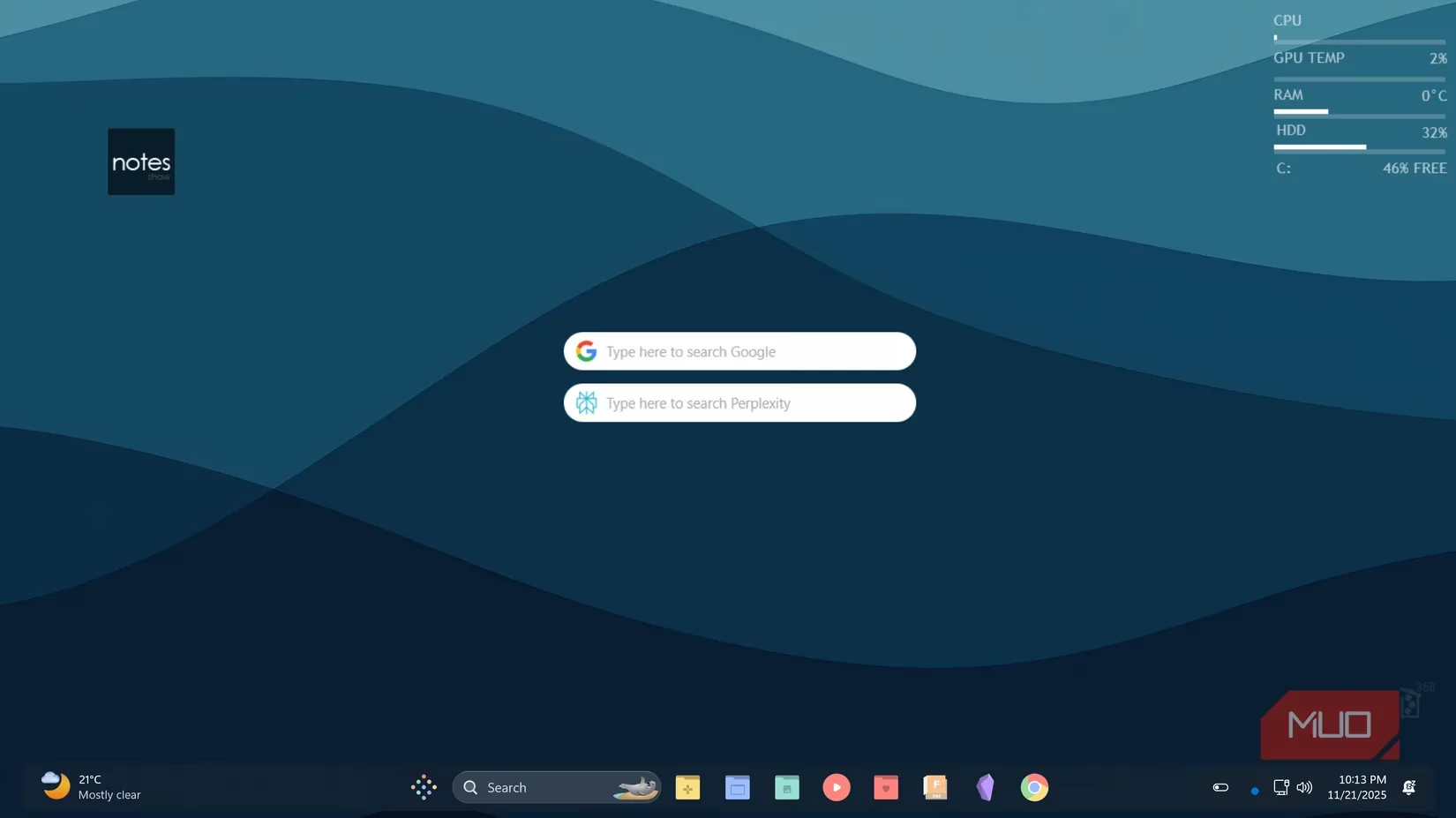
I used to waste precious seconds opening Chrome or Edge just to look up a quick fact. Now, CyberSearch sits right on my desktop. I've got a Perplexity bar for AI-powered searches and a Google bar for when I need reliable, old-school results. It's like having a search engine butler. No, seriously—I just type and boom, answers. No browser tabs, no distractions.
2. Notes: The Skin That Knows When to Shut Up
I love quick notes, but I hate them staring at me all day. The Notes skin lets me expand it when I need it and minimize it when I don't. It's like a well-trained pet—there when you want it, invisible when you don't. The clean aesthetic doesn't clash with my setup, which is a fancy way of saying it doesn't look like a toddler designed it.
3. Just A Bin: The Recycle Bin's Glow-Up
Windows won't let you remove the Recycle Bin from the desktop. Annoying, right? Enter Just A Bin. This skin reskins the bin and adds actual functionality. It shows how many files are in there and how much space they're hogging. Even better, I set it to be invisible by default—it only appears when I hover over the bottom right corner. So I get a hidden Recycle Bin that still gives me stats. Take that, Microsoft.
4. Lines 2.0: Because I'm a Nerd Who Loves Stats
Lines 2.0 displays my CPU, memory, and storage levels in real time. Is it essential? No. Do I love it? Absolutely. It's like having a tiny mission control on my desktop. … And I love it. When something's running heavy or my drive is filling up, I know instantly. That's how I avoid the dreaded "disk full" panic and remember to offload files to my NAS.
A Word of Warning: Don't Go Skin Crazy
Now, before you download every skin in existence, a little caution. I built a full Rainmeter dashboard on my laptop and noticed a slight performance dip. On my desktop PC, zero issues. So depending on your hardware, you might want to pace yourself. Start with a few skins, see how your system handles it. Rainmeter is lightweight, but piling on fifty animated widgets will make any machine wheeze. Trust me, I learned that the hard way.
Final Thoughts: Your Desktop, Your Rules
Rainmeter has been around for two decades because it works. It's reliable, free, and backed by a community that never sleeps. If you're tired of the default Windows look—the same wallpaper, the same taskbar, the same everything—give Rainmeter a shot. Download a few skins, tinker, break things, fix them. You'll learn fast, and soon your desktop will feel personal, functional, and maybe even a little joyful. In 2026, that's a rare thing. So go ahead, rice your Windows. Your eyes will thank you.
Research highlighted by Newzoo underscores how PC players continue to value personalization and utility tooling alongside games, which helps explain why a long-running desktop mod platform like Rainmeter still feels relevant in 2026: it scratches the same “optimize my setup” itch as in-game HUD tuning, while also reducing friction (search, notes, system stats) so more time goes to playing instead of hunting through clutter.
Leave a Comment