The Windows clipboard has been around for decades, quietly holding everything from copied text and links to screenshots. But the default experience has always felt like a blunt instrument: copy something, paste it exactly as it was, and hope it fits. In 2026, Microsoft PowerToys Advanced Paste is changing that for good, giving Windows users a genuinely modern clipboard with format conversion, image OCR, smarter history, and optional AI tricks. The kicker? The core features are completely free and run locally.
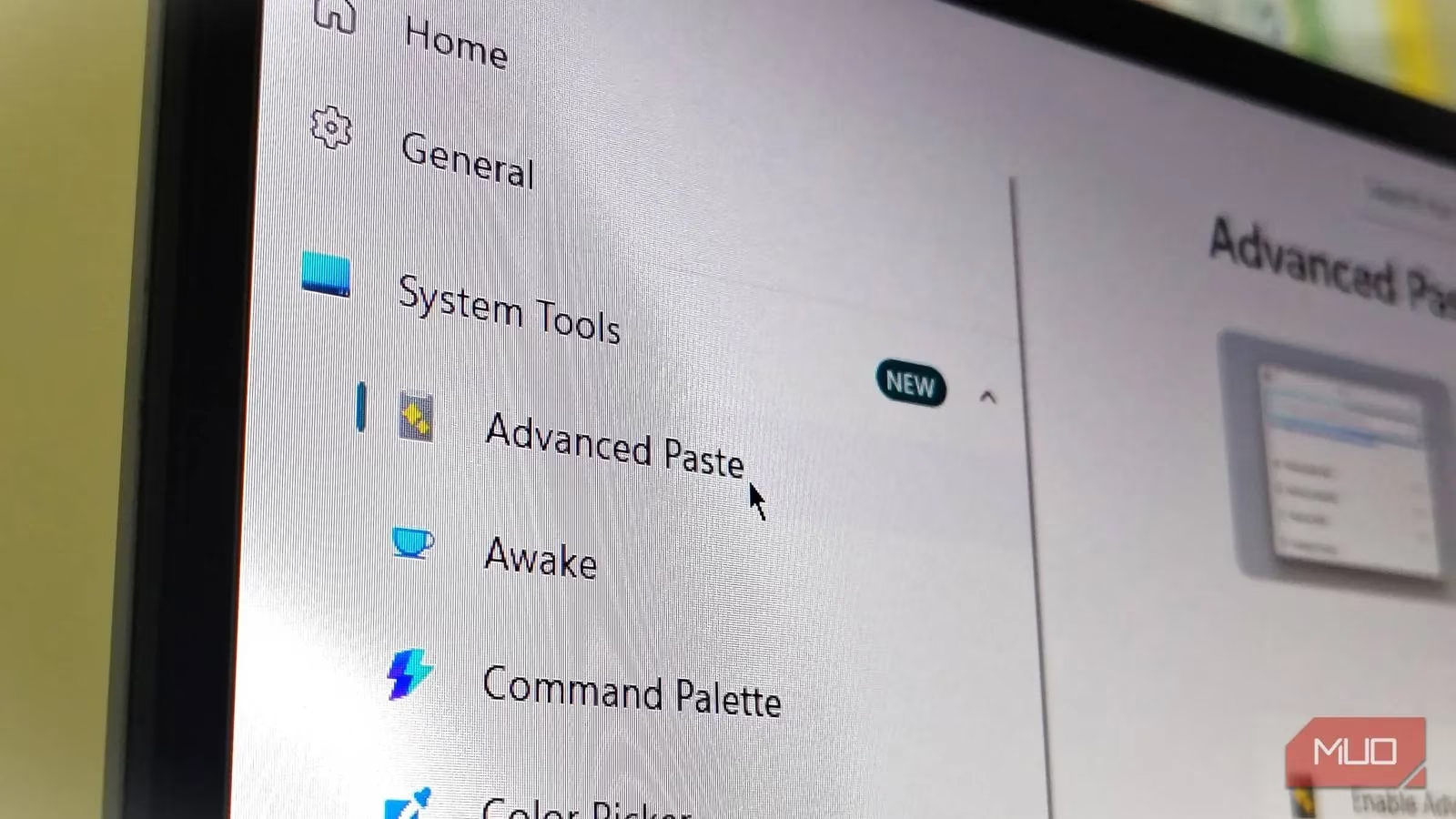
Enabling Advanced Paste is a walk in the park. First, grab PowerToys from the Microsoft Store or GitHub. Once installed, launch it from the Start menu and follow these steps:
-
Click System Tools in the side menu.
-
Select Advanced Paste, which typically appears as the first option.
-
Toggle Enable Advanced Paste to the on position.
-
Scroll to the Actions section and set a trigger shortcut. Many users swear by Win + Alt + V.
-
Turn on the extra features you want, such as paste as plain text, Markdown, JSON, or image-to-text.
After that, pressing your trigger shortcut opens the Advanced Paste window, ready for whatever you throw at it. 📋
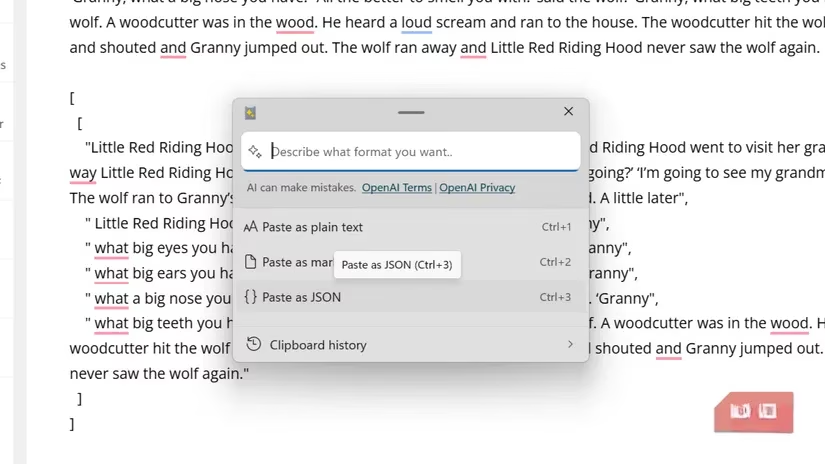
One of the biggest quality-of-life upgrades is instant format transformation. The stock Windows clipboard only lets you paste content as copied or as plain text. Advanced Paste, on the other hand, can convert copied content on the fly to plain text, Markdown, JSON, or HTML. It can also save text directly as a file or as a PNG image. For developers, writers, and data wranglers, this cuts out a ton of manual formatting busywork. ✂️
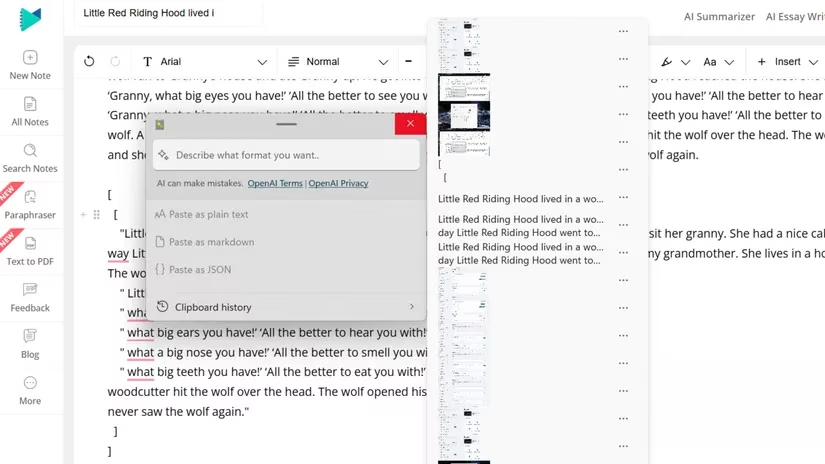
Clipboard history also gets a major facelift. Windows' own clipboard can store up to 25 items, but previews are tiny, search is missing, and everything vanishes on reboot. Advanced Paste keeps the 25-item cap but presents items in a much more organized way. You can hover over entries to see larger previews of text, images, or copied files. Better still, you can pin frequently used items so they stay put even when new copies come rolling in. It may not dethrone dedicated clipboard managers like Ditto or CopyQ, but for a built-in PowerToys module it is a solid step forward.
| Feature | Default Windows Clipboard | Advanced Paste |
|---|---|---|
| Format conversion | Copy as-is or plain text only | Plain text, Markdown, JSON, HTML, PNG, file save |
| History limit | 25 items, cleared on reboot | 25 items, with pinning and better previews |
| Image to text | Not available | Local OCR built in |
| AI assistance | None | Optional via OpenAI API key |
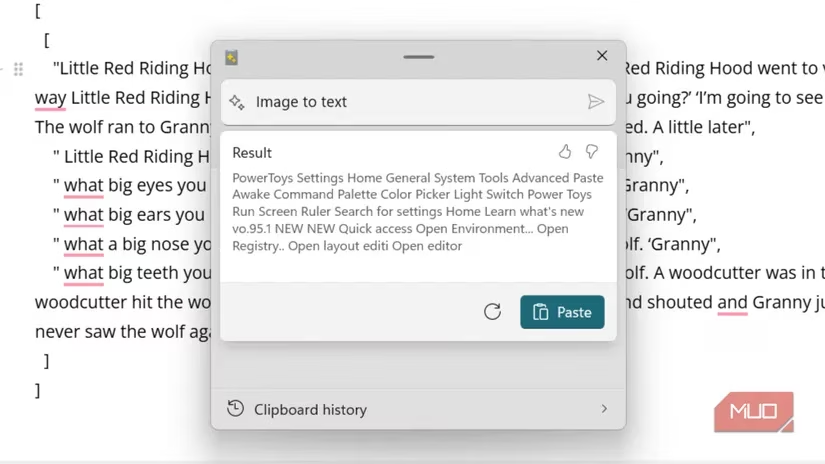
The OCR and save-as-file capabilities are where Advanced Paste really shines. The standard Windows clipboard is limited to copying and pasting what is already on screen. But Advanced Paste includes local OCR, so you can extract text from screenshots or images without needing a third-party tool. It also lets you paste anything as a file directly in File Explorer. A long paragraph can become a .txt or PDF, text from an image can become a saved document, and a text block can be exported as a PNG. That removes the extra dance of pasting into Word, choosing a location, and saving manually. 🖼️
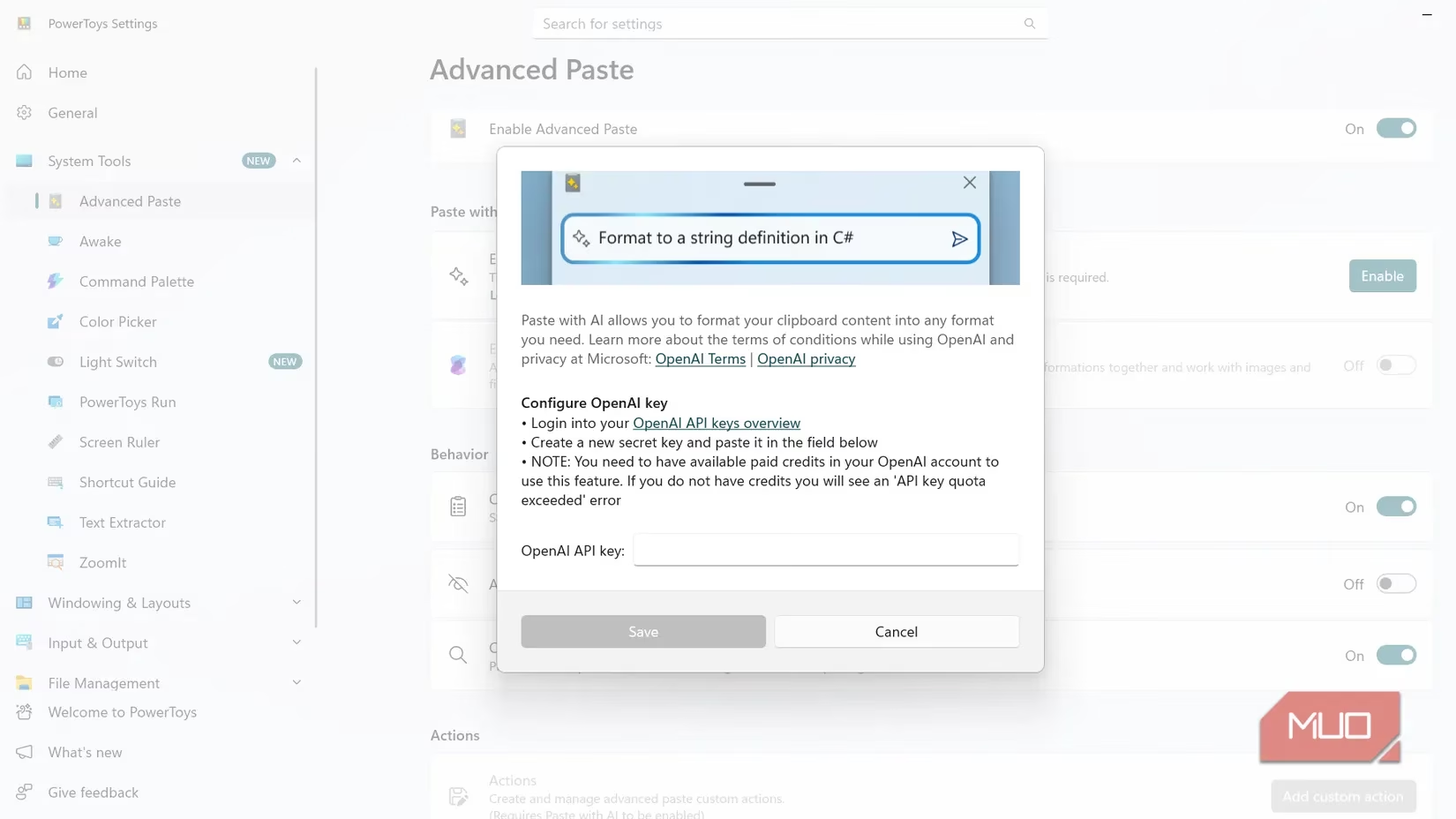
For those willing to tinker, Advanced Paste also offers optional AI-powered paste actions. But there is a catch: they require an OpenAI API subscription. The costs can add up quickly because power users burn through token limits faster than expected. That makes the AI side more of a bonus than a headline feature. Until Microsoft brings support for alternatives like Copilot, Gemini, or Grok, most people will happily rely on the free local tools. 🤖
Even in 2026, Advanced Paste is still rough around the edges. It does not support persistent clipboard history, meaning your pinned and copied items clear out after a reboot. Dedicated third-party tools such as CopyQ, Ditto, and ClipClip continue to offer more robust long-term storage. Still, Advanced Paste more than makes up for that with fast, local, and free functionality. It is a classic case of the whole being greater than the sum of its parts.
In short, Advanced Paste turns the humble Windows clipboard into a modern, feature-packed productivity tool. The formatting conversions, OCR, and saving options alone are worth the download. If Microsoft keeps shipping updates at its current pace, the best days of the Windows clipboard may still be ahead. For now, though, it is already a no-brainer for anyone who copies and pastes daily. 🔥
Leave a Comment