It was a chilly morning in early 2026 when Ethan first noticed his gaming rig taking ages to reach the Windows desktop. What used to be a sub-30-second boot had stretched into a frustrating minute-long wait. As a patient man, he initially tried the usual remedies: clearing startup apps, enabling Fast Startup in Windows, and even running a cleanup script. But the progress was minimal.
One afternoon, while combing through Task Manager to trim background processes, his eyes landed on a small, overlooked detail in the Startup apps tab: Last BIOS time. The number read 27.8 seconds. Ethan frowned. He had always assumed the delay came from Windows loading too many services, but that number hinted at something happening long before the operating system took over.
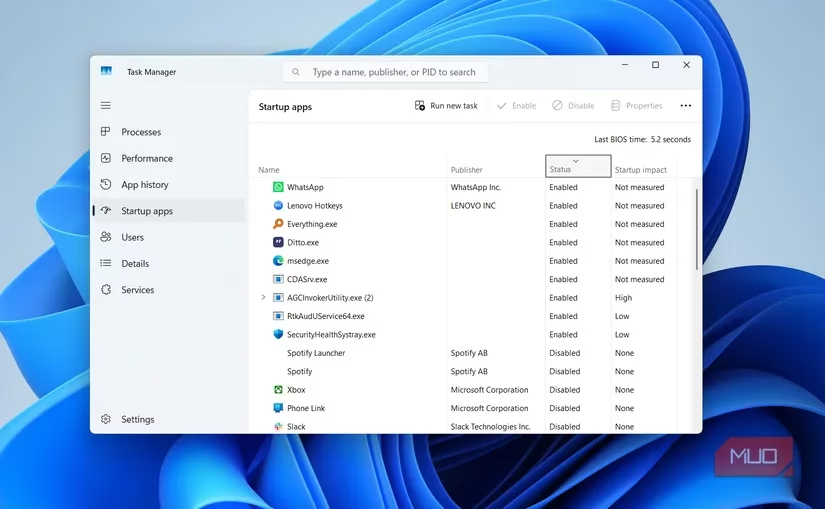
The BIOS (or UEFI, on modern motherboards) is the first piece of code that runs when you press the power button. Its job is to wake up the hardware — CPU, RAM, storage drives, graphics card, and USB controllers — and hand control to the bootloader. The Last BIOS time is a precise measurement of how long that pre-boot ceremony takes. Anything above 15–20 seconds suggests the system is wasting precious moments on unnecessary checks.
Ethan realized that his BIOS was spending almost half a minute scanning for bootable devices he never used. By default, the boot order included his main NVMe SSD, but also a secondary SATA drive, a USB flash drive, a network PXE option, and even an optical drive that had been disconnected for years. Each item added a second or two of probing, and together they bloated the BIOS time.
He rebooted and hammered the DEL key to enter the UEFI setup. Under the Boot tab, he methodically disabled PXE network boot, removed the DVD drive from the priority list, and moved his SSD to the very top. He also turned off the legacy ROM scan for devices he didn't need. With these changes, the BIOS would jump straight to the Windows Boot Manager without hesitation.
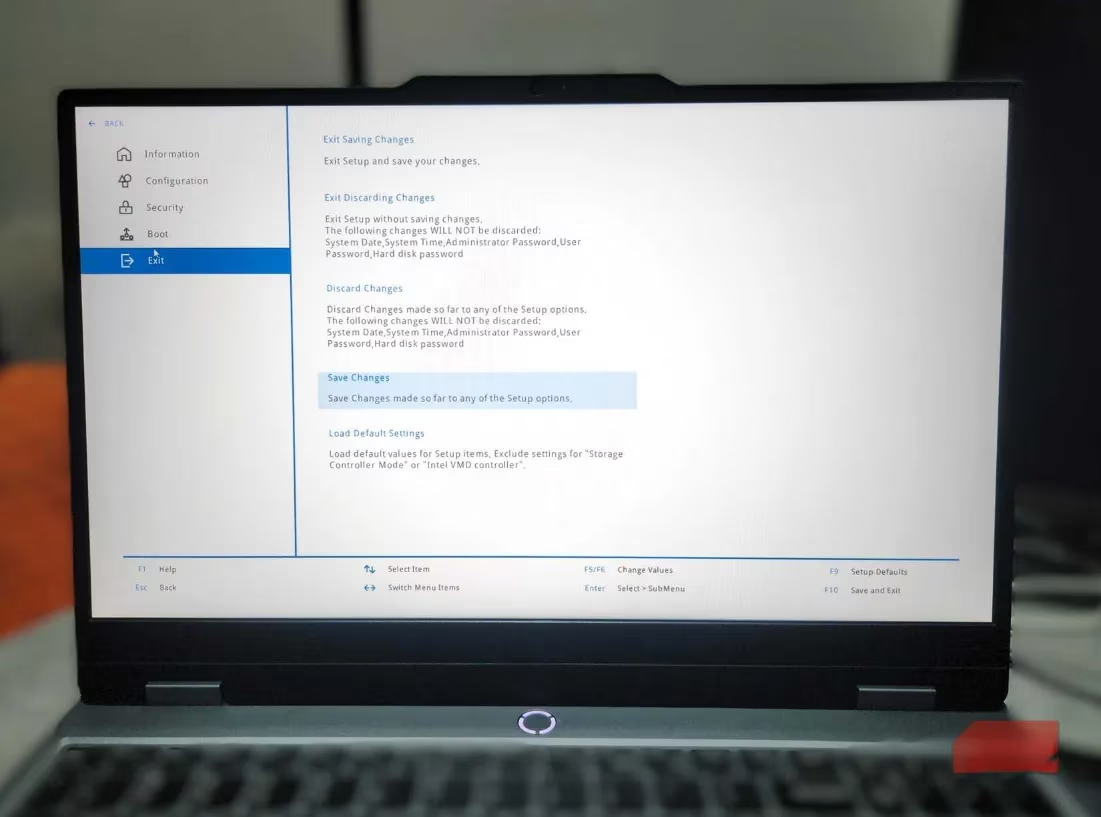
While still inside the UEFI, Ethan spotted another toggle: Fast Boot. Not to be confused with Windows' own Fast Startup, this BIOS feature skips some hardware self-tests during POST, directly reducing initialization delay. He enabled it cautiously, aware that on some boards it may require a CMOS reset if things went awry, but modern motherboards handle it gracefully.
Next, he checked the firmware version. His board, an ASUS ROG Strix model, was running a BIOS from mid-2024. A quick visit to the manufacturer's website confirmed there had been several updates since then, one of which specifically mentioned “improved boot performance on AM5 platforms.” He downloaded the latest file, carefully followed the UEFI flash instructions, and let the progress bar do its magic. A BIOS update often optimizes memory training and device initialization routines, shaving off precious seconds.
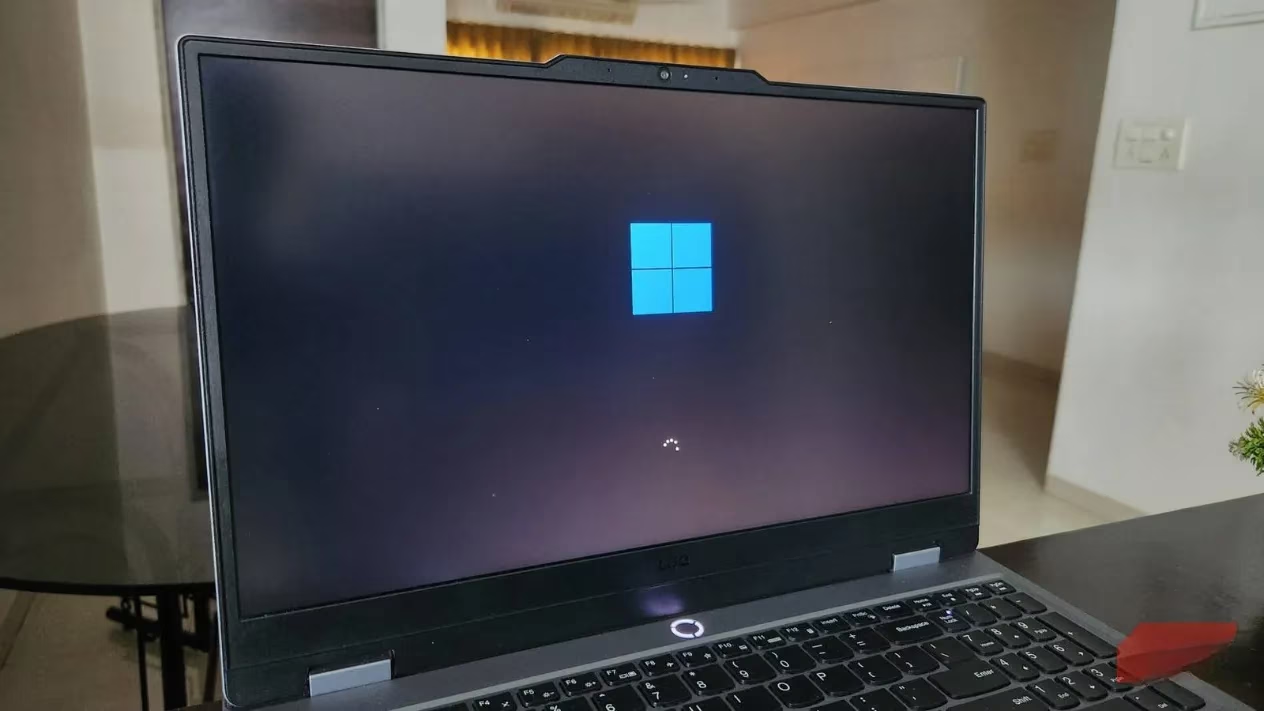
After saving and exiting, Ethan watched the black screen intently. The motherboard logo appeared almost instantly, and the spinning Windows circle followed shortly after. He logged in and opened Task Manager once more. The Last BIOS time now displayed 8.4 seconds. The entire boot process — from button press to desktop — fell to just under 30 seconds, a dramatic improvement from the previous 60-plus.
💡 A word of caution: Not everyone needs to chase single-digit BIOS times. If your system consistently shows between 7 and 10 seconds, you are already in great shape. Different hardware behaves differently — a motherboard with multiple drives, RGB controllers, and Thunderbolt add-in cards will naturally take a bit longer compared to a minimalist office PC. Comparing numbers online is rarely useful because the BIOS time is influenced by your specific configuration, not just raw performance.
Ethan’s experience taught him a valuable lesson: when your PC feels sluggish at startup, don’t immediately blame Windows. Take a peek at that tiny number in Task Manager. A high Last BIOS time often points to fixable firmware missteps. With a few thoughtful tweaks — pruning the boot order, enabling Fast Boot, and applying the latest BIOS update — you can reclaim those lost seconds and get your machine back to its snappy self. Of course, hardware has its limits; an aging motherboard won't miraculously compete with the latest DDR5 platforms, but you might be surprised at how much hidden latency you can eliminate.
Every second counts when you're eager to jump into a game or start work. By decoding the BIOS timer, Ethan turned a frustrating morning routine into a swift, satisfying ritual. If your own PC is taking its sweet time, maybe it's your BIOS that needs a little housekeeping.
Leave a Comment