The transition to Linux felt like a breath of fresh air—a fast, predictable system where I was finally in control. Yet, the liberation was short-lived. I soon discovered my lingering dependence on Windows, not by choice, but by necessity. Certain essential applications had no true Linux counterparts, only pale web-based imitations that fell short. My desk became a battlefield of compromises: a tangle of Wine configurations, resource-hungry virtual machines, and even a separate Windows machine humming in the corner. Each solution could, technically, get the job done, but at a cost. They demanded mental preparation, a conscious shift in context before I could even begin my work. What I craved was seamless integration, software that felt like a natural part of my operating system, not a guest I had to constantly appease. It was in this state of fractured workflow that I discovered WinBoat, a tool that promised a different approach to bridging the gap between my Linux desktop and the Windows world I couldn't entirely leave behind.
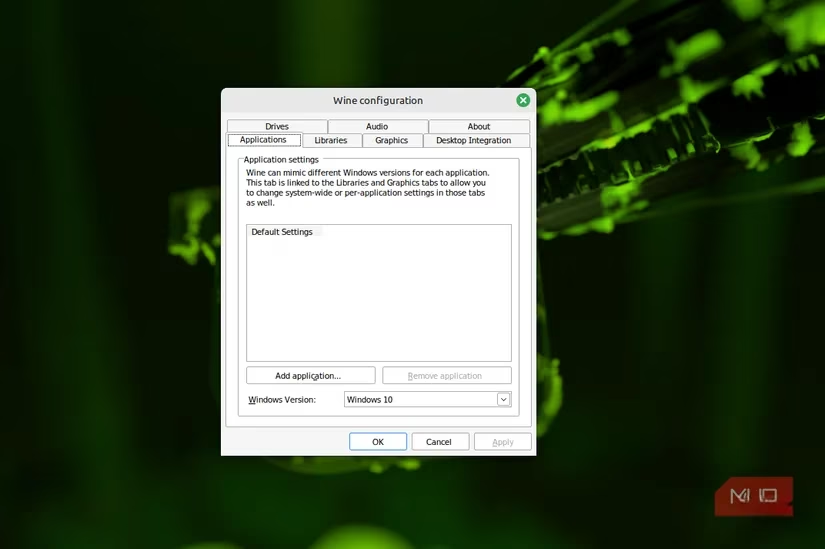
For years, the mantra in Linux circles was simple: "Just run it in Wine." And to its credit, Wine is an impressive feat of reverse engineering. It can make Windows applications work, often well enough. But this advice comes with a hidden, cumulative cost: patience. My experience with Wine was a slow descent into a fragile ecosystem of tweaks and overrides. Configurations didn't fail dramatically; they degraded subtly over time. A fix for one application's font rendering would break another's printing dialog. My Wine prefixes became archaeological sites, littered with DLL overrides and registry edits whose original purposes I had long forgotten. Removing them was a gamble, leaving them was technical debt. The real drain, however, wasn't the maintenance—it was the emotional toll of distrusting my own system. I hesitated to update packages. I avoided experimenting with new software. My computing environment felt brittle, held together by a precarious stack of compatibility hacks that could collapse with the next system update. Wine, for all its utility, had become a burden.
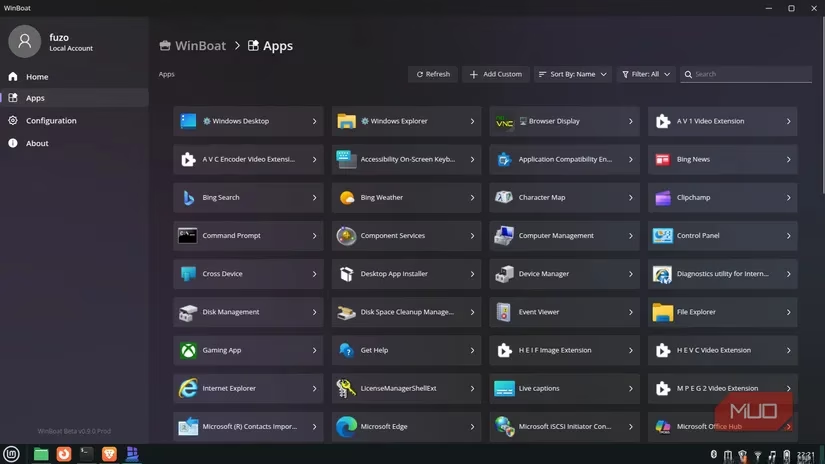
WinBoat's philosophy represented a fundamental shift. Instead of stretching a compatibility layer to its breaking point, it took a more pragmatic route. Rather than emulating Windows, it simply ran a real, minimal Windows environment. This environment was treated as a contained, isolated service—a guest, not the host. This containment was revolutionary. It provided clarity and stability: no more stacking tweaks upon tweaks. I had a clean, controlled Windows instance that was entirely separate from my Linux system. If something went wrong, I could simply reset or replace the container without affecting my primary OS. This was a setup I could finally trust. The initial setup on my Linux Mint system was straightforward, though it requires hardware virtualization support (VT‑x/AMD‑V) to be enabled in the BIOS/UEFI for performance. The process involved a few key steps:
-
Installing the necessary foundations with a single terminal command:
```
sudo apt update && sudo apt install -y docker.io docker-compose-v2 freerdp3-x11
```
-
Adding my user to the docker group to avoid constant password prompts, followed by a system restart.
-
Downloading and installing the latest WinBoat
.debpackage directly from its releases page.
Once installed, the setup wizard guided me through the initial configuration. After that, installing Windows applications became remarkably simple: launch WinBoat, navigate to the Apps tab, click "Install New App," and use the integrated Windows File Explorer to run any standard .exe or .msi installer. The installed app then appears on the WinBoat dashboard, ready to launch.
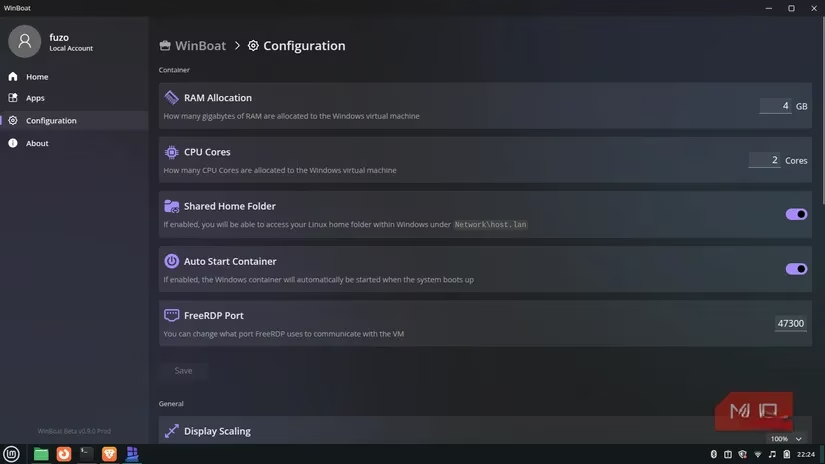
The true magic of WinBoat clicked when I realized I had stopped thinking about where my apps were running. I'd click a Windows program icon, and its window would simply appear on my Linux desktop, nestled among my native applications. It sat in my taskbar, participated in Alt + Tab window switching, and generally behaved like a citizen of my desktop environment. This stood in stark contrast to the experience with virtual machines, which presented a second, isolated desktop, or other solutions that required nested window managers. Those approaches created a cognitive and visual separation that constantly reminded me I was using a workaround. With WinBoat, that friction was eliminated. The psychological barrier vanished. Windows applications were no longer a "special case" requiring a different mode of operation; they were just apps I could open when needed and close when finished.
This shift in perspective redefined what compatibility means on Linux in 2026. True compatibility isn't just about getting something to run; it's about reliability and transparency. A tool that doesn't demand constant attention or mental context-switching is a tool that enhances productivity. While the open-source community continues to produce excellent alternatives to many mainstream tools, the reality for many users—myself included—is that certain Windows-specific applications remain critical for work, creative projects, or legacy systems. WinBoat provides a graceful path forward. It allows you to embrace the freedom, security, and efficiency of Linux without the painful sacrifice of the software you depend on. It's not just a compatibility layer; it's an integration bridge built for the long term, transforming a once-fragmented computing experience into a cohesive and powerful whole.
Leave a Comment