In 2026, Alex, a longtime PC gamer, sat in front of a Windows laptop that was cluttered with preinstalled apps and half-finished utilities. He had spent years trusting the built-in tools, but a familiar frustration kept returning: the default options were fine for simple tasks, yet they rarely felt excellent. Why should a player who spends hours organizing mods, capturing highlight reels, and sharing clips settle for software that feels like an afterthought? That question sent him down a path through the open-source side of Windows, where he found five tools that did not merely replace paid programs—they outperformed them.
🗜️ 7-Zip: The Quiet Champion of Compression
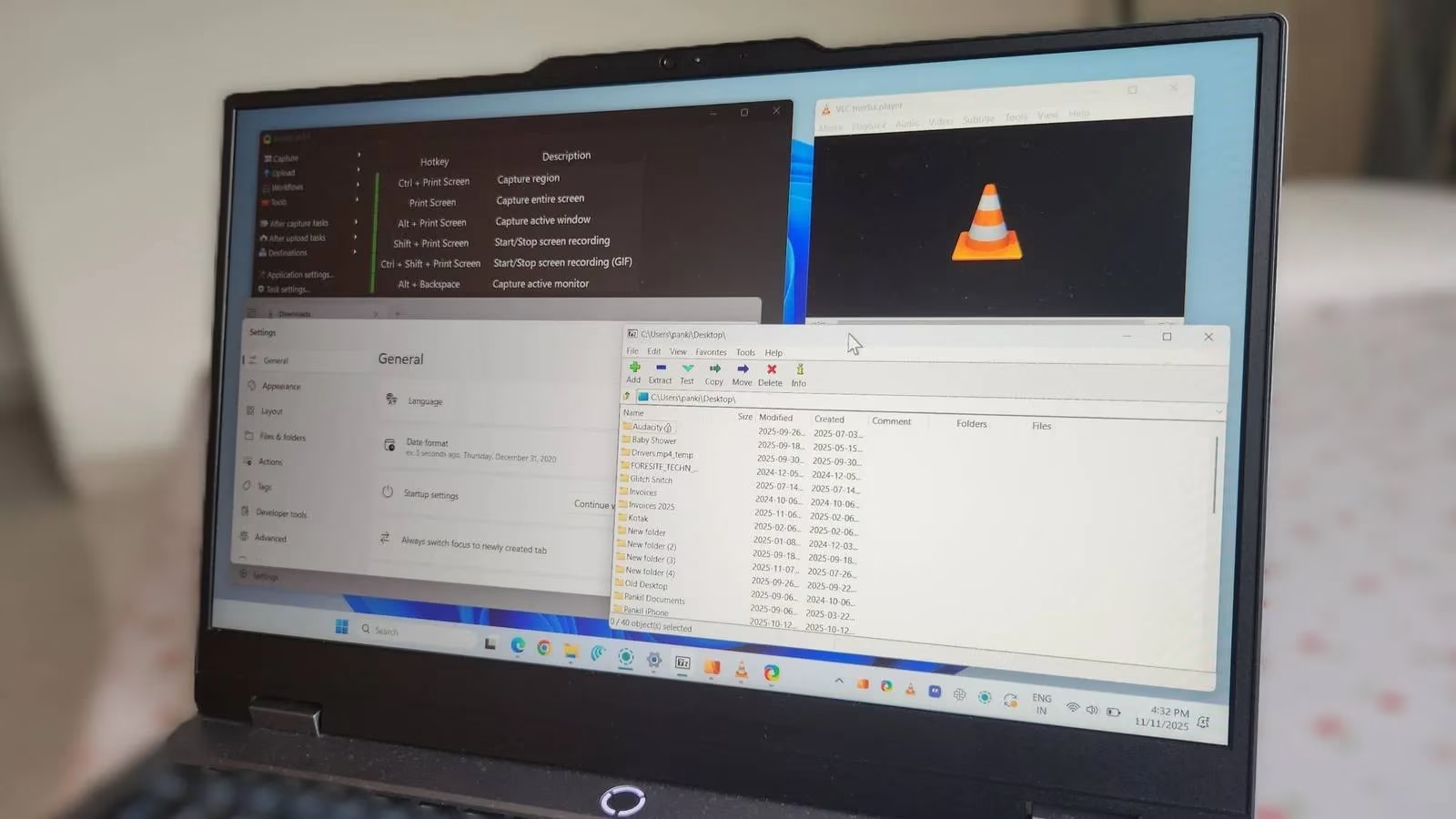
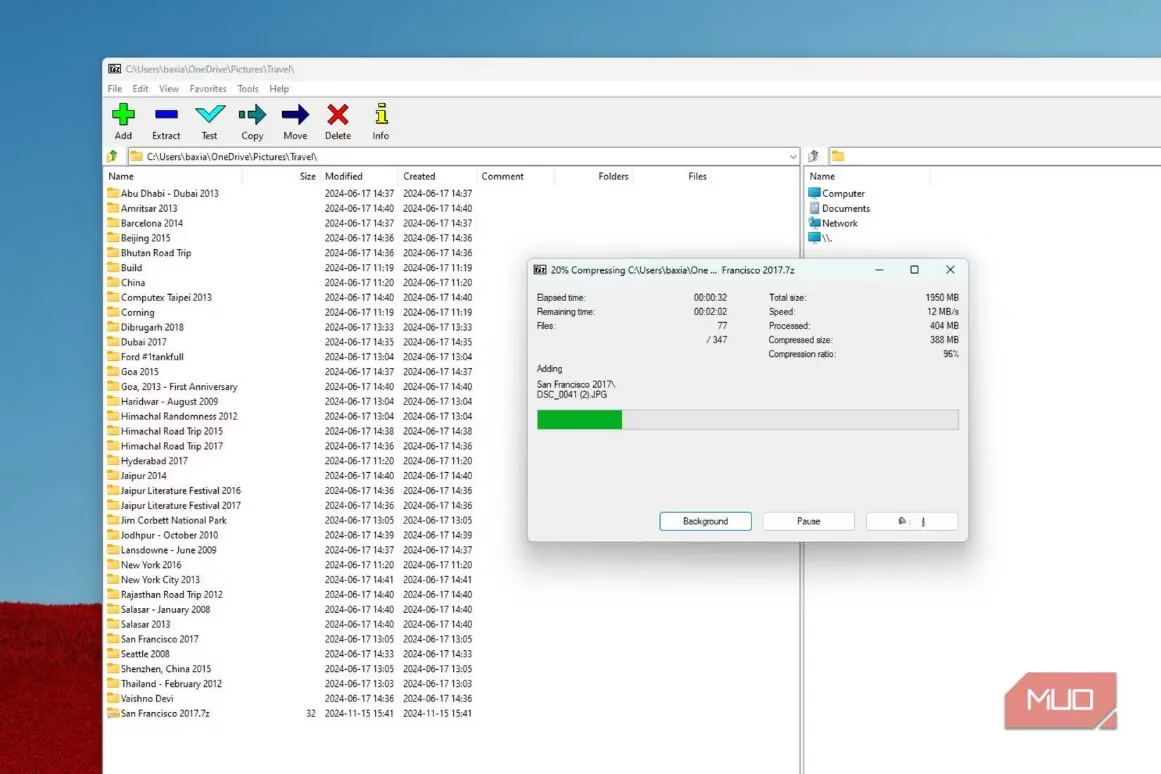
The first stop was file compression. Alex had used Windows' own compression feature, and he had watched friends wrestle with WinRAR's reminder screens. Then he tried 7-Zip. The difference was immediate. It opened TAR, ISO, RAR, and WIM archives without complaint, and its own 7z format produced files that were often smaller and more efficient than ZIP or RAR. For a gamer who regularly packs mod collections or shares large capture folders, that saving mattered. What surprised Alex most was the purity of the experience: no bloatware, no intrusive ads, and no premium tier waiting to upsell him. It was free, fast, and simple—exactly what a utility should be. Who needs a nag screen when the tool just works?
📸 ShareX: The Screenshot Swiss Army Knife
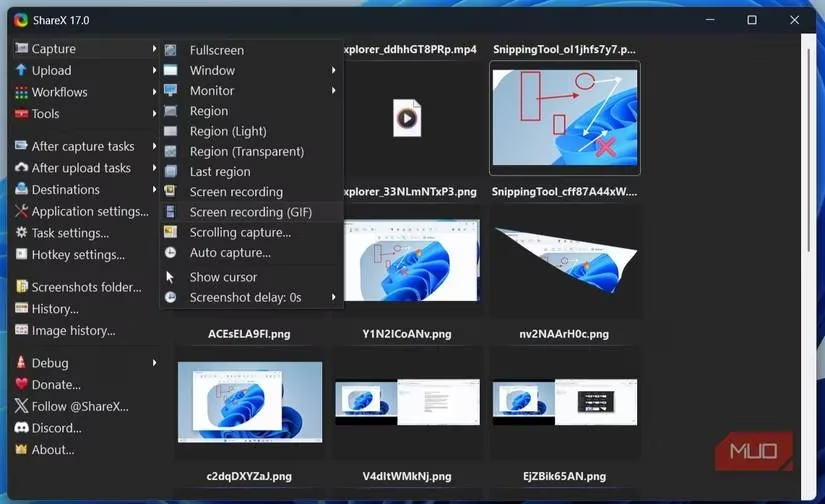
Screenshots were next. Windows' Snipping Tool had improved over the years, but Alex needed more than a basic snip. He needed to capture a mouse pointer during a tutorial, take a scrolling screenshot of a long patch-notes page, and set automatic captures during a match. ShareX did all of that and more. After capturing, he could annotate, blur sensitive information, generate GIFs, and send the result to one of more than 80 upload destinations, including Imgur, Google Drive, Dropbox, and custom FTP servers. There were no ads, no watermarks, and no banners begging him to upgrade. Is it any wonder that free screenshot tools rarely come close? For Alex, ShareX became the quiet workhorse behind every clip and guide he shared.
🗂️ Files: The File Manager Windows Deserved
Then came the chore of organizing everything. Alex had thousands of screenshots, clips, and mod folders, and Windows Explorer often felt like a hallway with too many doors. Files changed that. The open-source file manager looked more polished and modern, but its real charm was practical. Dual-pane mode let him split the window horizontally or vertically and drag files between folders. Column View revealed a folder's contents in a new column beside it with a double-click. The Status Center showed the progress of background tasks such as copies, moves, and extractions, so he always knew what was happening. Best of all, every useful shortcut was there and customizable. Why had he tolerated a less flexible file manager for so long? Files felt like the tool Windows should have shipped all along.
🎬 VLC: The Veteran That Still Surprises
For playback, Alex turned to an old friend: VLC. The media player had been the go-to choice for nearly two decades, and in 2026 it remained the undisputed champion of video playback. Its plain, slightly old-school design hid a remarkable range. It handled practically any media format, but that was only the surface. VLC could crop, trim, and merge clips; convert audio and video files into a wide range of formats; add subtitles; adjust audio sync; and even stream videos directly from the internet. No ads, no fuss. Could a paid player honestly offer more? Alex doubted it. When he wanted to review a match replay or fix a desynced commentary track, VLC was already open.
🔄 File Converter: Right-Click Magic
The last discovery was File Converter, a lightweight open-source app that slipped into Windows like it belonged there. Once installed, Alex could convert files from the right-click context menu. It supported almost every common image, audio, video, and document format, and it handled bulk conversions with ease. It was fast, completely free, and worked entirely offline. That last point mattered. He had tried web-based converters before and remembered the frustration: reduced quality, locked features, sign-up walls, pop-ups, ads, and sketchy interfaces. Why endure all that for a clean output? File Converter removed the clutter and turned a tedious task into a two-click habit.
🌍 The Wider Open-Source World
Alex soon realized that these five tools were not isolated exceptions. They were general-purpose champions, and beyond them stretched a whole world of open-source brilliance. He began experimenting with Audacity for audio editing, GIMP for image manipulation, and AutoHotKey for automation. Each one reminded him of the same lesson: community-driven software can be transparent, reliable, and surprisingly polished.
| Tool | What Alex uses it for | Why it stands out |
|---|---|---|
| 7-Zip | Packing mods and captures | Handles many formats; no ads or upsells |
| ShareX | Screenshots and GIFs | Scrolling capture, annotation, 80+ destinations |
| Files | Organizing clips and folders | Dual-pane, column view, status center |
| VLC | Playing and trimming videos | Format support, basic editing, streaming |
| File Converter | Converting media and documents | Right-click workflow, bulk, offline |
| Audacity / GIMP / AutoHotKey | Audio, images, automation | Deep open-source alternatives |
By the end of his experiment, Alex had stopped thinking of open-source software as a budget compromise. These tools were not merely good alternatives; they were often better than their paid competition in both functionality and user experience. In 2026, with ads, subscriptions, and locked features everywhere, that mattered more than ever. Why pay for bloated software when a transparent, community-built tool can do the job with less noise? Alex kept all five on his taskbar, not because they were free, but because they had earned their place.
Leave a Comment