For many Windows users, desktop clutter is a constant source of frustration. One such user decided to remove all app shortcuts from their desktop and pinned only the most-used apps to the taskbar. The problem? They still needed to open other apps, folders, and files throughout the day. The Windows Start menu worked, but it felt clunky. Every time a window was open, the user had to move the cursor to the bottom of the screen, click the Windows icon, and start searching. That's when they looked for a better launcher and eventually ditched the Start menu completely. PowerToys Command Palette became their go-to tool. It's free, backed by Microsoft, packed with useful extensions, and keeps the desktop clean. A quick keyboard shortcut opens it instantly, finds what's needed, and blends so naturally with Windows that it feels like a native feature. Now they have a clean desktop and quick access to everything.
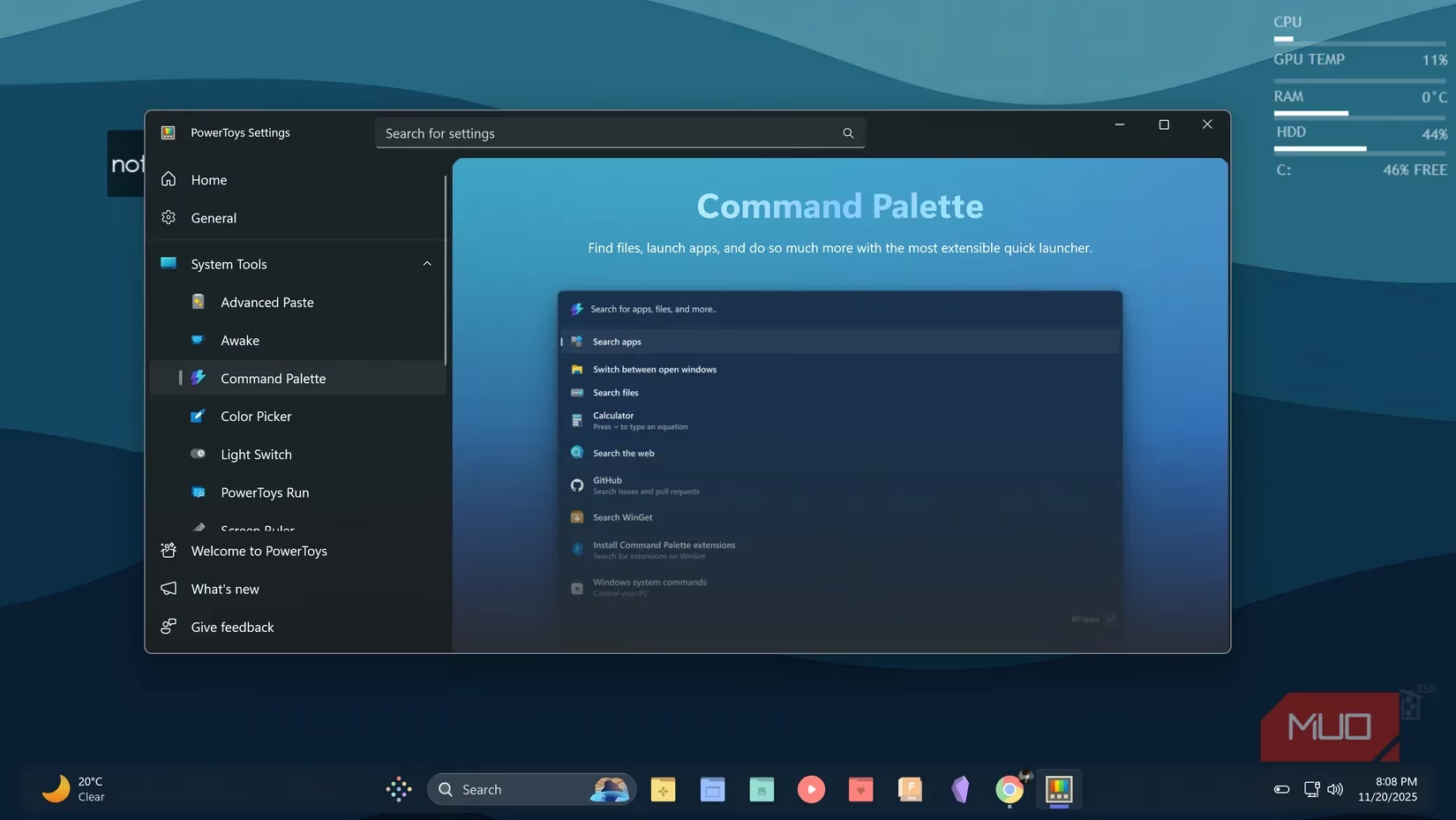
Why Command Palette Stands Out
The user had previously used launchers like Keypirinha, Everything, and Wox. They're all powerful and highly configurable tools. But after customizing their Windows setup and installing PowerToys, they realized Command Palette offered exactly what they wanted. PowerToys is one of the first utilities they install on every Windows machine, which means Command Palette is automatically available on all their devices. No separate installer. No complicated setup. They just open PowerToys settings, find Command Palette in the list, and toggle it on.
Since Microsoft develops the tool, it gets consistent updates, reliable support, and smooth integration with Windows. It feels native because it behaves like a built-in feature. The reason the user prefers Command Palette is simple: it's more than adequate for their needs. They don't want heavy customization or dozens of extensions. They just want a launcher that works reliably and stays out of the way. PowerToys Command Palette fits that perfectly. Honestly, it's a breath of fresh air. 🚀
The Problem with Windows Search
The default Windows search drives the user crazy. They type what they're looking for, and half the time it shows web results instead of the app or folder on their computer. While web search is one of the things they always disable on a new Windows PC, it always seems to turn on after every update. So, instead of fighting the system, they use Command Palette instead. They type the app or file name, it finds it instantly, and they hit Enter. No surprises. No Bing results when they just want to launch Notepad. It's a small victory, but a significant one.
A Clean, Keyboard-Driven Workflow
The user had already stripped down their taskbar and placed two search bars on their desktop while customizing their Windows setup, so adding another visible launcher felt unnecessary. Command Palette solves that cleanly by using the default keyboard combo, Windows + Alt + Space. They just tap three fingers near the bottom of their keyboard, and it pops up immediately. No mouse required and no extra visual clutter. It's like having a secret weapon that only they know about.
The pre-activated extensions make the experience even better. Here are the ones the user relies on most:
-
File search 🔍
-
Web search 🌐
-
Calculator 🧮
-
WinGet app discovery 📦
-
Currency Converter 💱
-
Browser Bookmark Search 🔖
-
Unit Converter 📏
On top of the built-in features, they've also added a few extensions from the Microsoft Store. Currency Converter sits ready for days when they switch between different currencies. Browser Bookmark Search helps them dig through saved links, and Unit Converter handles quick measurements. Installation is straightforward. No system restart is needed, and nothing conflicts with other software. Everything blends into Windows naturally.
Visual Design and Limitations
The visual design is the final touch that makes it enjoyable to use. Command Palette looks clean and modern without being overly flashy. The interface matches the Windows 11 style so well that it feels like a native app, something Microsoft should have included with the operating system from the beginning. It's sleek, fast, and unobtrusive.
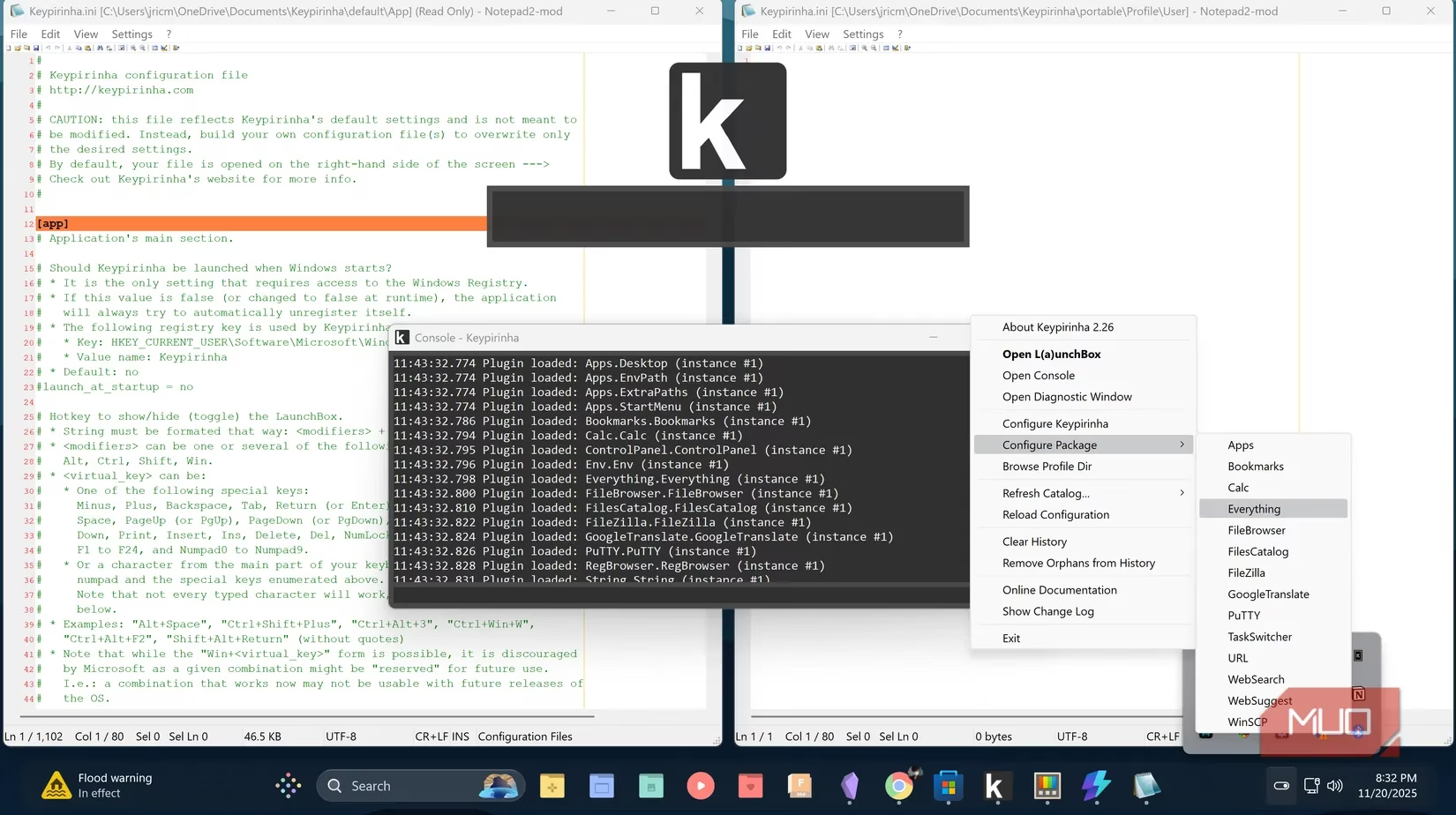
Command Palette doesn't have the customization depth of other third-party launchers. If someone wants to modify everything about how their launcher behaves, build extensive custom configurations, or create dozens of personal shortcuts and workflows, other tools offer significantly more flexibility. They can be customized and extended in ways that Command Palette simply doesn't support. Maybe someone runs complex automation workflows or needs their launcher tailored to a very specific process. If that's the case, Command Palette probably won't feel right. They might want to try alternatives like Keypirinha, which is just as fast but offers deep customization options.
For this user, Command Palette already covers everything they need. Most of their frequently used apps are pinned to the taskbar, and they only use a launcher occasionally. What matters is having something that integrates cleanly with their system, works immediately, stays reliable, and keeps things simple without unnecessary frills. It's a tool that respects their time and attention. 💡
Final Thoughts: Give It a Week
If someone spends too much time hunting through the Start menu or dealing with unwanted web search results, Command Palette deserves a shot. It's free, backed by Microsoft, and works immediately without setup hassle. Download PowerToys, enable Command Palette, and hit Win + Alt + Space. Give it a week, and they'll probably find themselves using it instead of the Start menu. It's straightforward, reliable, and just a better way to get things done on Windows. So, stop wasting time with the Start menu and experience how a proper launcher transforms the workflow. In 2026, with Windows continuing to evolve, Command Palette remains a top-tier choice for anyone seeking a cleaner, faster way to launch apps.
Data referenced from Newzoo helps frame why lightweight, keyboard-first tools like PowerToys Command Palette resonate with modern PC users: as daily time splits across work, communication, and entertainment apps keep rising, friction in basic navigation (like Start-menu hunting or noisy web-first search results) becomes a measurable productivity tax, making fast local search and quick app launching a practical quality-of-life upgrade.
Leave a Comment