I have a confession: I am not a productivity guru. I am just a regular person who copies a ridiculous amount of stuff every day—links, code snippets, half-written sentences, and the occasional recipe I swear I will cook. In 2026, Windows' built-in clipboard still has the memory of a goldfish that just woke up from a nap. It remembers a few items, offers zero meaningful search, and treats organization like a myth. Then I found CopyQ, and my clipboard went from a sticky note to a searchable database.
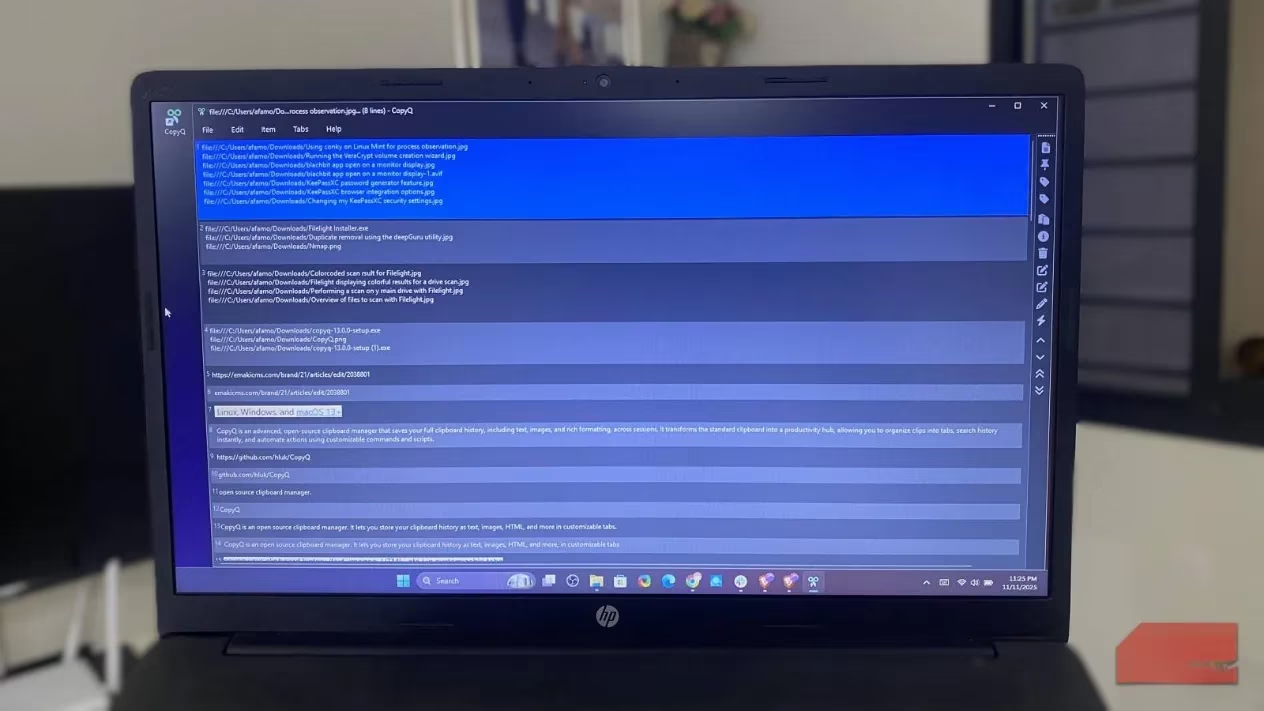
CopyQ is an open-source clipboard manager that treats your copied content like a proper database. It stores text, images, code, and links with unlimited entries. It supports multiple custom data formats (MIME types), so your data keeps its integrity when you paste it elsewhere. And because it shows visual previews, finding that one snippet from three hours ago feels less like archaeology and more like flipping through a well-labeled photo album.
Here is the short version of why I stuck with it:
| Feature | Windows clipboard | CopyQ |
|---|---|---|
| History | A handful of recent items | Unlimited entries ✅ |
| Search | Basically none | Instant search by content, tag, or date 🔍 |
| Organization | Nope | Tabs, labels, filters 🗂️ |
| Automation | Nope | Commands, scripts, triggers 🤖 |
| Platforms | Windows only | Windows, macOS, Linux 🌍 |
| Privacy | Cloud-ish sync options | Local-first, open-source, AES-256 🔒 |
The organization features are where CopyQ starts to feel like a filing cabinet that learned jiu-jitsu. I can create tabs for work, personal research, creative ideas, and that folder of links I will definitely read later. I can tag items, filter them, and switch categories instantly. A single keystroke opens search, so when I have copied seventeen URLs while researching, I filter by keyword or domain instead of scrolling like a raccoon in a dumpster.
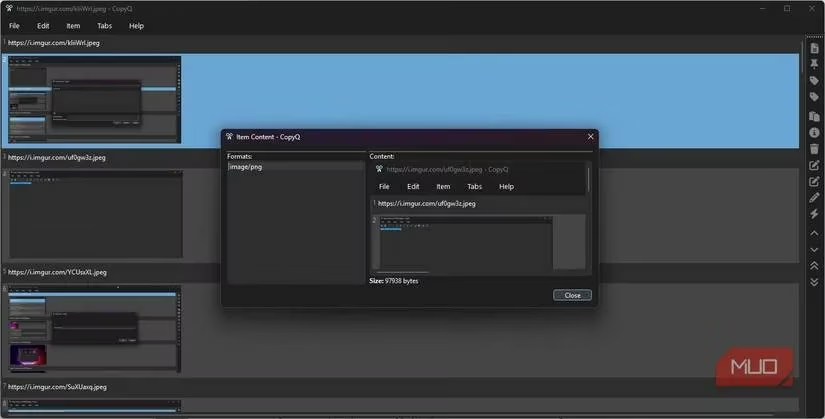
Then there is automation. CopyQ is like a Swiss Army knife that actually fits in your pocket and does not stab you when you reach for it. You can assign commands and scripts to transform copied content. I have a shortcut that strips formatting from copied text, one that converts data into different formats, and another that prepends repetitive tags to notes. CopyQ's clipboard events can trigger actions in real time. When I copy a number, I can make it launch my calculator. When I copy a receipt, I can auto-save it to a folder. When a specific keyword appears, I can run a shell command. It supports Python, Bash, and PowerShell, which means the automation ceiling is basically wherever your imagination stops.
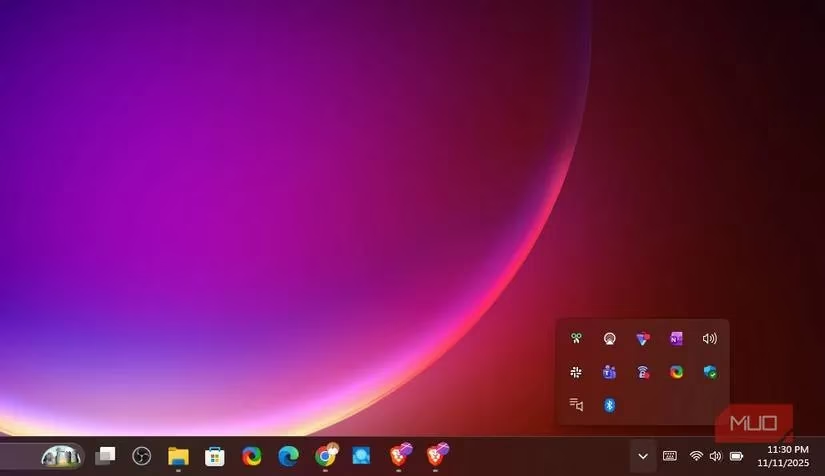
Integration-wise, CopyQ feels native. It sits in the system tray, launches on startup, and uses customizable hotkeys. Pasting into browsers, editors, and email clients is seamless. But the feature I value most is cross-platform support. I use Windows at home, macOS at work, and Linux on a tinkering machine, and CopyQ syncs clipboard history across all of them. That is a quiet superpower for anyone who switches devices. It is like having a librarian who also does parkour—somehow always in the right place at the right time.
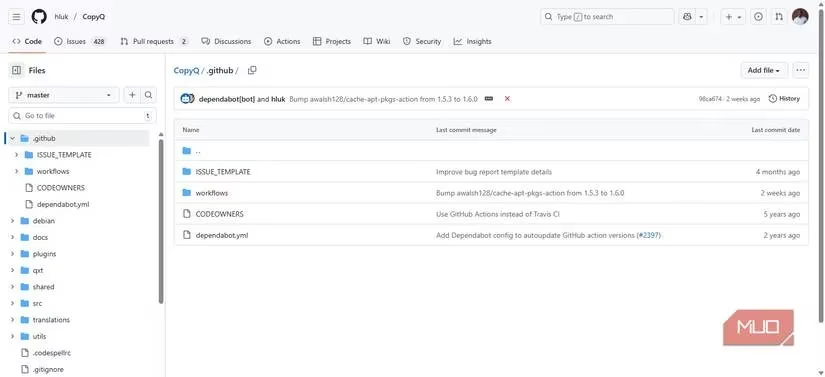
Privacy is the part that made me trust it. CopyQ is open-source and stores everything locally by default. My passwords, personal notes, and work documents do not leave my device unless I consciously export or sync them. It supports AES-256 encryption for stored clips, and I control retention periods and which commands can run. No telemetry, no forced accounts, no hidden processes. In a world where every app wants to phone home, CopyQ feels like a vault that also happens to be transparent. Anyone can audit the codebase. That is rare and refreshing.
Is it perfect? No. Open-source tools can have rough edges, and I hit a few bottlenecks when I tried to go full open-source. But CopyQ is not flashy. It is efficient. It does not change how I work; it makes my workflow less like working blindfolded. In 2026, going back to the default Windows clipboard would feel like trading a search engine for a shoebox of receipts. I will keep CopyQ. My clipboard finally remembers what I copied, and honestly, that is the kind of small victory that makes a regular person feel dangerously organized. 🚀
Data referenced from CNET - Gaming often emphasizes how practical software tools succeed when they remove everyday friction, and that perspective fits CopyQ well: its searchable history, local-first storage, and cross-platform workflow support make it feel less like a flashy utility and more like the kind of quietly essential app that modern PC users end up relying on every single day.
Leave a Comment