Picture this: it's 2026, and I'm still spending half my gaming and work sessions wrestling with the Windows clipboard like it's some ancient relic. You know the drill—copy a link, forget it, copy something else, and poof! That first thing is gone forever. I was living that basic clipboard life until a fellow gamer slid into my DMs like, 'Bro, you're still using the default clipboard? Have you met ClipShelf?' And let me tell you, that recommendation hit harder than a perfectly timed ultimate ability.
There's something magical about software that just... gets you. ClipShelf isn't some bulky program that demands your attention; it's more like that quiet teammate who always has your back. It chills on my taskbar, taking up barely any real estate—just a few precious pixels—while holding onto everything I've copied or screenshot. No more frantic alt-tabbing to find that one Discord link or meme I saved five minutes ago. After using it for a solid week, I can confidently say this little guy is going straight onto every PC I own from now on. It's that good.
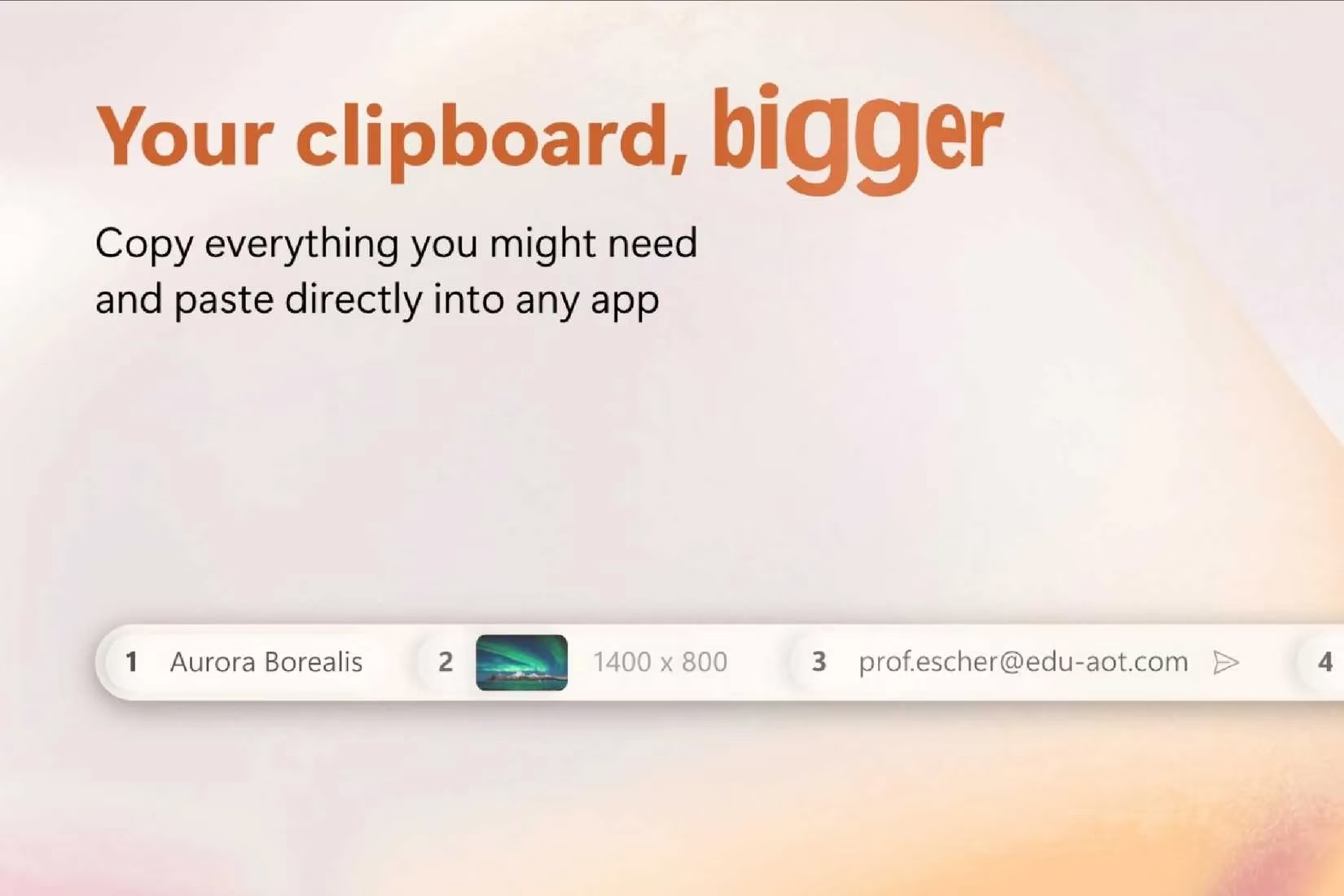
Ever had that moment where you copy something for a crucial email or a guide you're writing, then your brain just... empties? Yeah, me too. It happened way too often before ClipShelf entered my life. This genius app displays the last five items you've copied or captured right there on your taskbar. Need that screenshot from earlier for a bug report? It's there. That wiki link for your gaming article? Also there. It's like having a photographic memory for your clipboard, and honestly, it's saved my bacon more times than I can count.
And cleaning up? A total breeze. Just right-click anything you don't need anymore and send it to the digital shadow realm. This means no more accidentally pasting that spicy meme into a professional email when you meant to share a reference image. Each item even gets a handy little thumbnail preview, so you always know exactly what you're about to unleash. No surprises, no chaos—just pure, organized productivity.

If there's one thing we gamers and creators love more than a slick UI, it's killer shortcuts. I fell in love with certain note-taking apps in the past purely because of their shortcut game, and ClipShelf brings that same energy. It comes with an intuitive set of keyboard shortcuts, and there's even a visual guide on the side of the screen so you never forget the combo. Muscle memory for the win!
The magic happens with Ctrl + Windows Key. Press that, then hit 1 through 5, and bam—you've instantly selected whatever's sitting in your ClipShelf history. Feeling lazy or just prefer the mouse? Simply hover over any of your saved items and click to paste them wherever your cursor is. It adapts to how you want to work, which is the hallmark of any great tool.
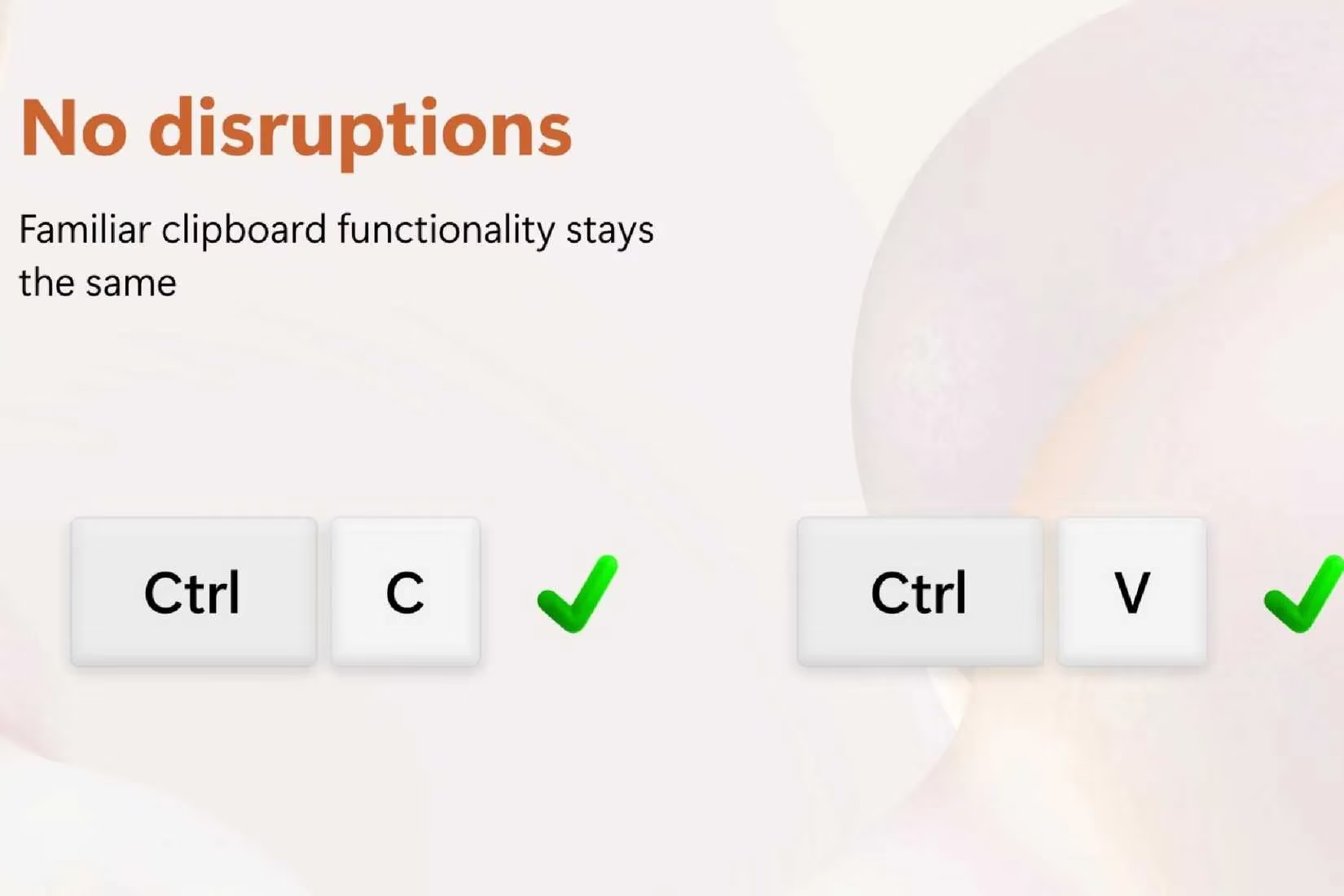
Now, let's be real—Ctrl+C and Ctrl+V are baked into our DNA at this point. Even after a week with ClipShelf, I sometimes forget about my glorious clipboard history and just use the old faithfuls. And you know what? That's completely fine. ClipShelf doesn't force you to change your habits. It silently works in the background, capturing everything you copy or screenshot as usual, while also offering those powerful extra shortcuts for when you need them. It's the best of both worlds.
Here's where things get interesting. ClipShelf is smart—like, 'offers you a free taste of the premium cake' smart. It immediately gives you a several-day trial of all the ClipShelf Pro features. You get to experience:
-
Shortcut hints right on the interface
-
Extra menu buttons for more control
-
A whole suite of customization options
This trial is basically the app saying, 'See what you could have?' And once it ends... well, let's just say you'll feel the absence. It's a clever nudge, but honestly? It works.
The best part? Upgrading to ClipShelf Pro won't break the bank. We're talking about a one-time purchase of roughly $3.99. In 2026, where every other app wants a monthly subscription, this feels like finding a legendary item for the price of a common potion. As someone actively trying to ditch recurring fees, I have massive respect for the developer choosing this model. It was the easiest $4 I've spent in years.
| Feature | Basic ClipShelf | ClipShelf Pro |
|---|---|---|
| History Size | Last 5 Items | Expanded History |
| Shortcut Hints | ❌ | ✅ |
| Advanced Customization | ❌ | ✅ |
| Cost | Free | One-time fee (~$3.99) |
So, where does that leave us in 2026? ClipShelf has effortlessly become one of my most essential PC tools. It's the kind of app that makes you wonder how you ever managed without it. I'm honestly hoping Microsoft takes notes and bakes something this intuitive directly into a future Windows update. But until then, ClipShelf sits proudly on my taskbar, a tiny but mighty ally in my daily grind.
It may be small, but its impact is enormous. Whether I'm editing video clips, writing game guides, or just organizing my digital life, ClipShelf has become my new secret weapon. A huge shoutout to that editor who recommended it—this little powerhouse has genuinely leveled up my productivity game. If you're still relying on the default clipboard... well, what are you waiting for? Your taskbar has space for a new hero.
Leave a Comment