If you’ve ever watched a cloud upload crawl to 98% and then just… stop, or received a terse email bounce because your vacation video was “slightly too chunky,” you know the special circle of file-transfer frustration. I’ve tried the whole circus—thumb drives that play hide-and-seek, Bluetooth pairings that feel like convincing two cats to be friends, and random FTP setups from 2007 tutorials. It’s exhausting. So when I stumbled onto Blip last week, I was ready for yet another meh app that would gather digital dust. Instead, it made my devices feel like they’d finally learned to talk to each other. Imagine your phone and laptop locking eyes across the Wi-Fi and instantly knowing what to do… that’s the vibe.
Setting Up Blip: So Painless It Feels Illegal
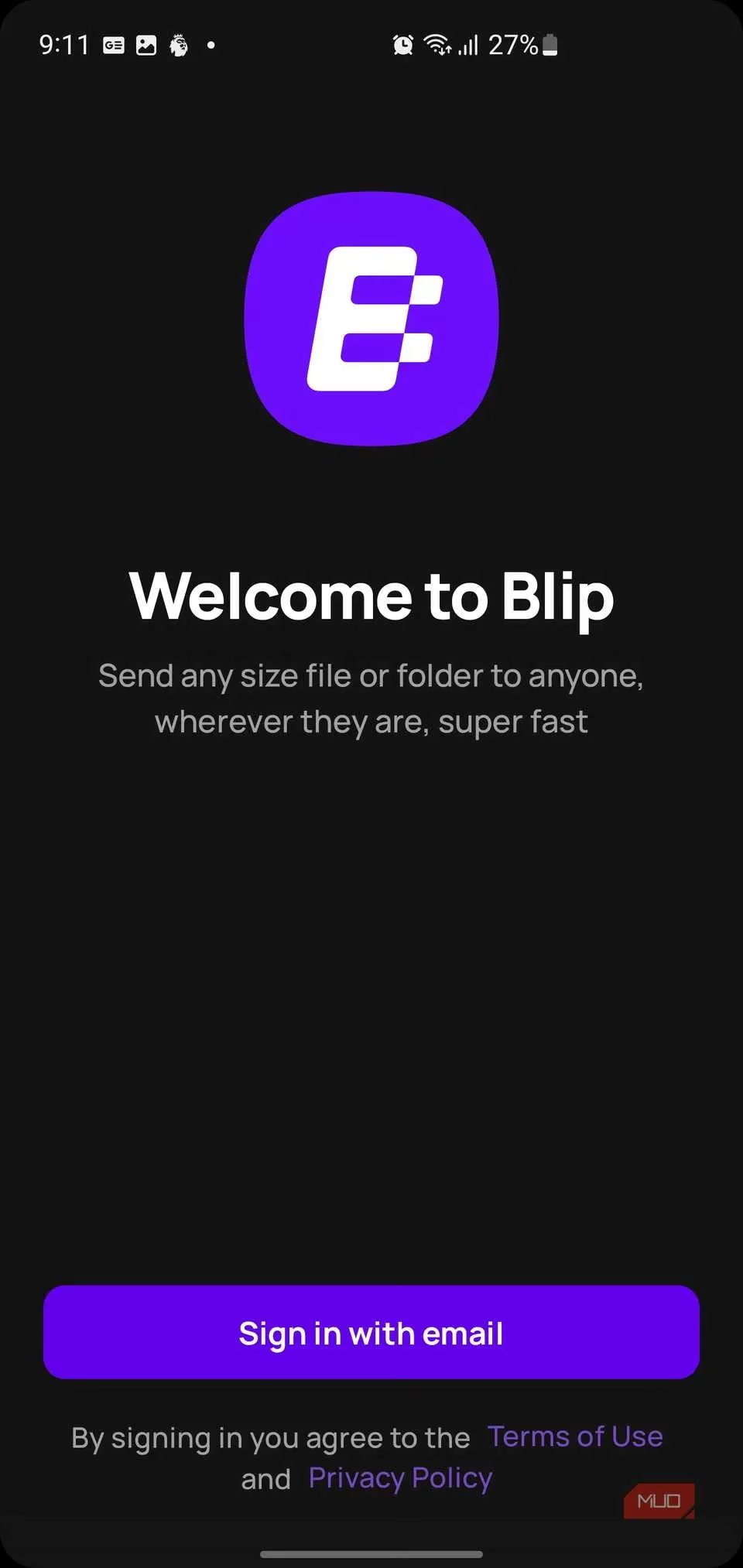
You download the app, fire it up on each device, and a clean welcome screen asks for your email. No password mangling, no OAuth labyrinths—just type, wait for a verification code, paste it in, and boom, you exist in Blip-land. You can add a name and an avatar if you want (it makes you look less like a robot when sharing with actual humans), but that’s it. On Windows, Blip slides politely into your right-click menu; on Android and iOS, it pops up in the share sheet, sitting right next to your usual suspects like Gmail and Messages. The whole onboarding across my laptop and phone took under five minutes, and I barely had to use my brain.
Then the magic trick happens. Once you’ve signed into Blip on multiple devices with the same email, they sniff each other out like old friends at a reunion. My Android phone suddenly showed “HP” (my laptop) as a send target without any Bluetooth tussle or QR code scanning. My laptop returned the favor. It’s the kind of invisible handshake that makes you nod slowly and whisper, “Yesss.” There’s even a settings panel where you can let Blip launch at startup, enable auto-accept for your own gadgets, or pick a default download folder—but honestly, the defaults are so sensible you can ignore it entirely and still have a smooth ride.
The Actual Transfer: Faster Than a Caffeinated Squirrel
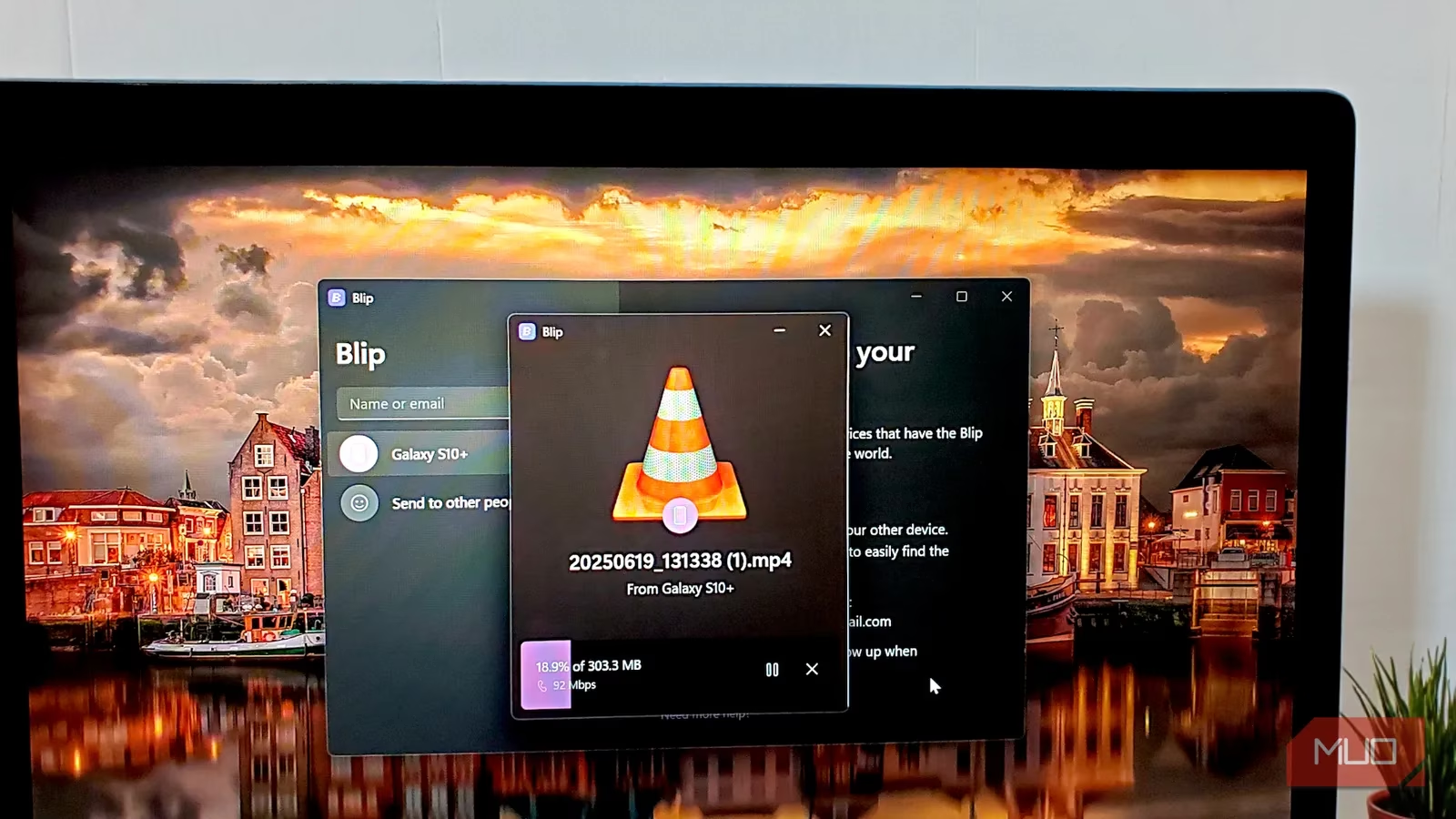
Here’s where things get a bit wild. I grabbed a 300MB video file from my phone’s gallery, tapped the share button, and there was Blip, waiting like a butler. One tap, a quick selection of my laptop, and the transfer window blinked to life. And then… 92Mbps. Over my home Wi-Fi, that 300MB chunk of data teleported to my PC in about eight seconds. I blinked twice. No server queue, no background compressing—just raw, peer-to-peer speed that made my usual cloud upload routine feel like sending smoke signals.
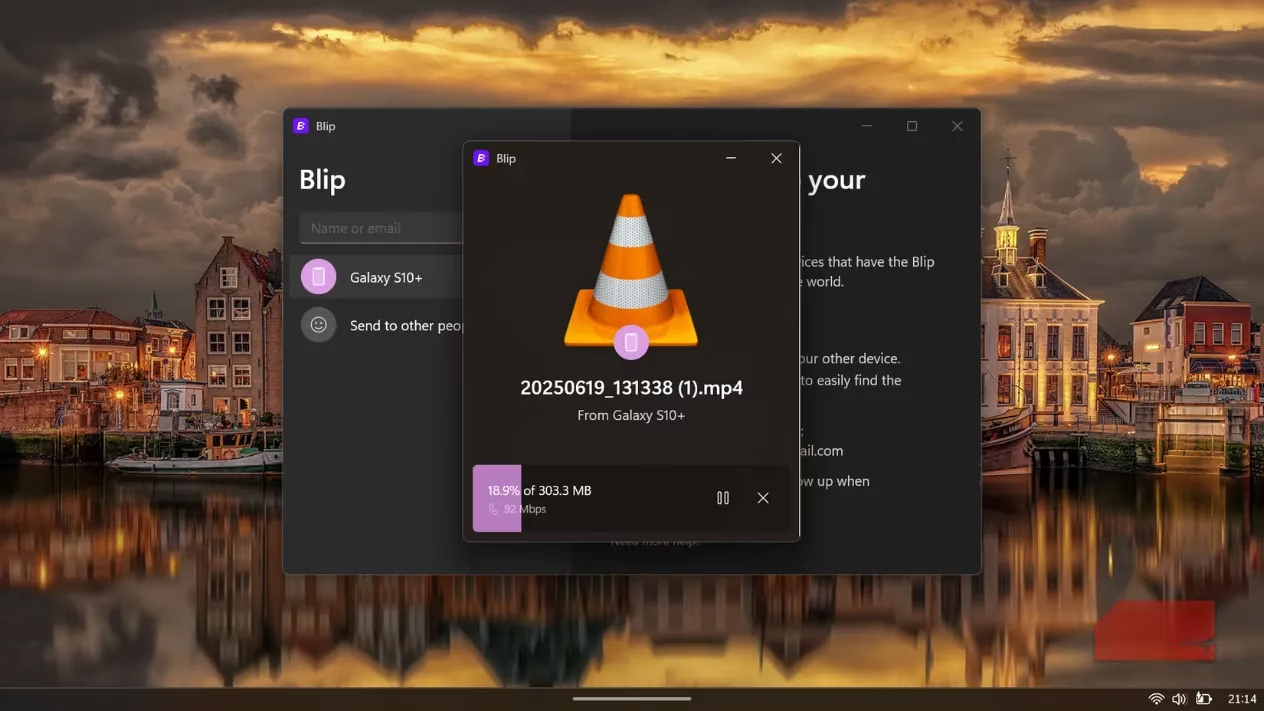
And there are zero file size limits. None. I’ve hurled 7GB video projects, a 50GB install folder packed with subdirectories, and an entire wedding photo library without a single hiccup. While other tools scream at you to zip things or upgrade to a paid tier, Blip just yawns and starts chugging. If your network hiccups, no drama—the transfer pauses and resumes exactly where it left off, like a patient friend holding your place in a book.
Folder handling deserves a standing ovation too. I sent a project folder with 47 files nested in a small tree of subfolders, and it arrived on my laptop with the same pristine structure. No zipping, no worrying about case-sensitive path meltdowns. For video editors or developers sharing code repos, this is an actual time miracle.
Sharing With Other People: No Friction, Just Flow
Sending to a fellow human is just as breezy. Instead of picking your own linked device, you choose “Send to other people,” type their name or email, and hit go. They receive a gentle notification asking if they want to receive the file. Once they accept and pick a destination, the bits fly directly between your devices. No middleman server holding your data hostage, no signup requirement for them—Blip itself acts like a polite postal worker who never complains about package weight.
Is It All Rainbows? (Mostly Yes)
For personal use, Blip is completely free, and it genuinely outruns any native file-transfer method I've used across ecosystems. There’s a Business plan at $25/month if you’re moving data commercially or want priority speeds during peak times, but the average user will never need it. After a solid week of flinging gigabytes back and forth, I keep coming back to the same thought: this unassuming app is what file sharing should have been all along. It’s fast, platform-agnostic, fearless with large files, and never forces me to upload my private data to a random server just to move it three feet across my desk.
The internet promised us seamless connections, and for once, a little tool named Blip actually delivered. If your devices could talk, they’d probably just yell, “Get Blip!”
Leave a Comment