For many long-time Windows users, CCleaner was once installed without a second thought. It sat quietly on machines from the Windows XP era onward. But in 2026, that default choice no longer feels automatic. CCleaner has gained a reputation for heavier interfaces, bundled offers, and upsells. Meanwhile, Windows 11 includes more built-in optimization tools than ever. In this climate, BleachBit has emerged as a lightweight, open-source cleaner that focuses on one thing: cleaning without the clutter.
A Focused, Minimalist First Impression
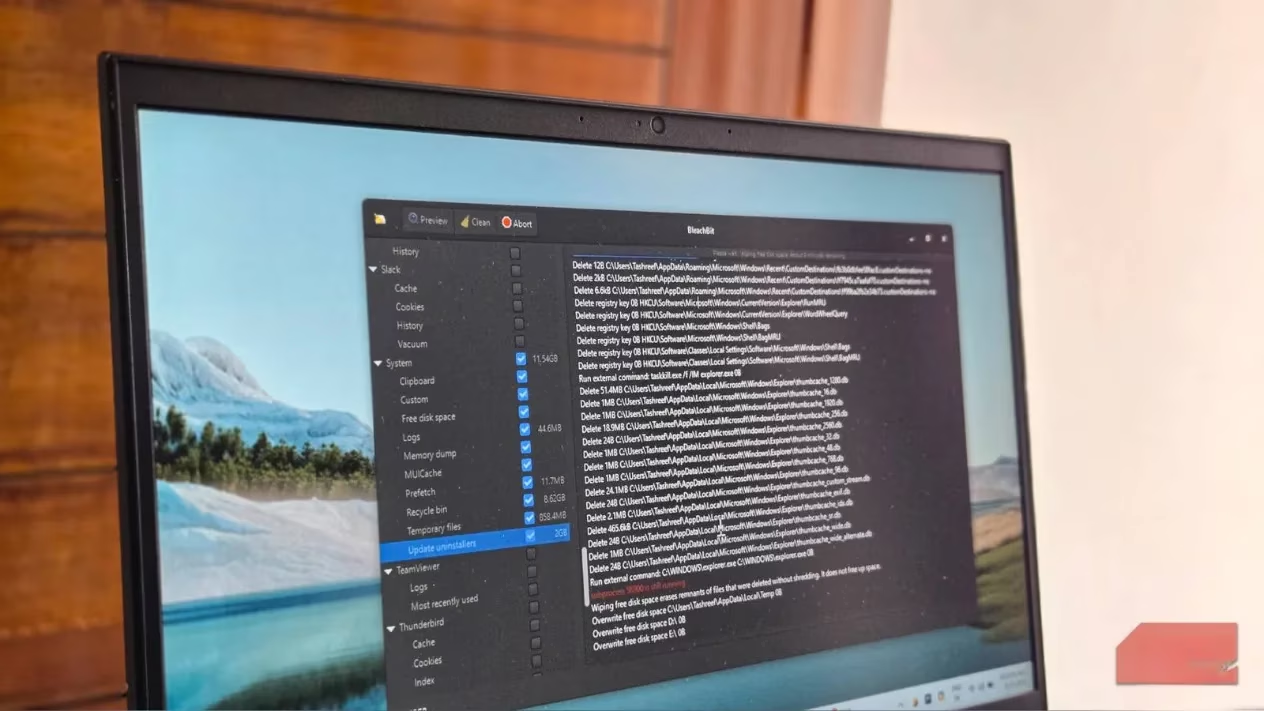
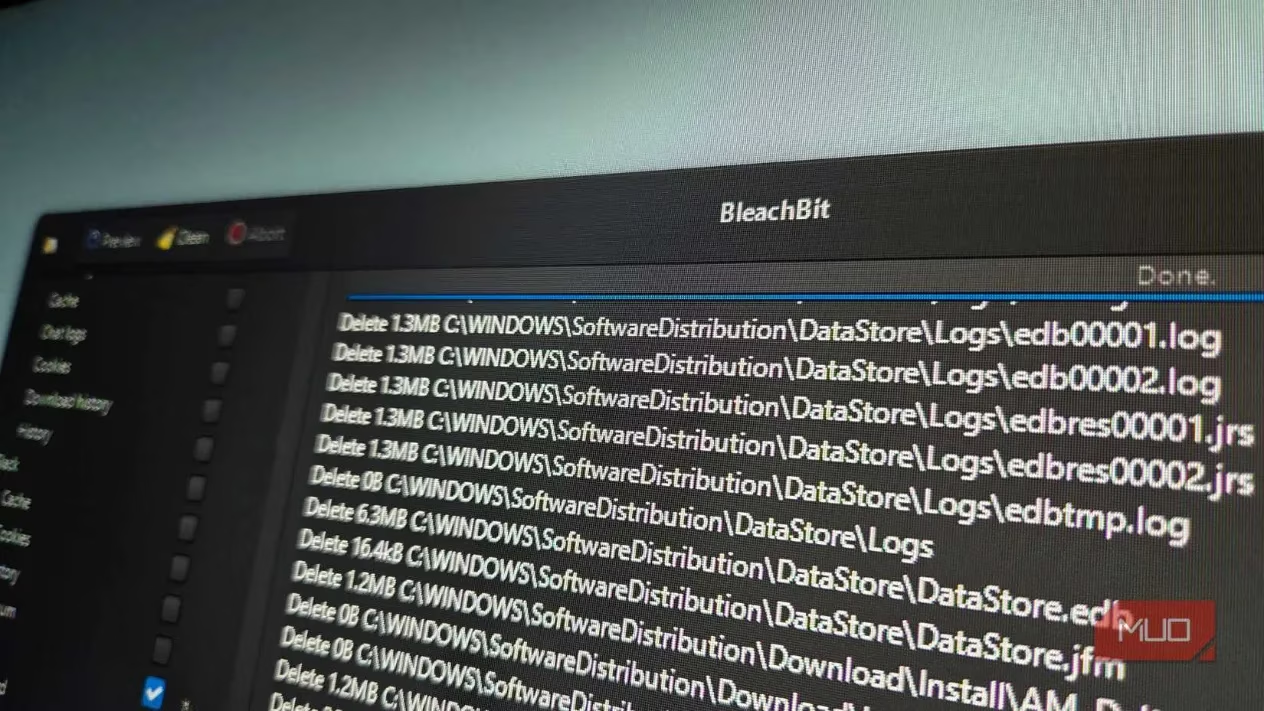
From the first launch, BleachBit feels refreshingly focused. It does what it says on the tin. The interface is clean, with cleaning targets clearly listed and no dashboard clutter or confusing menus. There is also no aggressive upsell prompt waiting around the corner. On a low-end computer, the application did not cause a major spike in background processes. Scans were fast, and the machine remained responsive throughout the process.
The design philosophy is intentionally conservative. BleachBit has no registry cleaner and no automatic optimization routines. That may sound like a drawback to some, but it reduces the risk of breaking core system functions. Many technicians have long advised against aggressive registry cleaners, and BleachBit aligns with that safer approach.
Open Source and Privacy First
Trust is where BleachBit stands out. The software is released under the GPLv3 license, meaning the source code can be inspected for telemetry, trackers, or other security concerns. Unlike proprietary alternatives, there are no ads and no paid tiers. The community-driven development model also adds a layer of accountability: public scrutiny helps ensure the tool delivers what it promises.
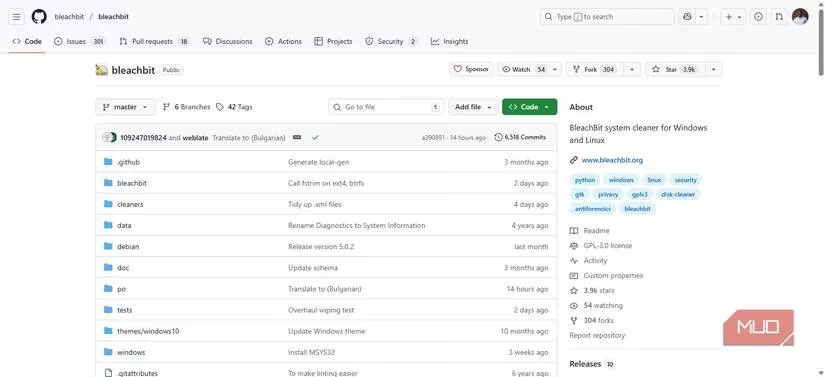
Privacy-conscious users can be confident that usage is not tracked and hidden data collection is not a concern. There is no pressure to upgrade, no bundled browser toolbars, and no telemetry nag screens. For anyone who has grown tired of constant upsell reminders, this is a breath of fresh air.
Secure Shredding and Free Space Wiping
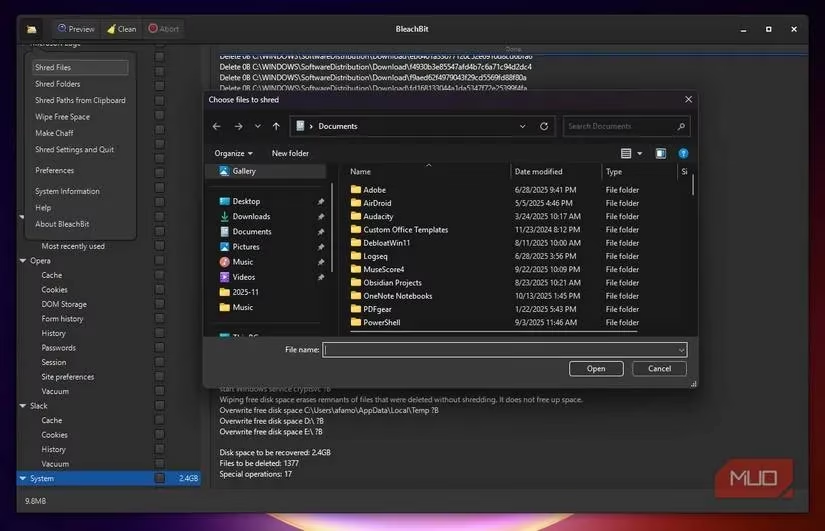
Standard deletion in Windows and macOS does not permanently remove data. It simply removes the pointers to the data, leaving the underlying content recoverable with the right software. BleachBit addresses this with secure shredding, overwriting file contents to make them nearly impossible to recover. The feature is especially useful for temporary files, downloads, and logs that are no longer needed.
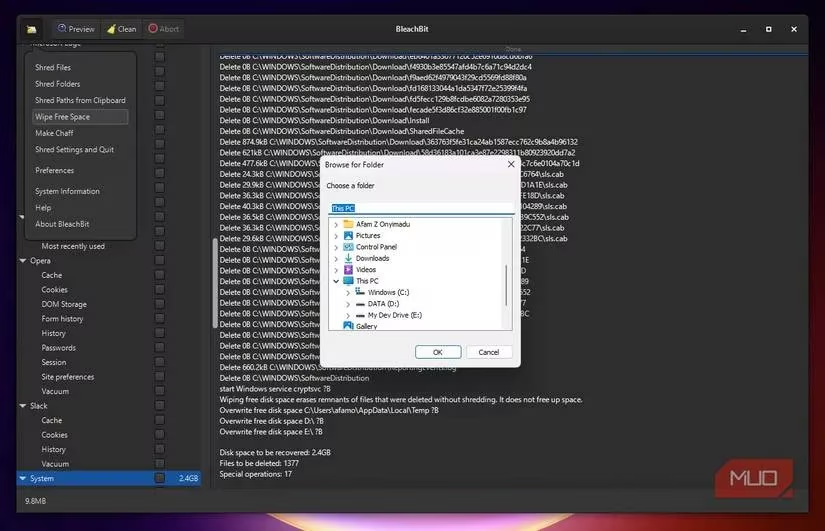
BleachBit also includes a Wipe Free Disk Space feature that goes a step further. It scans the disk for free areas and securely overwrites them using a single-pass method. This balances speed with effective security, giving a thorough cleanup without prolonged wait times. Users can customize how files are shredded, making advanced privacy controls accessible even to casual users.
Deeper Cleaning Without the Bloat
Beyond the basics, BleachBit targets files that often accumulate unnoticed, such as memory dumps, Prefetch files, and MUICache entries. After a few weeks of use, many users report that their disks feel lighter and system operations more responsive. The tool also excels at database vacuuming for applications like web browsers. Over time, SQLite databases can grow large and fragmented, which slows down performance. BleachBit safely restructures these databases, reducing their size and improving application speed without affecting stored data.
Power users can take advantage of CleanerML rules and command-line support to automate and customize cleaning for niche applications. Community-driven winapp2.ini definitions extend coverage to hundreds of additional programs. Even if a casual user never opens the command line, these capabilities provide assurance that BleachBit can go deeper than ordinary clean-and-scan utilities.
Cross-Platform Flexibility and Portable Mode
Another advantage is consistency across operating systems. BleachBit runs on Windows, Linux, and macOS, with a familiar interface in each environment. Users who regularly switch between systems do not have to relearn the tool. A portable mode also allows the application to run directly from a USB drive, leaving no trace on the host machine. That makes the portable version a useful addition to a personal security toolkit.
Final Verdict
BleachBit has not magically transformed a computer, but it has changed how many users view maintenance tools. It stays out of the way, keeps a low profile, and avoids acting like a bulky system suite. For anyone who values privacy, transparency, and simplicity, BleachBit is a compelling choice in 2026.
| Feature | BleachBit | Many proprietary cleaners |
|---|---|---|
| License | GPLv3 open source | Proprietary |
| Ads or paid tiers | None | Often present |
| Registry cleaner | No | Yes |
| Secure file shredding | Yes | Varies |
| Portable mode | Yes | Sometimes |
| Cross-platform support | Windows, Linux, macOS | Varies |
The proof is in the pudding: BleachBit delivers visible cleaning results without demanding constant attention, making it a worthy default for privacy-minded users.
Leave a Comment