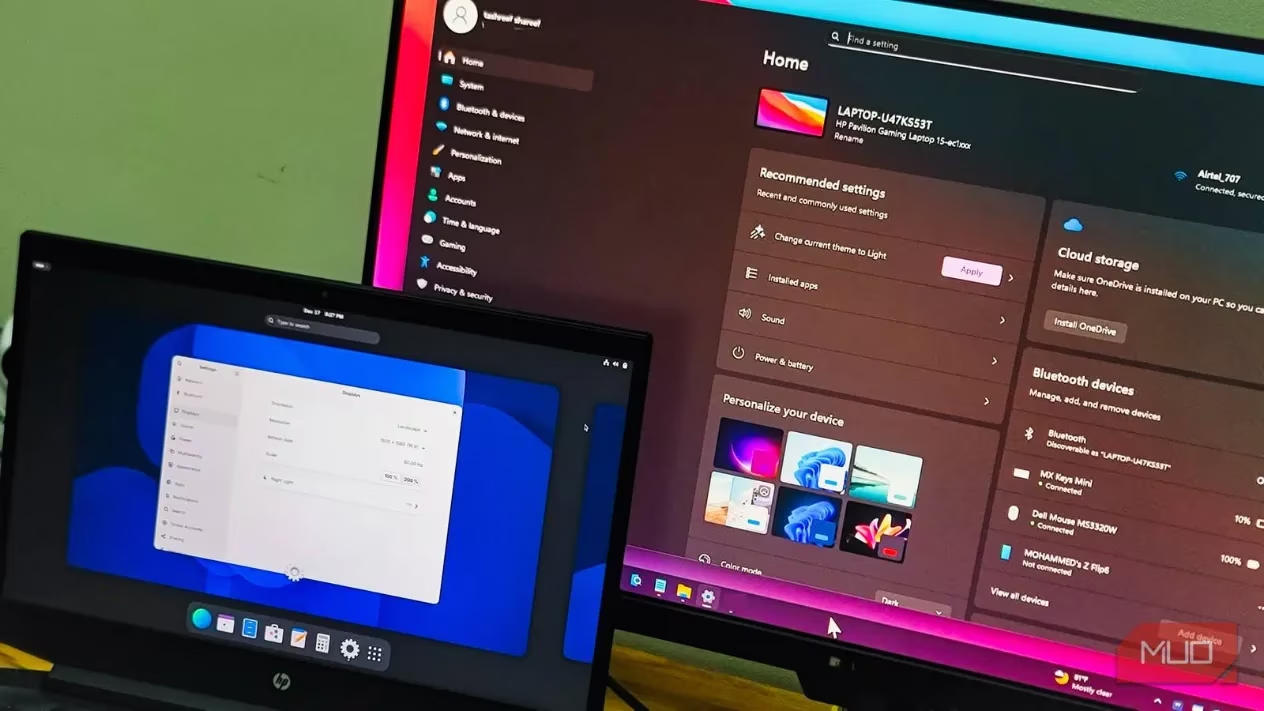
I don't consider myself a Linux evangelist, but I've spent countless hours tinkering with it. My journey often involves resurrecting aging computers with lightweight distributions and diving into personal projects. This hands-on, practical experience has given me a profound appreciation for both ecosystems. More importantly, it has made me acutely aware of the sheer, effortless simplicity that Windows provides for everyday tasks—a convenience I used to take for granted. While some of this ease stems from its market dominance, there are fundamental aspects where Linux, despite its incredible strengths, still finds itself playing catch-up for the average user.
For me, the most glaring difference is the out-of-the-box user experience. Windows is engineered as a polished consumer product. You unbox a laptop, power it on, and a friendly setup wizard guides you through creating an account and connecting to Wi-Fi. Before you know it, you're ready to go. My own mother can navigate her Windows PC for months without needing my tech support. 😊
Now, I'll be the first to admit that some modern Linux distributions have installation processes that rival, or even surpass, Windows in simplicity. Distributions like Ubuntu or Linux Mint are remarkably straightforward to get running. But that's where the hand-holding often ends. The moment you encounter a hiccup—a Wi-Fi dropout, a printer refusing to cooperate, or a sound glitch—the path to resolution diverges dramatically. On Linux, solving a basic issue frequently means scouring forums, finding a tutorial, and copying cryptic commands into a terminal. For someone whose primary goal is to browse, email, and maybe watch a video, this is a daunting, overwhelming hurdle. On Windows, the vast majority of such problems have a graphical solution: a built-in troubleshooter, a clear menu path, or a simple restart. The support ecosystem is also vastly different. With Windows, you have official support channels, countless repair shops, and virtually any tech-literate friend can lend a hand. Linux support, while passionate and extensive, is predominantly community-driven. You're often left sifting through forum threads, hoping someone else has documented a fix for your exact, obscure problem.
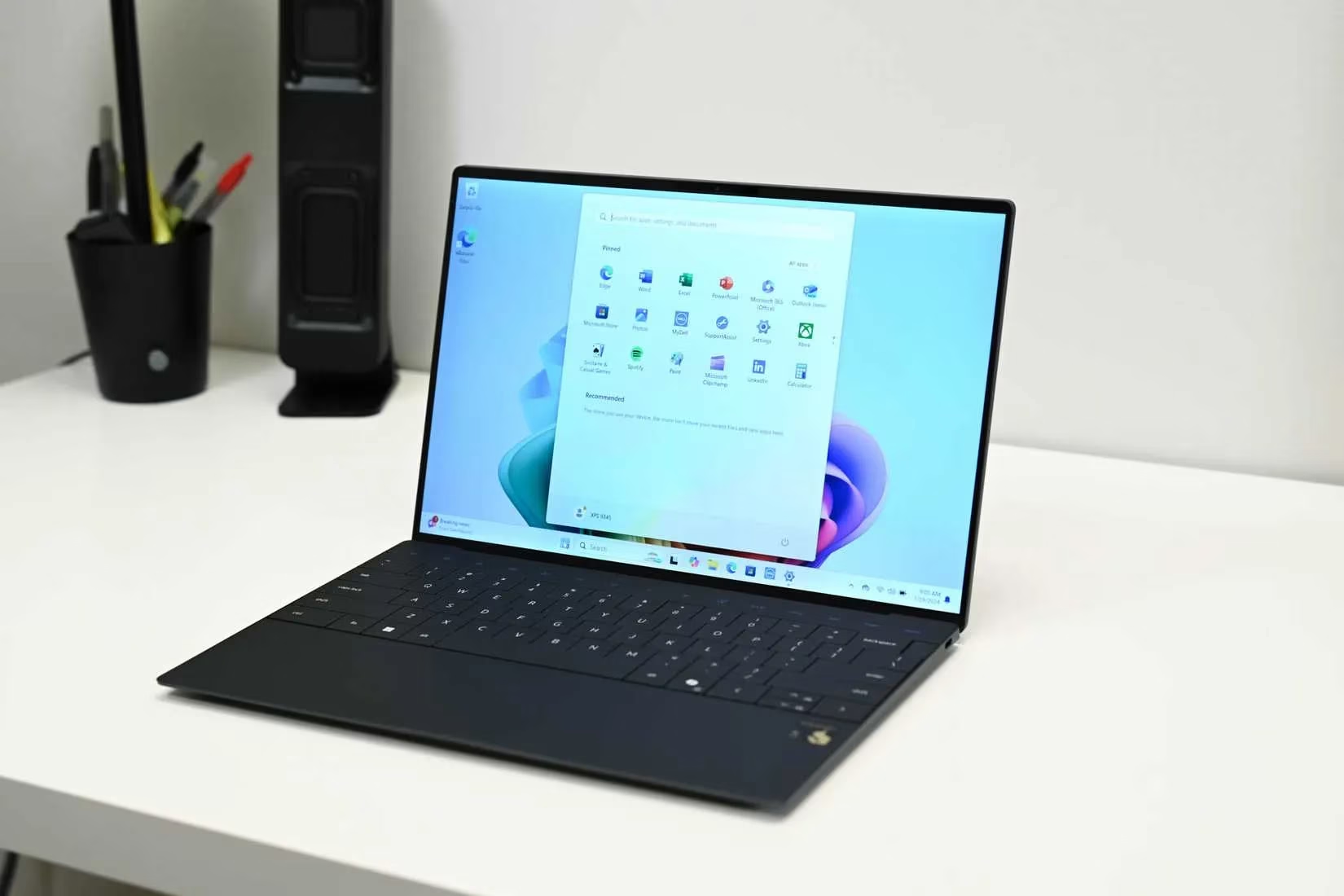
Hardware compatibility is another frontier where Windows excels through sheer ubiquity. Plug-and-play isn't just a slogan; it's a daily reality. You connect a printer, a webcam, or a fancy gaming mouse, and Windows Update silently works its magic in the background, fetching and installing the necessary drivers. You hardly give it a second thought.
Linux hardware support has made leaps and bounds in recent years, there's no denying it. The kernel now recognizes a staggering array of devices. Yet, the experience remains a game of chance. I've personally wrestled with:
-
Wi-Fi cards that required manual, terminal-based driver compilation.
-
Professional audio interfaces that remained silent until I delved deep into PipeWire configuration files.
-
Multi-monitor setups with mixed refresh rates that caused graphical artifacts until I found the right xrandr incantation.
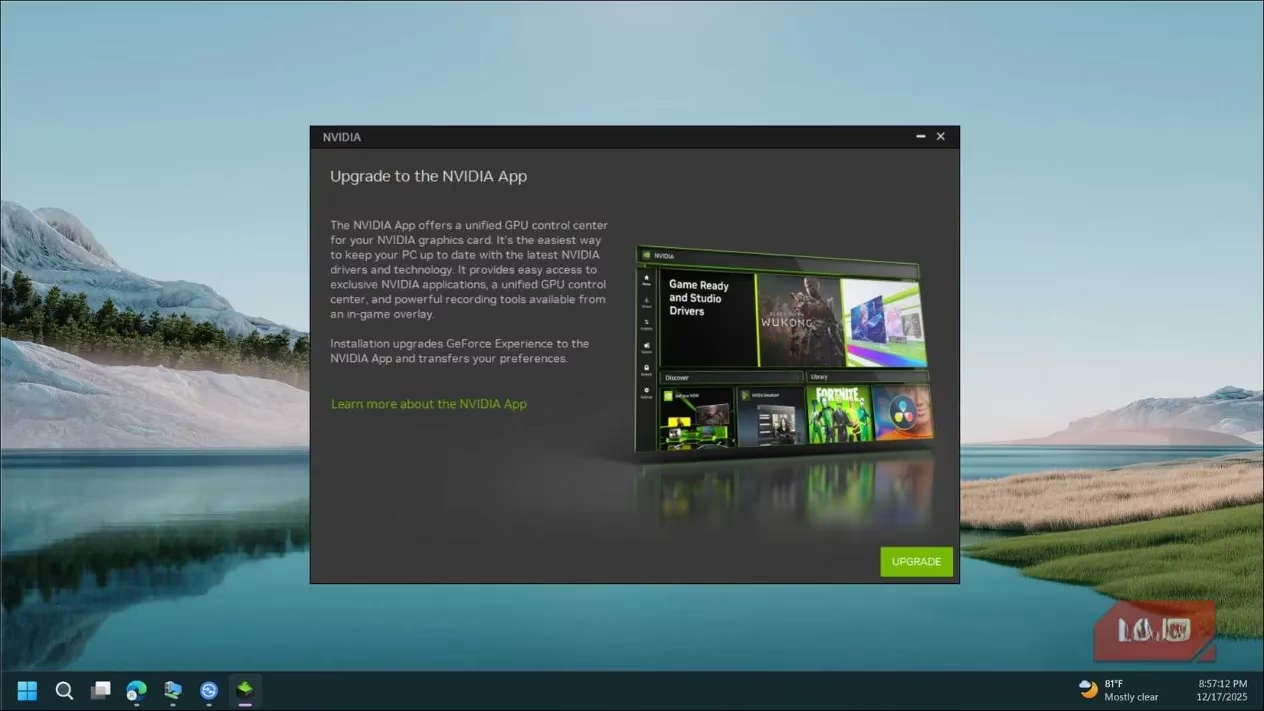
Even on streamlined, gaming-optimized distributions like Bazzite, I've experienced Ethernet driver crashes in the middle of an online match and microphones that worked flawlessly in Discord but were utterly silent within the game itself. To be clear, this isn't inherently Linux's fault. The root cause lies with manufacturers who prioritize Windows, developing first-party drivers and software suites (like Nvidia's GeForce Experience) exclusively for that platform. Linux often relies on valiant community efforts or reverse-engineered drivers, which, while impressive, can lag in performance or stability. But from an end-user's perspective, the "why" doesn't matter. The expectation is simple: it should work. With Linux, that's still a hopeful promise, not a guarantee.
The software landscape tells a similar story. Windows is the undisputed king of mainstream and professional applications. The full suites of Adobe Creative Cloud, Microsoft Office, and Autodesk run natively. Specialized tools for video editing, 3D modeling, and music production are almost always Windows (and sometimes macOS) first.
On Linux, your options are more constrained. You either embrace capable but sometimes less feature-rich open-source alternatives (GIMP vs. Photoshop, LibreOffice vs. Microsoft Office), or you venture into the sometimes-treacherous waters of compatibility layers like Wine or Proton. The results are unpredictable: some applications run perfectly, while others lead to hours of frustrating troubleshooting with no happy resolution.
Even the fundamental act of installing software is more convoluted. On Windows, you visit a website, download an .exe or .msi file, double-click, and follow an installer. Alternatively, you use the centralized Microsoft Store. On Linux, you must navigate a fragmented ecosystem:
| Format | Description | Complexity for New Users |
|---|---|---|
| Native Packages | Tied to your specific distribution (.deb for Ubuntu, .rpm for Fedora). |
Medium-High |
| Flatpak | Universal, sandboxed format. | Medium |
| Snap | Canonical's universal, auto-updating format. | Medium (though controversial) |
| AppImage | A single-file executable that runs on most distributions. | Low |
| Source Code | Download the code and compile it yourself. | Very High |
While these solutions address important issues like software distribution and security sandboxing, they present a steep learning curve for anyone just wanting to install a basic application like Spotify or Slack.
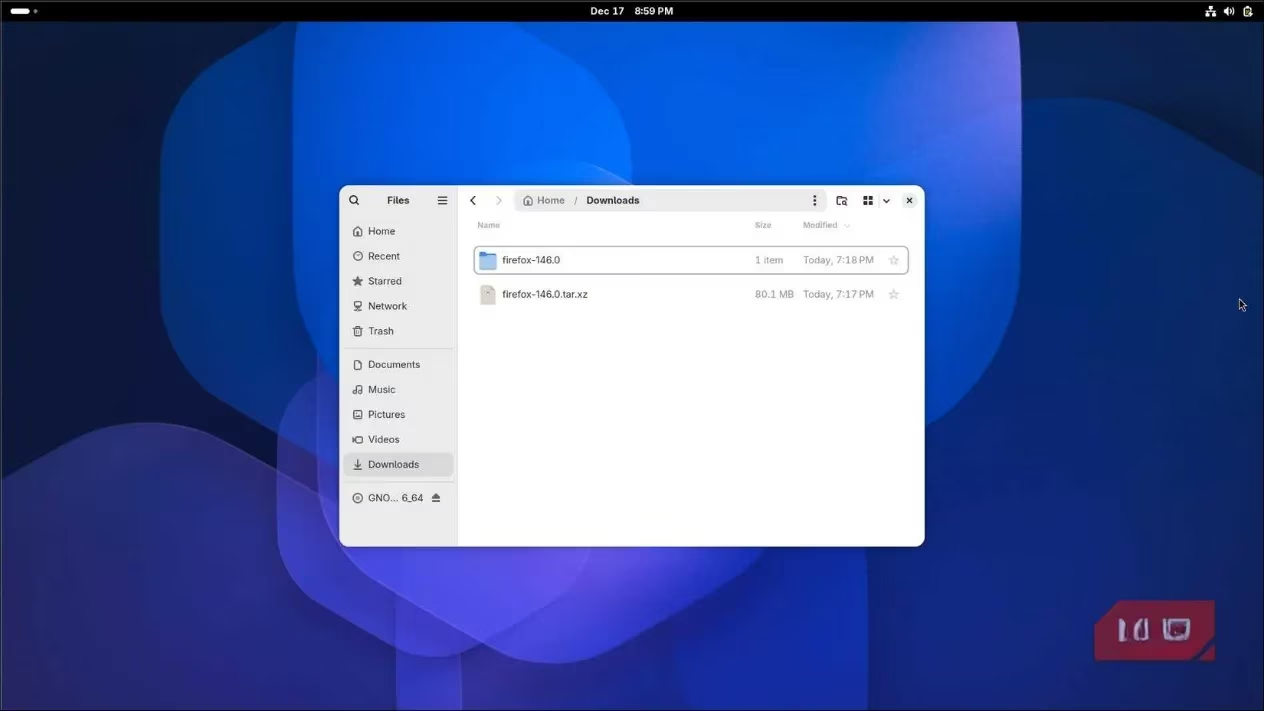
System configuration is another area of fragmentation. Linux doesn't have a single, unified Settings application. Each desktop environment—be it GNOME, KDE Plasma, or XFCE—builds its own. If a setting isn't exposed in your desktop's graphical interface, you're back to editing cryptic text-based configuration files or using terminal commands. For instance, in GNOME, adding basic minimize/maximize buttons to windows requires installing a browser extension or using a gsettings command. KDE offers immense customization power directly in its settings, but it's an entirely different system to learn. 😅
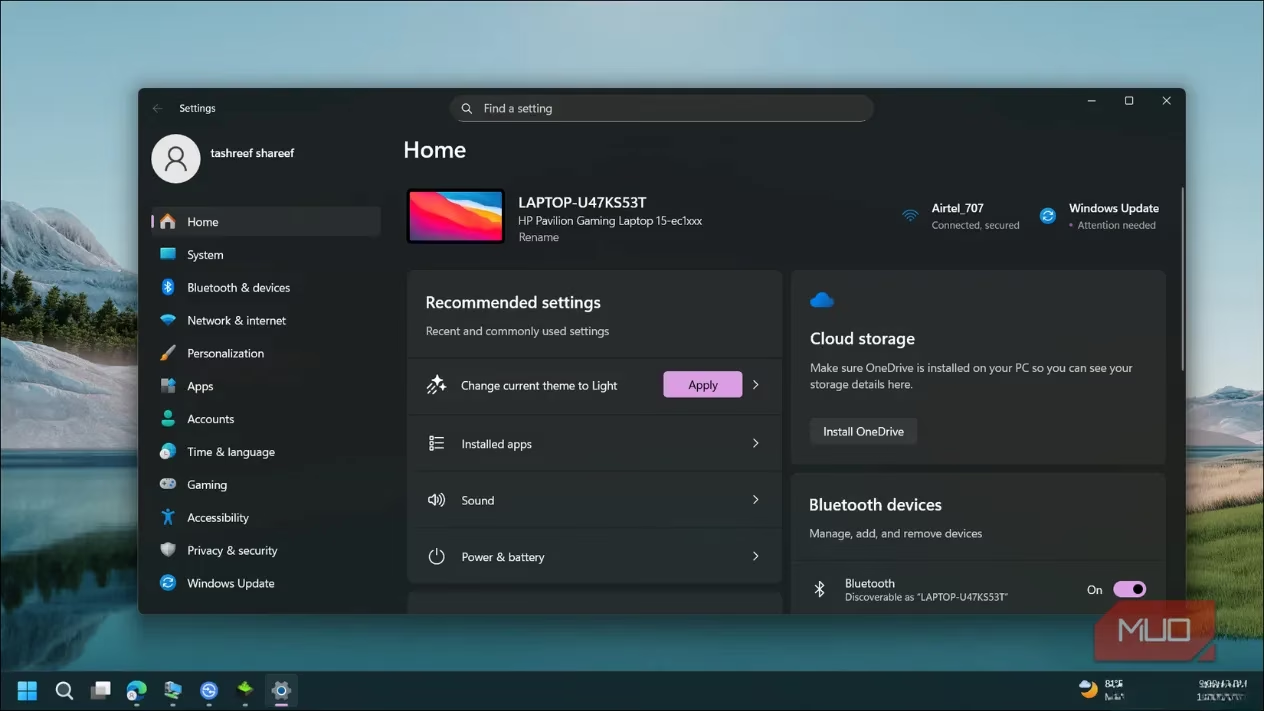
Yes, Windows has its own configuration woes, notably the confusing split between the modern Settings app and the legacy Control Panel. However, its universal search function is a lifesaver. You can type "bluetooth," "display resolution," or "power plan" into the Start menu search and (usually) find the right setting immediately. I don't need to know whether my display scaling is controlled by ~/.config/monitors.xml or a xrandr command.
Finally, we come to gaming—the area where Linux has seen the most revolutionary progress, yet still faces significant barriers. Thanks to Valve's incredible investment in the Proton compatibility layer, the library of playable games on Linux via Steam is vast and growing. Many single-player titles run flawlessly, often with performance nearing native levels.
However, the multiplayer arena is a different battlefield. As of 2026, major online titles continue to lock out Linux users, primarily due to anti-cheat software:
-
Call of Duty: Warzone
-
Fortnite
-
VALORANT
-
Destiny 2
-
Rainbow Six Siege
This is increasingly a deliberate policy choice by publishers rather than a technical limitation. While anti-cheat middleware like Easy Anti-Cheat (EAC) now offers Proton support, game developers must explicitly enable it, and many choose not to for business or perceived security reasons.
Even for games that are technically compatible, the experience can be rocky. I've endured GPU driver crashes during competitive matches, voice chat that simply wouldn't function in-game despite working everywhere else, and random, inexplicable bugs with no clear solution because the game was never designed for Linux. When my friends are online and ready to play, I don't want to be a system administrator. I just want to click "Play" and join the fun.
Let me be unequivocal: none of this is meant to disparage Linux. It is a powerful, liberating, and endlessly customizable operating system. It is the undisputed champion for servers, software development, and breathing new life into old hardware—tasks for which I will continue to use and adore it. ❤️
But for the mundane, daily computing of millions of users, the expectations are simple: plug in a device and have it work; download an application and install it; open a game and play it. I enjoy the intricate puzzle of PC hardware assembly, but when the assembly is done, I want the software to be a tool, not a project. In 2026, for all its occasional annoyances, updates, and quirks, Windows still understands and delivers on that fundamental desire for effortless operation better than any Linux desktop environment I've used. The journey for Linux is ongoing, and the progress is inspiring, but the destination of seamless, assumption-free computing for everyone still seems to have Windows' name on it.
Leave a Comment